

I’m a diehard Arccos fan. I’ve played over 400 rounds with it, and it’s one of my favorite products in golf — full stop.
So anytime there’s a new Arccos component, I get excited. The recently released Smart Laser has genuinely improved my experience, since it’s made setting the pins so much easier. But with Arccos Air, I was a bit more skeptical.
It’s essentially everything we know and love about Arccos — but without having to have sensors on your clubs. Sounds pretty good! But the question is, how well does it actually work? How does it know what clubs you hit? And will it accurately detect shots on the course?
I’m now four rounds deep, and I have some thoughts. In this Arccos Air review, I’ll tell you everything I like, everything I don’t, and help you decide if it’s right for you.
What Is Arccos Air?
Arccos Air is a compact, pocket-sized AI wearable that you put in your pocket. It’s built-in motion sensors and GPS detect every shot you hit on the golf course automatically, powered by AI trained on over 1.5 billion real golf shots. No sensors on your clubs. No phone required. You just play, and Arccos captures everything in the background.
Or at least that’s what Arccos is claiming it will do.
After your round, the data syncs to the app, giving you the full Arccos experience: Strokes Gained analytics, Smart Club Distances, AI Strategy, Green Maps, and everything else you’d expect.
What’s the Difference Between Arccos Air and the Link Pro?
Here’s something most people don’t realize: the hardware is essentially identical to the old Link Pro. Same device, same form factor. The big difference is a major firmware update that unlocks sensorless shot tracking.
What that means practically: if you already own a Link Pro, you already have Arccos Air. The firmware update is free, and you’ll get all the new sensorless tracking capabilities automatically. Pretty cool if you’re an existing user.
The only visible change in the new packaging? The charger now says “Air” on it. That’s about it.
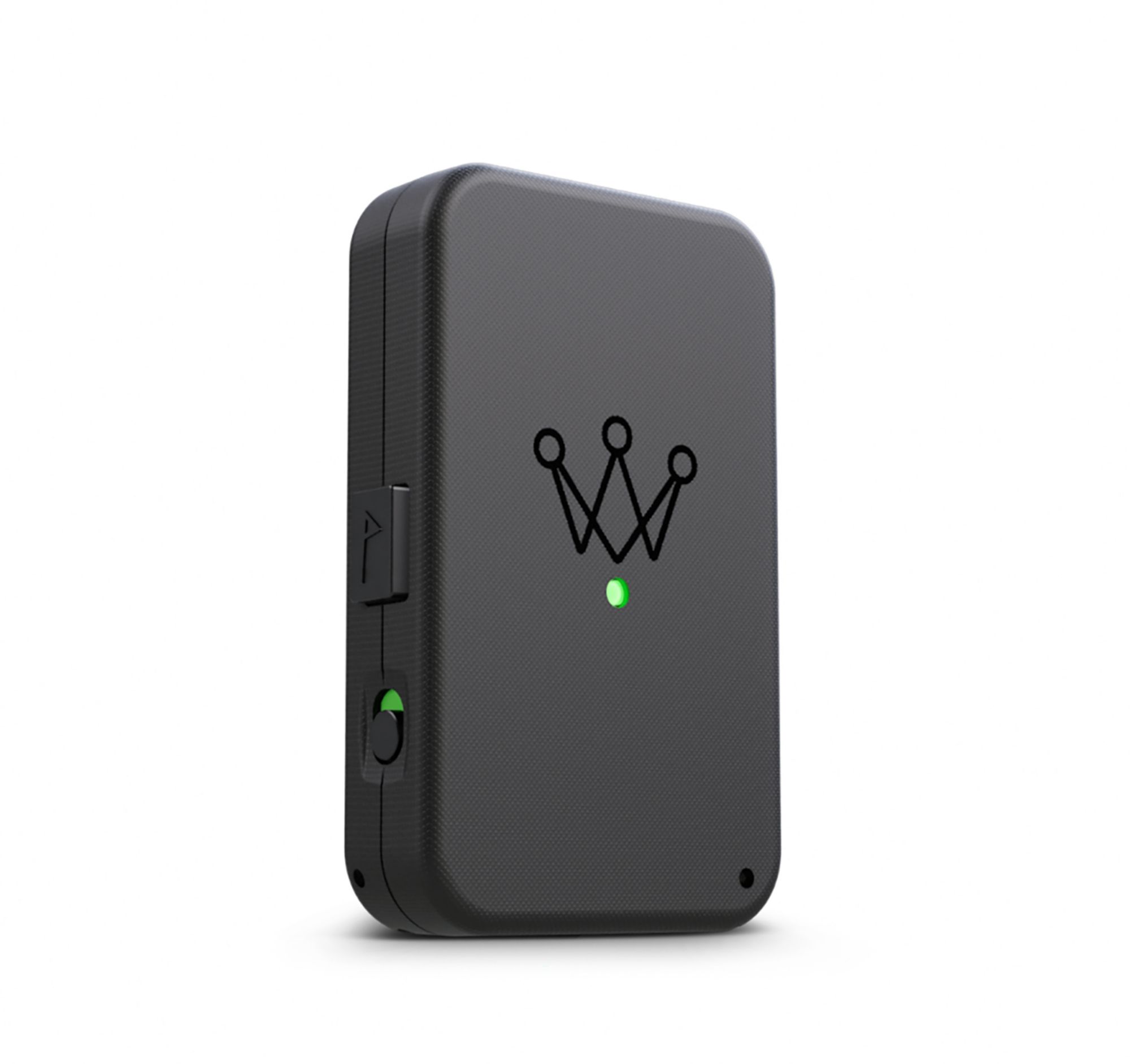
Love the idea of gametracking, but hate having sensors on your clubs? You'll want to check out Arccos Air.
First Impressions of Arccos Air
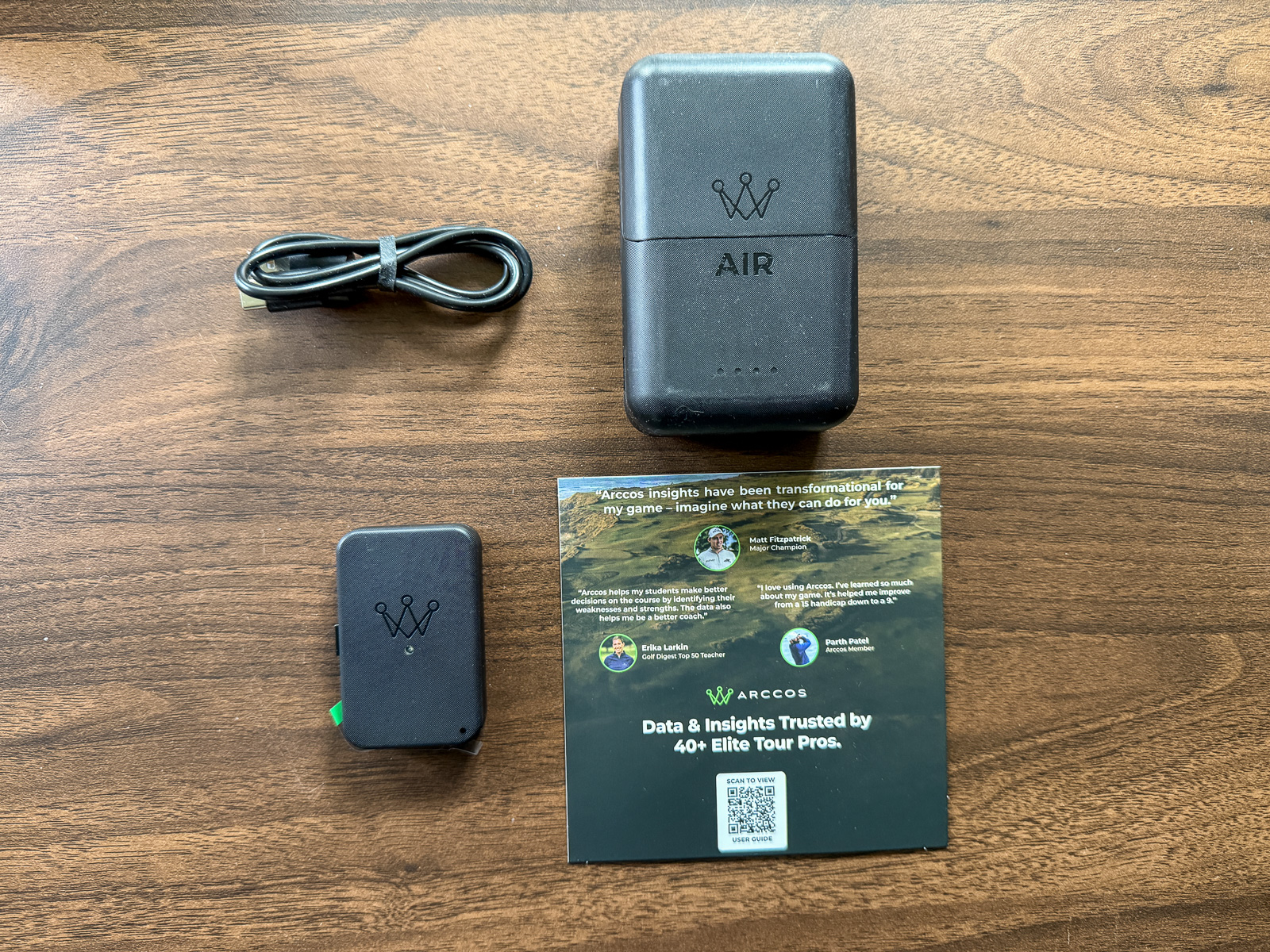
Because the hardware hasn’t changed, first impressions are largely the same as the Link Pro.
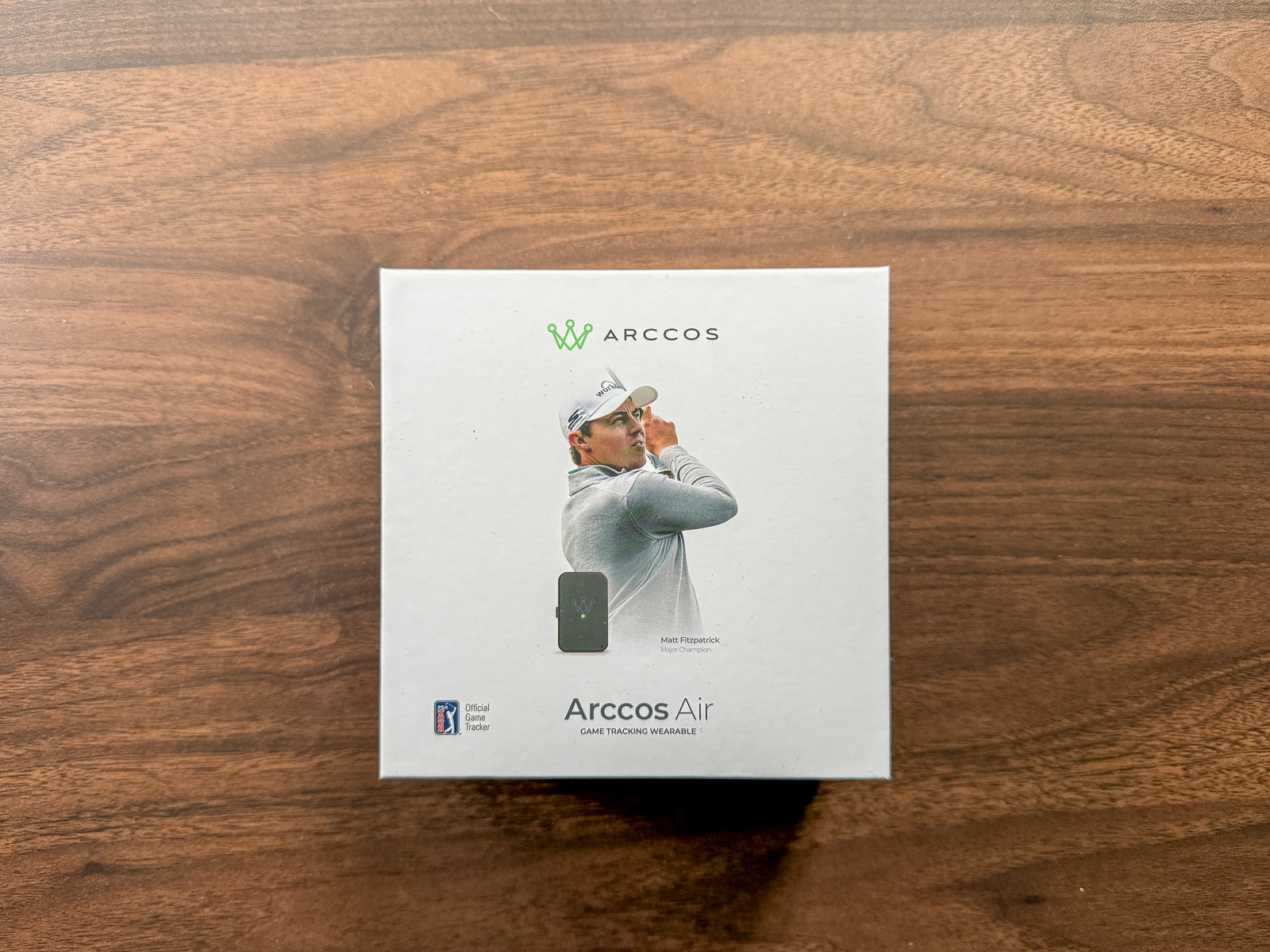
The packaging is clean, the device itself is well-built, and the whole thing feels purposeful and premium.
I feel like the charging case itself could have felt slightly more high-end, but that’s nitpicky and not something that affects the experience in any way.
Setting Up Arccos Air
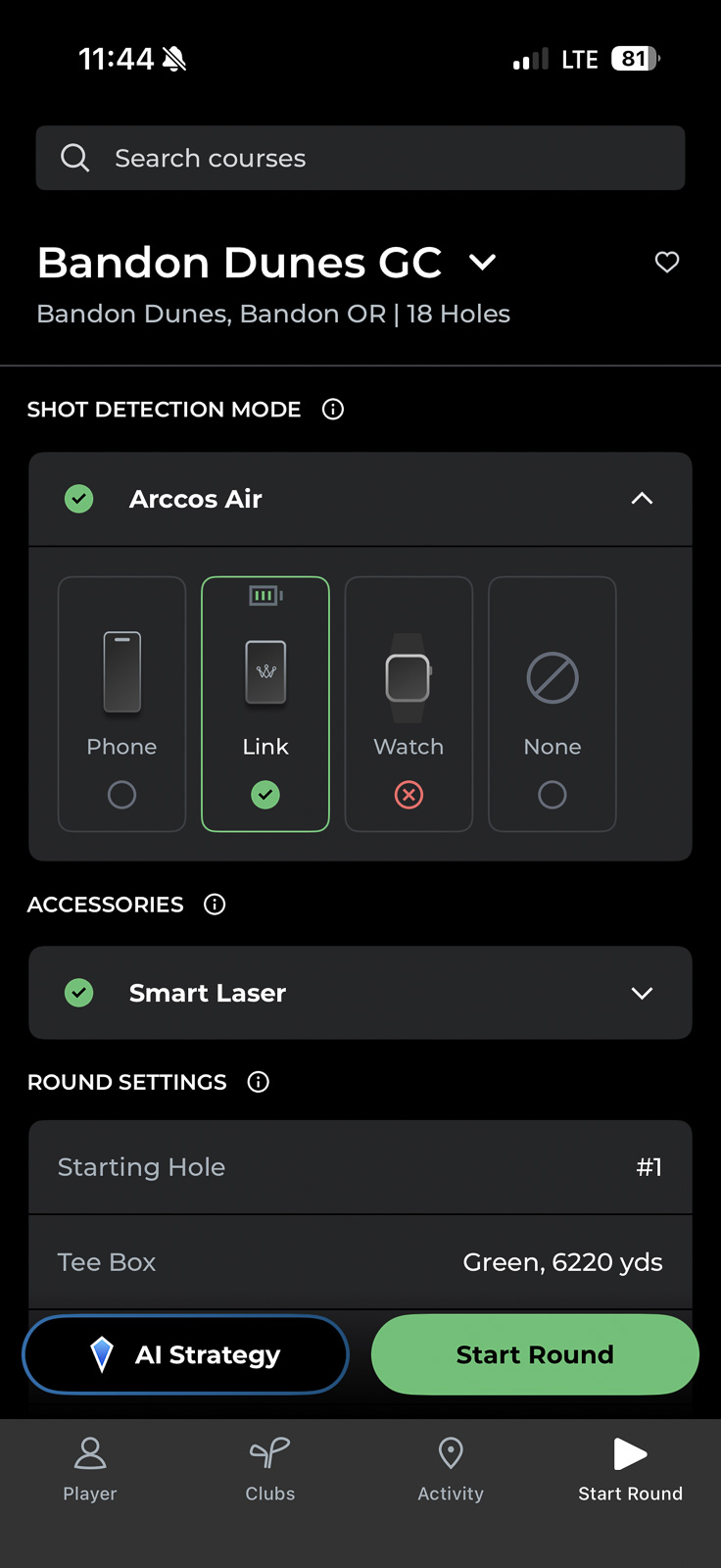
Setup couldn’t be simpler. Turn the device on, open the Arccos app, and it finds your Air automatically. Hit pair, and you’re ready to go in about 30 seconds. For a golf tech device in 2026, this is exactly what you’d expect — no fussing, no troubleshooting.
Battery life is solid.
The Air itself should get you about 2 rounds on a charge, but will likely be pretty low in battery by the time you get to the end of round 2. So I’d plan to just put it in the charging case at the end of every round.
The charging case powers the device for up to 12 rounds, so the best approach is to just keep the case in your bag and top it off occasionally. You won’t be scrambling for a charger before every round.
One thing to know: at launch, sensorless tracking requires an iPhone. Android support is coming, but if you’re on Android right now, you’ll need to pair Air with Smart Sensors to get full game tracking.
How Does Arccos Air Perform?
This is the big question — and honestly, the only one that really matters.
Going in, my hypothesis was pretty specific: I expected Air to detect nearly every shot I hit, and to get the right club about 60–70% of the time. The other 30–40% would require some light editing. For example, going in after a hole and swapping an 8-iron for a 9-iron, that kind of thing.
After four rounds, that’s basically exactly what I got.
Shot detection was strong. Arccos Air caught almost everything. ‘
Where it got interesting was club identification. On most holes, at least one club needed a quick correction — but the editing itself is fast. Switching a club takes about five seconds in the app, and you can do it mid-round rather than waiting until the end.
Unless you’re a total hands off golfer who doesnt want anything to do with their phone during their round, I’d suggest taking a quick look every 3 holes or so, just to make sure everything looks good.
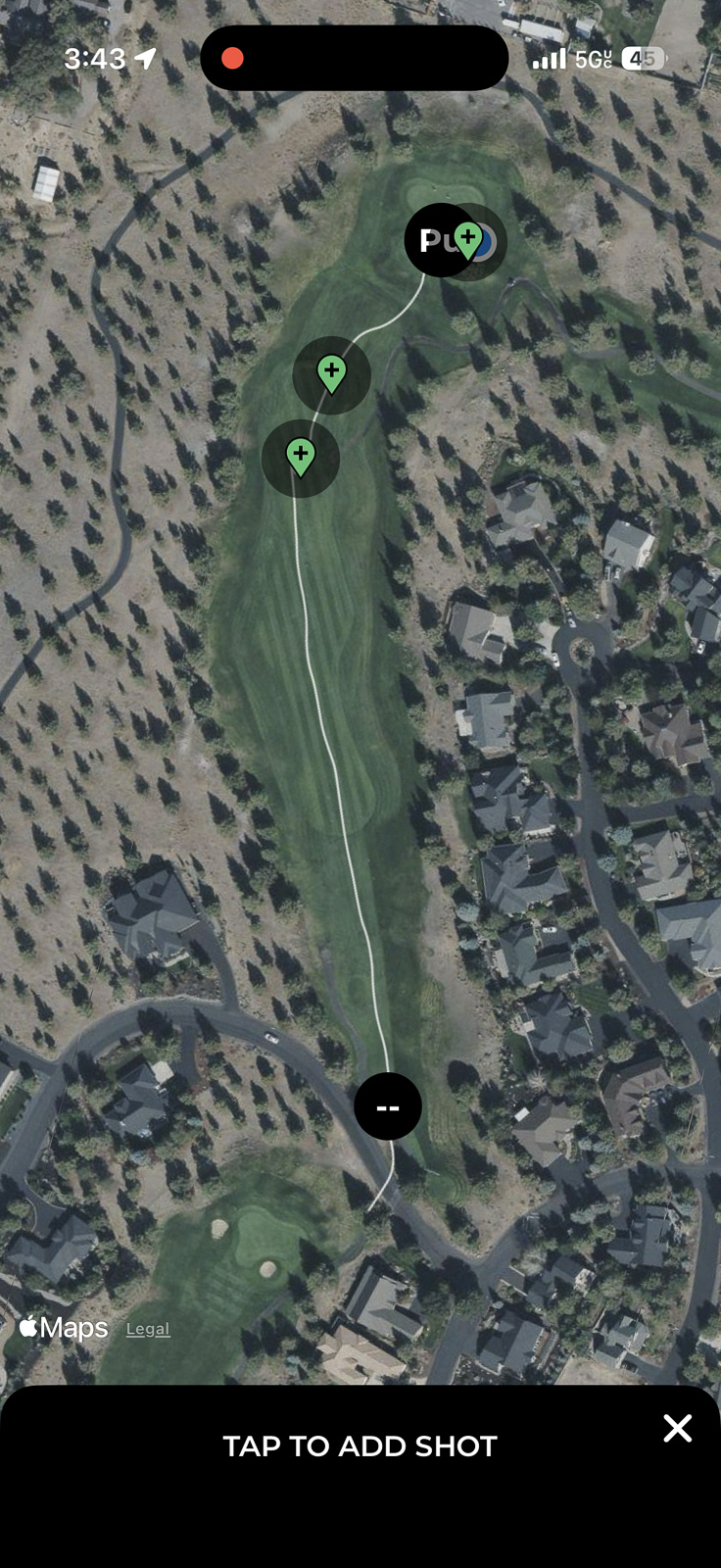
One thing I really love that doesn’t get talked about enough: the “potential shots” feature. Even when Air isn’t 100% sure it detected a shot, it doesn’t just drop it. It saves a list of spots on the hole where it thinks you might have hit from, and lets you tap to confirm. So even when a shot appears to be missing on the surface, it usually isn’t, and is a genuinely smart piece of UX design.
For instance, in my review video above on the 4th hole at Eagle Crest, I thought it had missed my shot in the fairway. But once I clicked “Shots,” it had 2 potential shots, and all I had to do was click the right one.
As I’d expected, club accuracy seemed to improve as the round went on. The more context the system has on how you’re playing that day, the better its guesses get.
The honest summary: it does what it says it’s going to do. Some editing is involved, but it’s light, and the full Arccos experience is very much intact.
How Does Arccos Air Perform When Also Using Sensors?
Great.
When you’re using Air alongside your Smart Sensors, it essentially just becomes the Link Pro — you get the best of both worlds. The sensors tell Arccos exactly which club you hit, so there’s no guessing involved. Shots are rarely missed, and club accuracy is as high as it’s ever been.
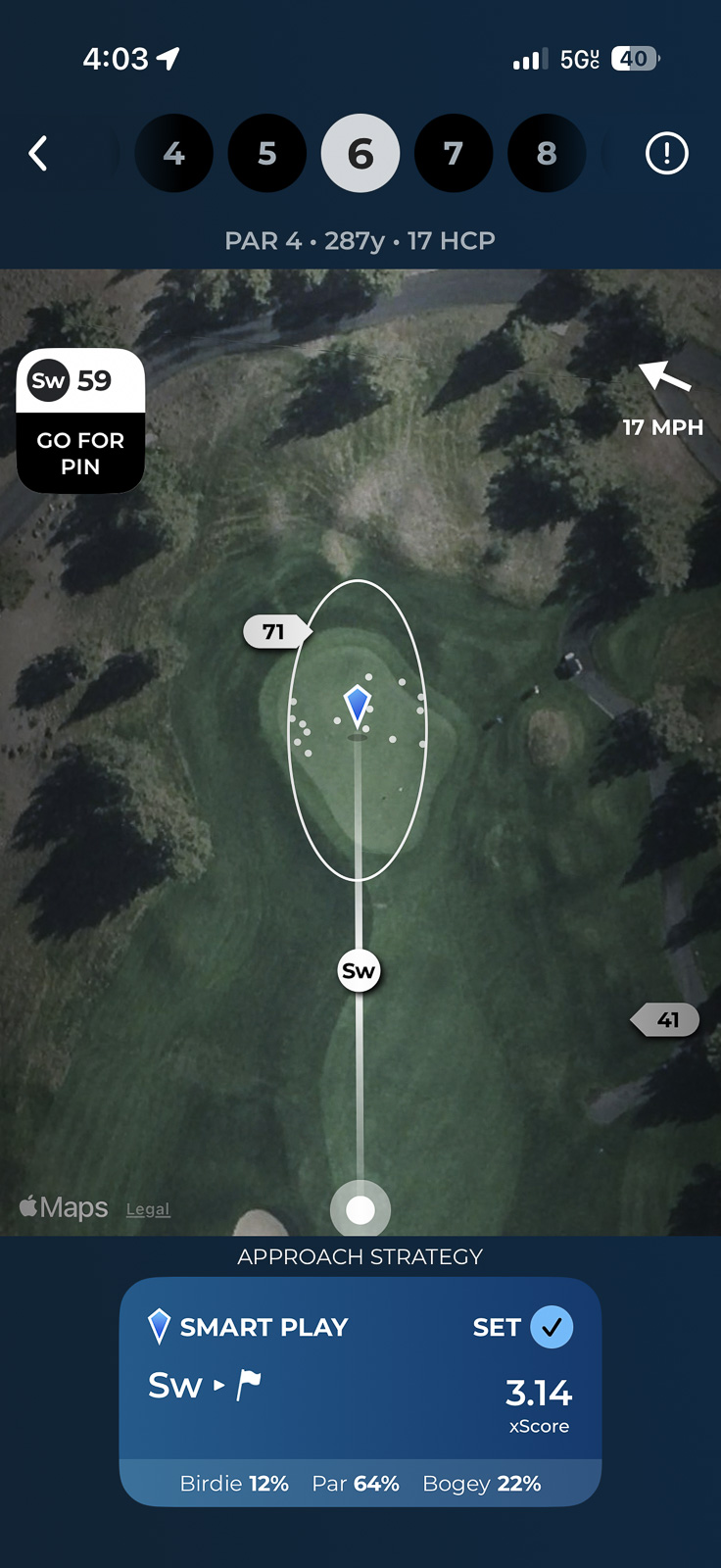
If you already have sensors on your clubs and you get the Air, this is your experience: everything works exactly as it always has, just without needing your phone on the course.
Love the idea of gametracking, but hate having sensors on your clubs? You'll want to check out Arccos Air.
Who Is Arccos Air For?
After four rounds, I’ve landed on three clear types of golfers that Arccos Air was basically built for.
1. The Person Who Doesn’t Want Sensors on Their Clubs
If you’ve resisted Arccos because the idea of putting hardware on every club doesn’t appeal to you, Air removes that barrier entirely. Is it more work than having sensors? Yes — you’ll do a little more editing. But the core Arccos experience is largely the same, and this is without a doubt the best sensorless game tracking system available right now.
2. The Person Who Wants Stats Without Thinking About Technology
If your goal is to slip something in your pocket, forget about it for 18 holes, and come home with a full picture of your round, you can do exactly that with Arccos Air. The tradeoff is you’ll probably spend about five minutes after the round going hole by hole, confirming clubs and checking pin placements.
Personally, I actually enjoy that post-round review, especially after a good round. But if remembering your shots after 18 holes is a challenge, that could be a friction point worth thinking about.
3. The Person Who Travels or Uses Rental Clubs
This is where I’ll personally get the most value out of Air. When I’m traveling and playing a round or two on vacation without my own clubs, I’ve always missed out on that Arccos data. Some of my most memorable rounds — great courses, great shots — have zero data to show for it.
My favorite feature is using Arccos as a golf travel journal of sorts:
With Air, that problem is solved. Just bring the device, and you get your full stats regardless of what clubs are in your hands.
This also applies if you’re someone who’s constantly swapping clubs in and out of your bag and doesn’t want to manage sensors across different setups.
Which, frankly, as someone who reviews golf clubs for a living, is also me.
Is Arccos Air Worth $349?
Arccos as a whole is not the cheapest way to get game tracking. In fact, it’s one of the more premium options, so by virtue of that, it won’t be for everyone.
Whether Arccos Air is worth $349 simply depends on who you are.
Are you one of the three people I listed above? Then yes. Arccos Air is the best game tracking solution available for someone who wants sensor-free play, and it delivers the full Arccos ecosystem experience. At $349.99, with the first year of game tracking included, that’s a reasonable entry point for what you’re getting.
If you already have sensors and like them? Honestly, I don’t think Air adds a ton of extra value for you. I’m in this camp. The sensors don’t bother me — I barely notice they’re there — and the data I get with them is more accurate and requires less editing. For most of my rounds, I’ll keep using the sensors.
But if the sensors are a dealbreaker for you and that’s not going to change? Arccos Air was basically made for you.
Do you only play once or twice a month? Because of the cost and subscription, if you’re someone who only plays a couple times a month, and especially if you’re not able to play year-round, then the cost may be high for what you’ll get out of it. But you’ll have to be the judge of that.
What’s the Subscription?
Your purchase includes the first year of Arccos Game Tracking at no charge. After that, the subscription renews at $199.99/year.
What’s the $225 “Hardware Only” Option?
Arccos also sells an Air (Hardware Only) version for existing game tracking subscribers. As I understand it, this is essentially the Link Pro device for people who already have an active subscription and don’t need another year bundled in.
In practice, this functions just like the Link Pro always did — the wearable works with your sensors to detect shots without needing your phone on the course. My guess is this option eventually goes away as Arccos fully migrates users from Link Pro to Air, but for now, it’s a useful middle-ground option for the right person.
Final Thoughts on Arccos Air
Arccos Air met my expectations. It does what it says it’s going to do — near-complete shot detection, reasonable club accuracy, and the full Arccos analytics experience on the back end — with the understanding that some light editing comes with the territory.
If you have sensors and like them, there’s not a huge reason to switch. The sensors remain the more accurate, lower-maintenance option.
But if you love the idea of going sensorless — whether because you hate the hardware, you travel with rental clubs, or you just want to put something in your pocket and forget about it — Arccos Air is a really good product that’s only going to get better as Arccos continues to refine the AI and collect more user data.
The Arccos platform is still one of my favorite things in golf. Air is a genuinely smart addition to it, just for a more specific golfer than it might initially appear.
Love the idea of gametracking, but hate having sensors on your clubs? You'll want to check out Arccos Air.
This page contains affiliate links. This means that if you click a link and buy one of the products on this page, we may receive a commission (at no extra cost to you!) This doesn’t affect our opinions or our reviews. Everything we do is to benefit you as the reader, so all of our reviews are as honest and unbiased as possible.
If you want excellent stat tracking with no club sensors, Arccos Air is for you.
Arccos Air provides everything I love about the Arccos experience without having to have sensors on your clubs. It's not perfect, but I wasn't expecting it to be. You'll have a little bit of extra editing to do when compared to Arccos Sensors, but for many people the flexibility you get with Air will make this a worthy trade off.
The Good
- Surprisingly accurate considering there are no sensors
- Entire ecosystem continues to improve year over year
- Nice that existing Link Pro users get the Air upgrade
- Using and making edits is easy and seamless
The Bad
- More expensive than Arccos sensors, and has a high annual subscription
- It isn't perfect when it comes to guessing which club you hit.
-
Presentation
-
Performance
-
Quality and Features
-
Price
-
Personal Affinity

1 Comment
I have the sensors and Link Pro, and updated the firmware the first round of the season. Had no idea until after my round and seeing an email about Air, did I even know I had it. I am looking forward to trying out the AI strategy feature with the Air. I don’t mond the sensors, I have never noticed them when playing. So I will stick with the sensors and the Pro Link. I am still getting use to the new look in the app and looking forward to things to come with Arccos.