

Of all the products announced at the 2026 PGA Show, there was one that flew under the radar for most people, that I was secretly really excited about: the Blue Tees Captain Pro rangefinder.
Why was I so excited?
Because on paper, it had nearly all of the things “my perfect” rangefinder would have:
- 7x optics
- IPX67 rating (waterproof and dust proof)
- Dual color OLED display
- GPS Features
- Reliable Pin Vibration
- Under $300
There are probably a couple of other features I’m missing, but my thought is that if you create that rangefinder, at that price, then you’re going to have a pretty killer device. You know, assuming it does all of those things well.
And with the Captain Pro? That’s exactly what Blue Tees is offering.
I’ve now played 4 rounds with it, and I’m happy to report that it mostly lives up to expectations, and very well might be my new recommendation for most people.
But as with anything, it’s not perfect.
In this review, I’ll tell you all about what I like, what I don’t, and help you decide if it’s worth buying.
I’ll also compare it to the new Captain Air model as well, which is $50 cheaper.
Ready? Let’s do.
First Impressions & What’s in the Box
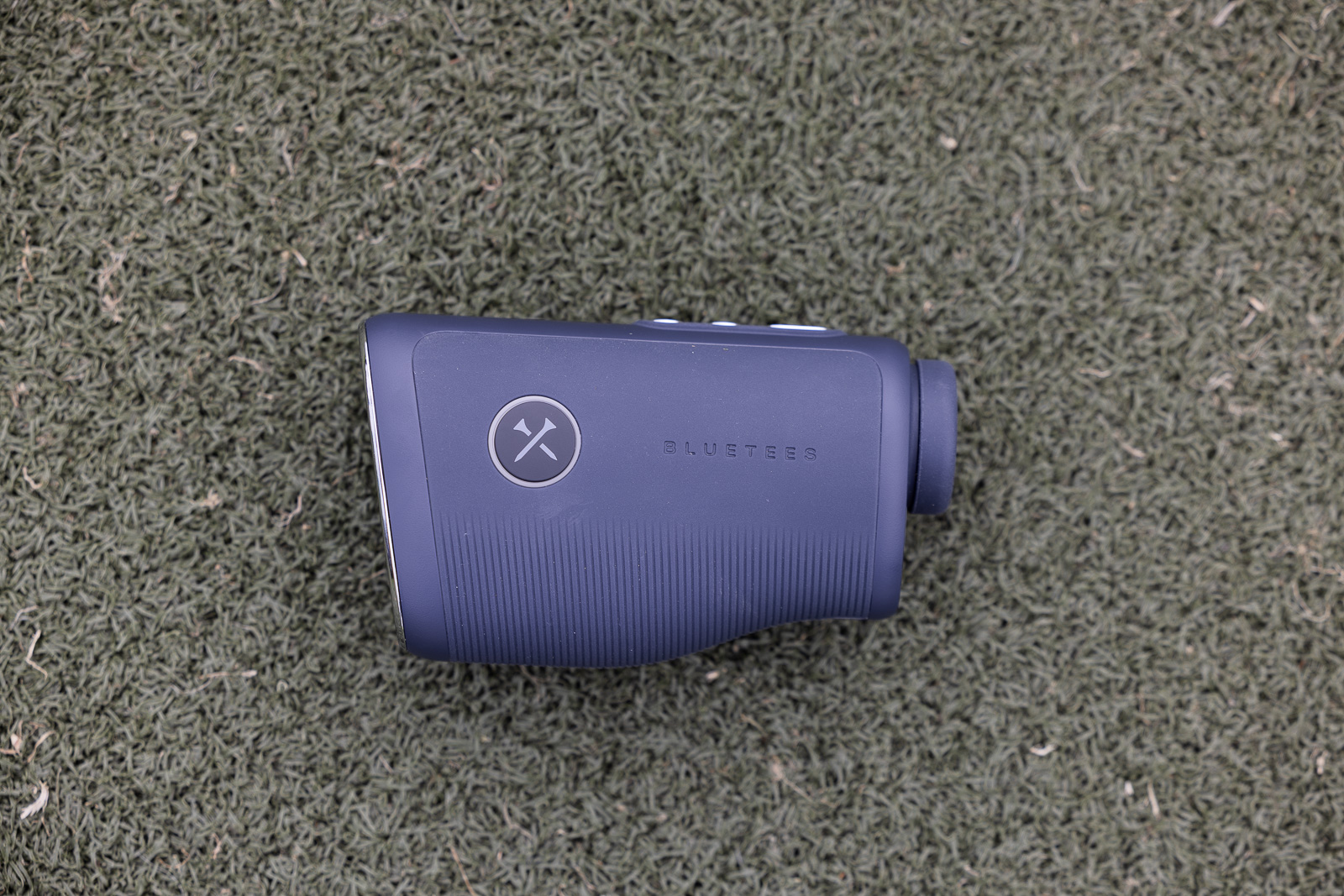
Right out of the box, the Captain Pro gives off premium vibes. The packaging alone makes it feel like a device that costs at least as much as it does, if not more. The rangefinder itself has a wonderful grip texture, fits nicely in the hand, and has a solid, quality feel to it.
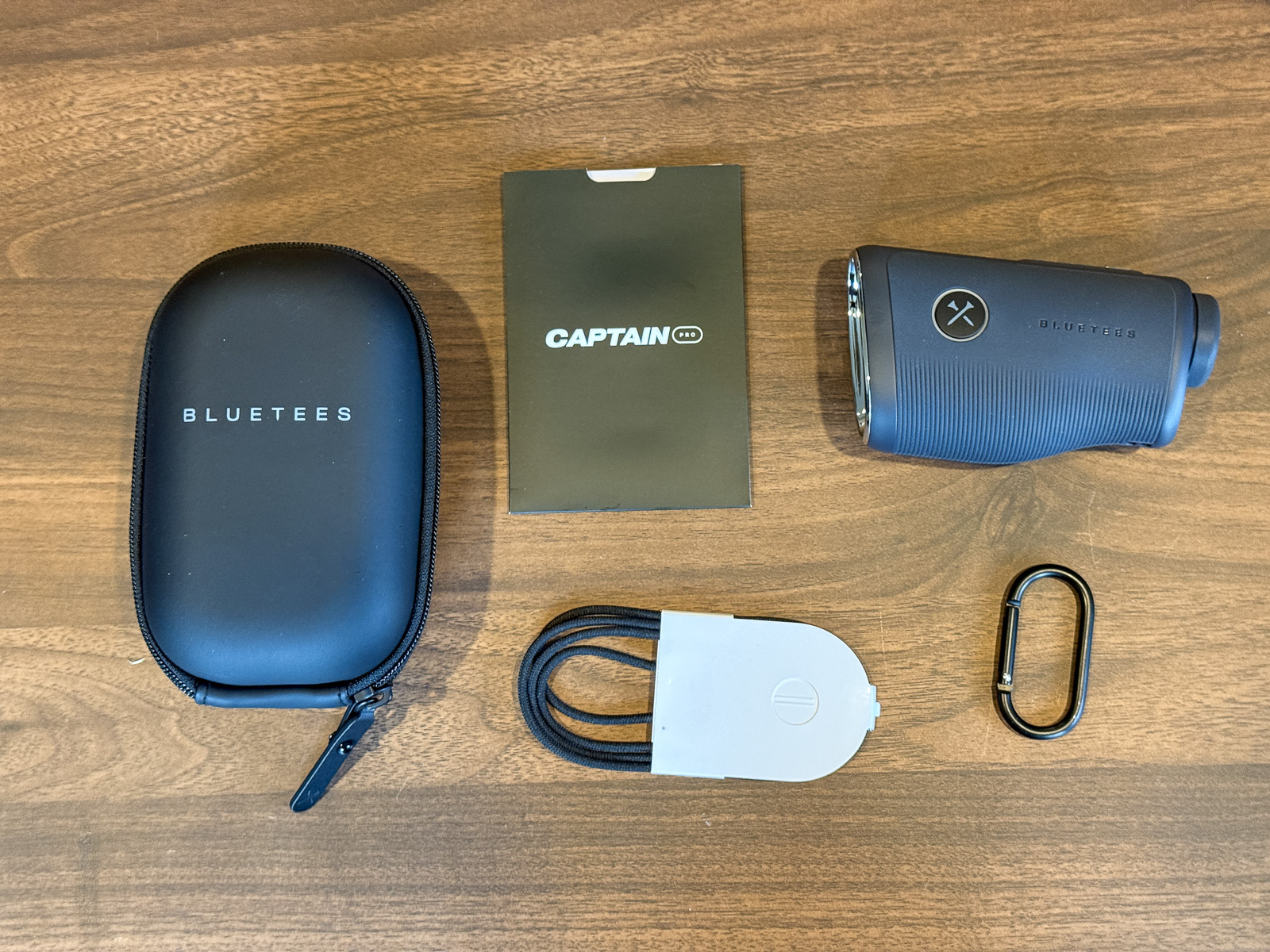
The buttons do feel a little plasticky compared to other premium models, but I don’t think this is going to cause any real-world issues or usability concerns.
One thing I noted is that there are more buttons on the Captain than most rangefinders: 4 to be specific.
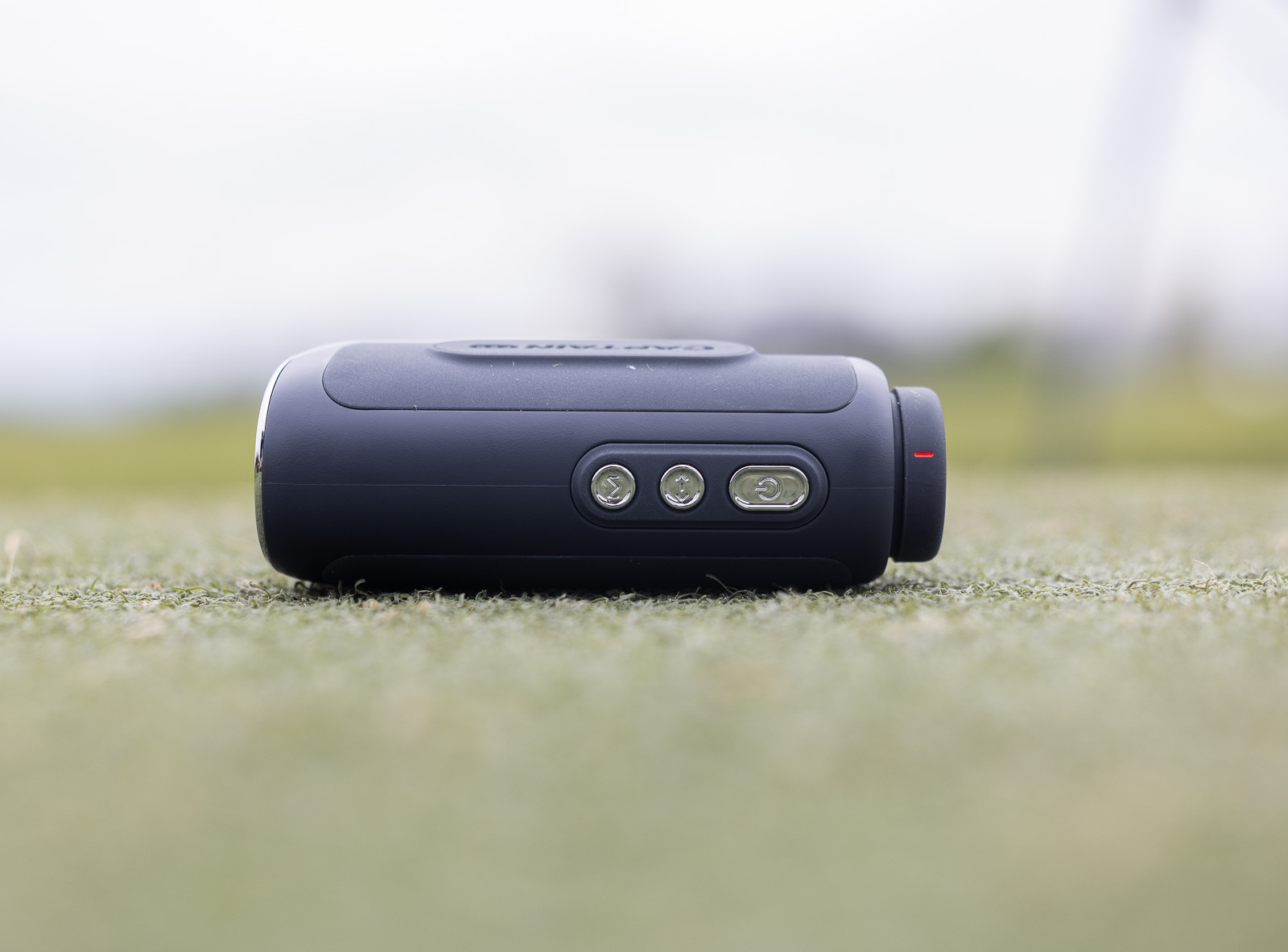
Because of this, and because of some of the features, there’s a slightly higher learning curve with this device than with some other rangefinders. But we’ll talk more about that in a minute.
The Captain Pro is waterproof, something worth noting because the Captain Air is not.
Overall, the Captain Pro feels well-built and more premium than the other Blue Tees rangefinders I’ve tested, such as the Series 3 Max.
Despite having some app issues, this is one of my favorite rangefinders I've tested and represents an excellent value for what you get. Highly recommended.
Use code BREAKINGEIGHTY10 to save 10%.
Display & Optics: Where the Pro Really Shines
This is where the Captain Pro separates itself — both from competitors and from its sibling, the Captain Air.
The Pro features a 7x magnification OLED color display. That combination is not something you see often in this price range. In fact, I can’t recall another device that has dual color OLED and 7x optics.
In practice, it looks excellent as well. The Voice Caddie TL1 has been my go-to pick for most people for a couple of years, and it’s still excellent. But the display on the Captain Pro is every bit as good as that, but having the 7x versus the 6x of the TL1 pushes it over the edge.
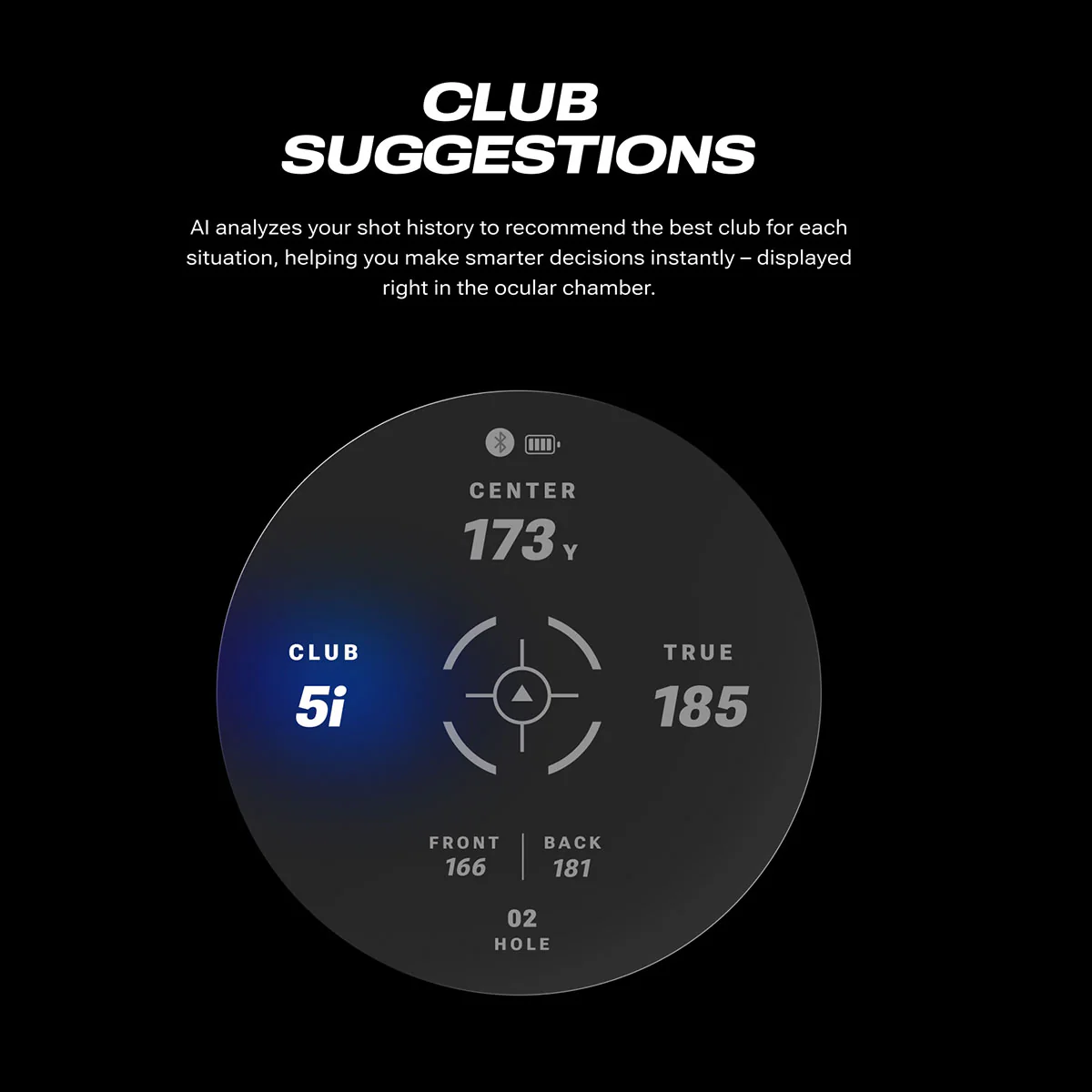
The color display is vivid, the numbers are crisp, and looking through the viewfinder is genuinely a pleasure. It feels like a premium, elevated experience compared to a standard rangefinder.
This is the biggest difference you’ll notice when comparing to the Captain Air – the display on that looks downright dull in comparison. The Air uses an LCD display with 6x magnification, and while it’s still solid, the numbers just don’t look quite as sharp or clear. If you’re debating between the two, the display alone makes a compelling case for spending the extra $50 on the Pro.
I also didn’t have any issues with eye relief on either Blue Tees device. This is what it’s called when it’s hard to line up your eye directly with the viewfinder. I’ve noticed it more recently in the latest Bushnell devices, especially the Tour Hybrid, where it’s particularly noticeable. But fortunately, no issues here.
Performance & Flag Lock
Before we talk about smart features, let’s talk about using this just as a straightforward laser rangefinder.
The short answer is, it’s excellent. It’s fast, accurate, and I’ve had no issues getting readings during my 4 rounds of testing.
Only very occasionally did I find it hitting the background versus the flag. Performance in this regard is great, and even if it did hit a tree or something in the background, within another button push or two, it’d be right back on the flag.
One area that is a little bit of a mixed bag is the flag lock.
On the one hand, the vibration motor is excellent. I’d call the feeling a “soft vibration”. Comparing back to back against the Bushnell Tour V7, the vibration is much more pleasant on the Blue Tees – which was a surprise to me.
But the most important feature of a good vibration system is that you only want it to vibrate when it’s locked onto the flag. Most rangefinders will vibrate any time you range a distance, which defeats the purpose of giving you the confidence in knowing you have an accurate distance.
With the Captain Pro, it would more often than not vibrate, whether it was locked onto the flag or not. It’s not like it would do it all the time, for every ranged distance, but it certainly didn’t only do it when locking onto the flag.
This is a little disappointing. It’s not a deal-breaker by any stretch, but if flag lock precision is your top priority, devices like the Bushnell Pro X3 still have an edge there.
But generally as a whole, simply using this as a rangefinder, it’s one of my favorites I’ve used to date. The optics are wonderful, the display is crisp and bright, the slope is easy to turn on and off, and the tactile sensation between vibration and build quality is very good.
And the fact that you get this for $270 after you use the Blue Tees discount BREAKINGEIGHTY10? That makes this one of the absolute best values in rangefinders.
Wait, It’s a Smart Rangefinder Too?
And if that’s all it did, it would be worth it at that price and would make my short list for a buy recommendation.
But on top of everything above, this is a full-on smart rangefinder.
When you pair the Captain Pro with the Blue Tees app, not only can you get laser distances, but you can now also get:
- GPS yardages to the front and back of each green
- Club recommendations based on your historical distances.
- “TRUE” distance that takes into account elements like elevation, weather, wind, and more.
- Shot tracking and distance logging
- Tournament mode toggle via the side button
- Find My iPhone functionality via the customizable side button
- Lock screen widget showing rangefinder yardages on your phone
So you throw in all of those “smart” features on top of already being a genuinely excellent piece of hardware? The $270 price starts to look like a no-brainer.
But it’s here where we start to experience a little bit more of a mixed bag with the Captain rangefinders.
Setting Up the Captain with the Blue Tees App
As you’d expect in 2026, connecting the Captain Pro (and Air) to the Blue Tees app is very straightforward. Simply open the app, select “connect to new device,” put the Captain in pairing mode, and in less than a minute, you’re connected.
It’s worth checking the quick start guide for putting the device into pairing mode, as it isn’t quite as obvious as it is with some smart rangefinders.
Before you play, you’ll start a new round in the Blue Tees app, and just like you’re used to with any other GPS golf app, you’ll get yardages, hole flyovers, and more within the app.
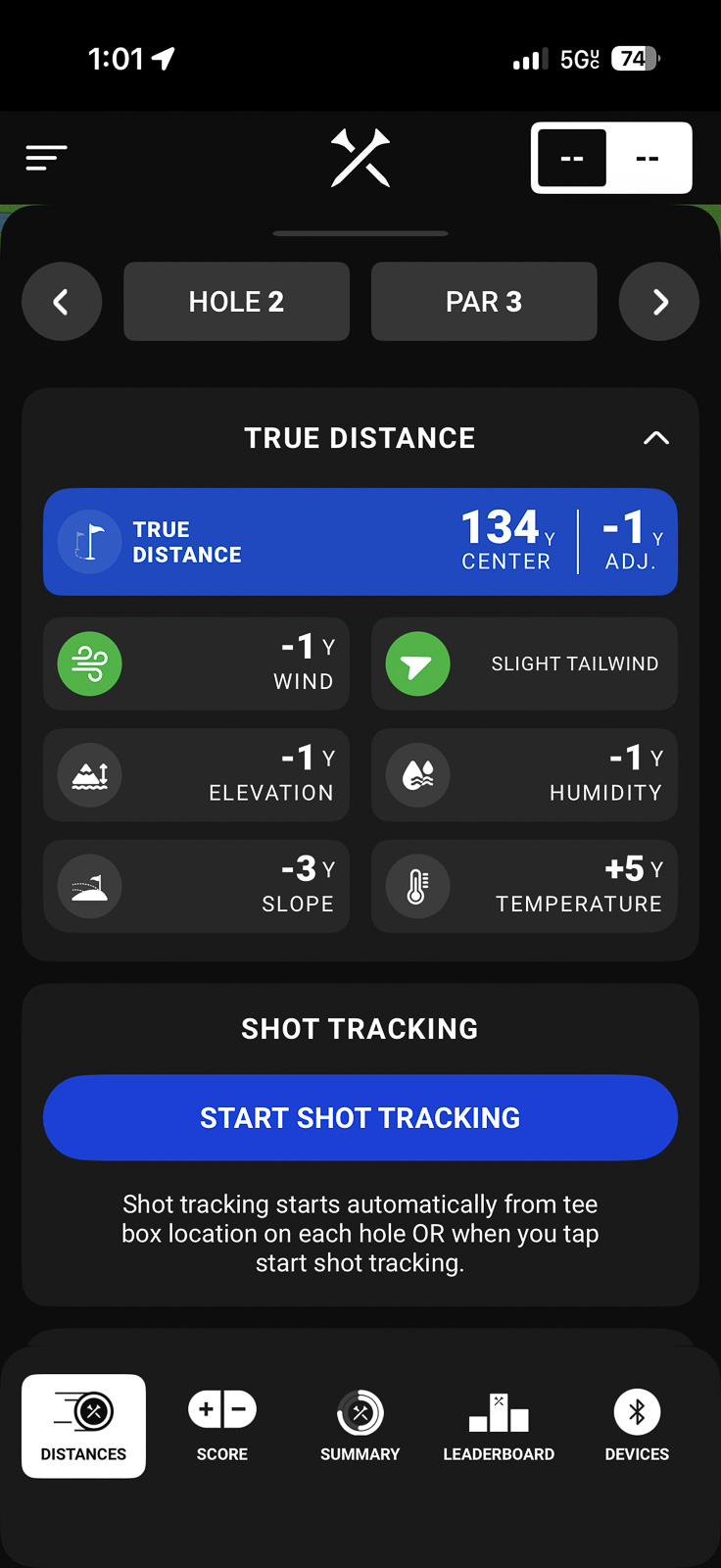
But the killer feature? You can get GPS distances and those “True” Plays Like numbers directly in the viewfinder.
They look great too, and you can toggle through 4 or 5 different views on the device so that you can easily see the data that’s most important to you (GPS, plays like, club recommendations, etc.).
I’ve genuinely enjoyed this aspect of the device, and it mostly works pretty well.
As mentioned, this rangefinder does have more of a learning curve than others. It took me at least a round and a half for the buttons to become second nature. Figuring out which button toggles what, or what it changes, is a little cumbersome.
Point and shoot is easy. But when you’re using it as a Smart device, things can become a little less seamless until you’re really familiar with how it all works.
The Programmable Smart Button
One unique feature of Captain Pro is the programmable smart button on the side. Instead of having a traditional slope switch, it has a button that you can configure to do a few different things:
- Turn tournament/slope mode on and off
- Activate the “Find My Phone” feature
- Start shot distance tracking
While the idea is cool in theory, I found using this to be a little confusing and not super useful for anything that I’d want to do on a regular basis. The button lights up, which makes it feel high tech, but I kind of found myself just wanting a regular slope switch.
What’s nice, and what will be a consistent theme in the rest of this review, is that this can be updated via firmware later. So I think the team will be able to make improvements to the user experience here.
The Blue Tees App: Room to Grow
Okay, here’s where I have to be honest: the Blue Tees Game AI app has some work to do.
Blue Tees is really swinging for the fences this year. Similar to a few other brands (Bushnell, Shot Scope, and Garmin come to mind), Blue Tees is truly building out a golf tech ecosystem.
They’ve now got smart rangefinders, smart speakers, a GPS watch, and a launch monitor on the way. All of these use the Blue Tees app, so all of your practice and play data lives at home in one ecosystem.
It rewards golfers who invest in Blue Tees, and with each device you purchase, it gives you better data and enhances the value the app provides.
The problem is, I’ve continued to find the app fairly buggy and difficult to use.
Simple things like entering your score on each hole feel laggy and not as intuitive as it should be. What should be very simple on the surface just hasn’t been.
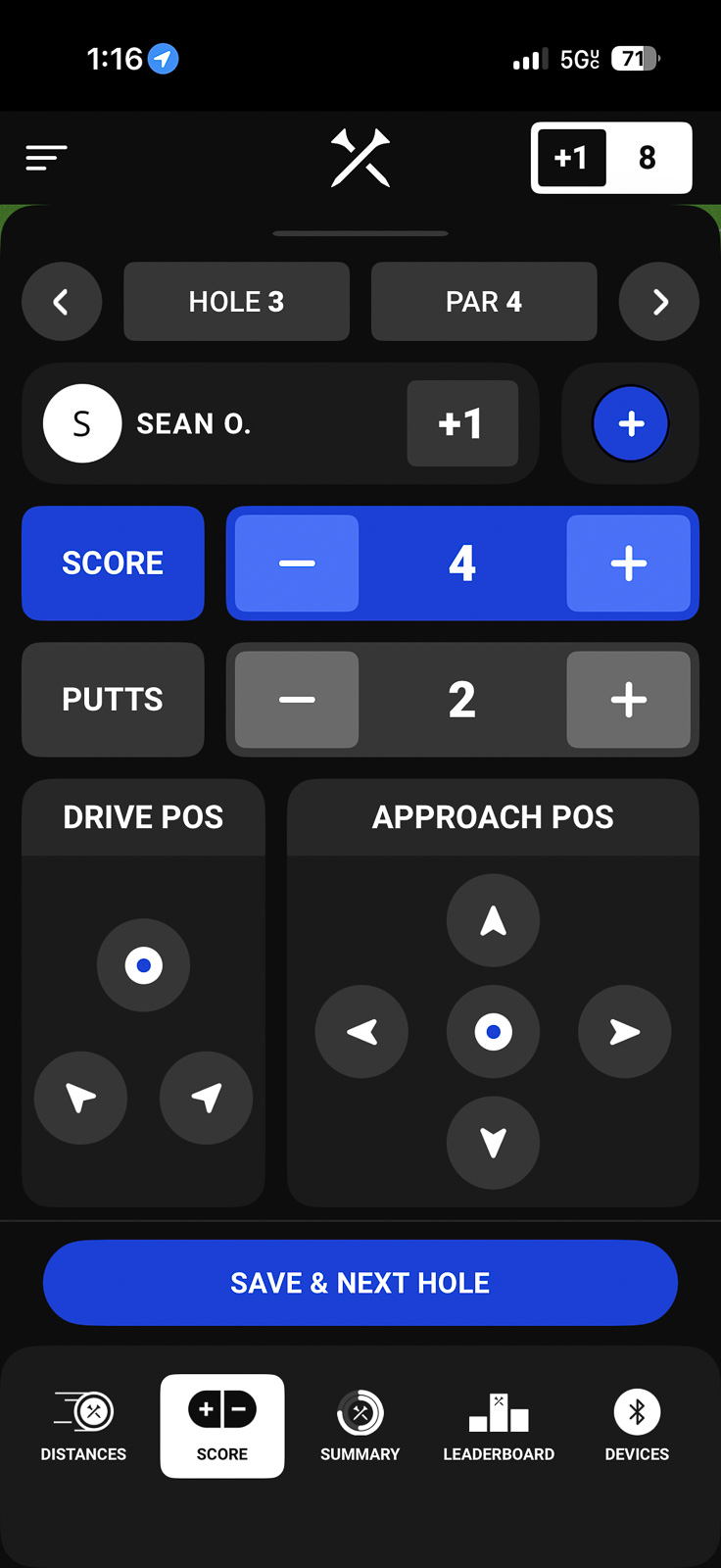
I had this same lagginess when trying to sort my bag and input my club distances.
It all works, but I just don’t feel like it works very well.
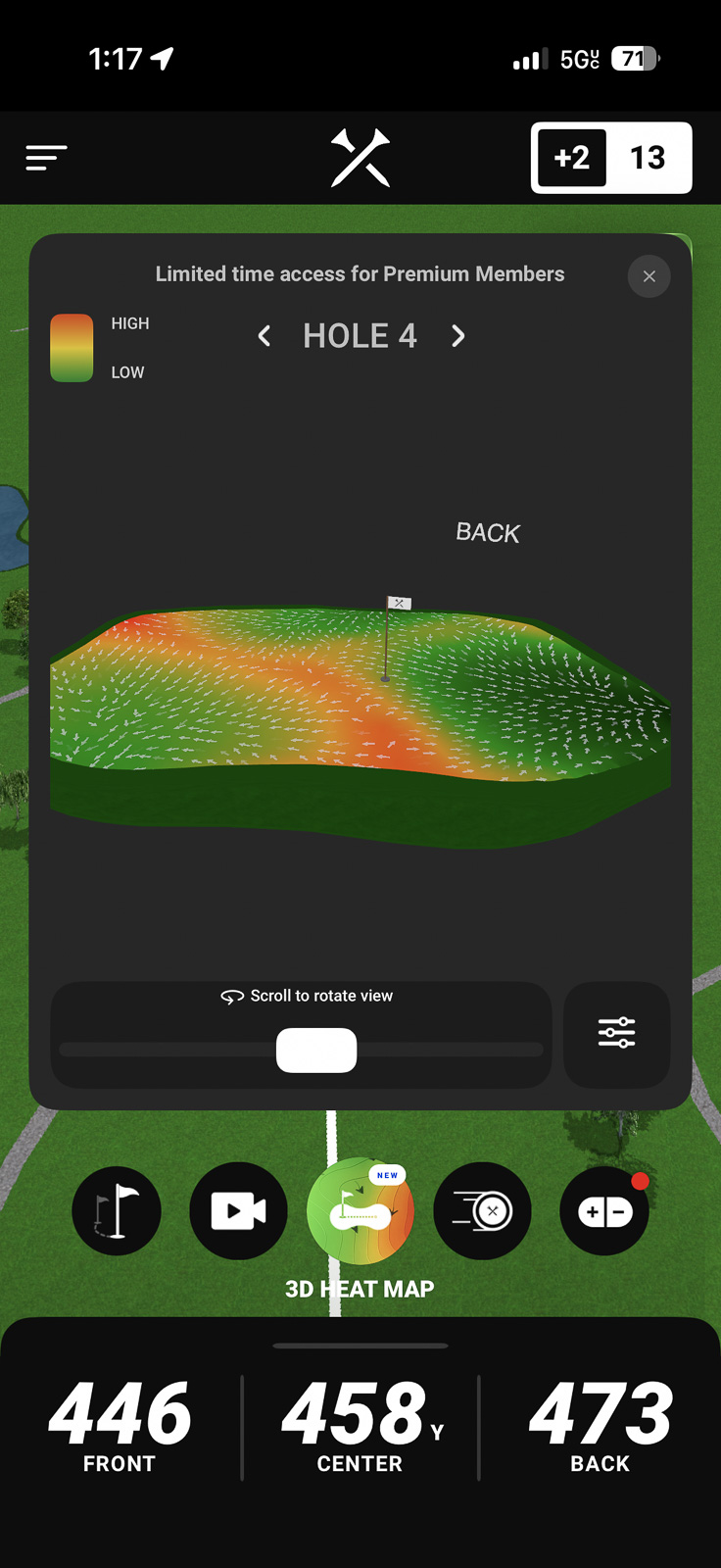
There are a ton of features in the app. Shot tracking, AI club recommendations, green maps, hole flyovers, and even a way to shoot social media reels. But it feels like a lot of this has been tacked on to add features, rather than truly optimizing the user experience within the app.
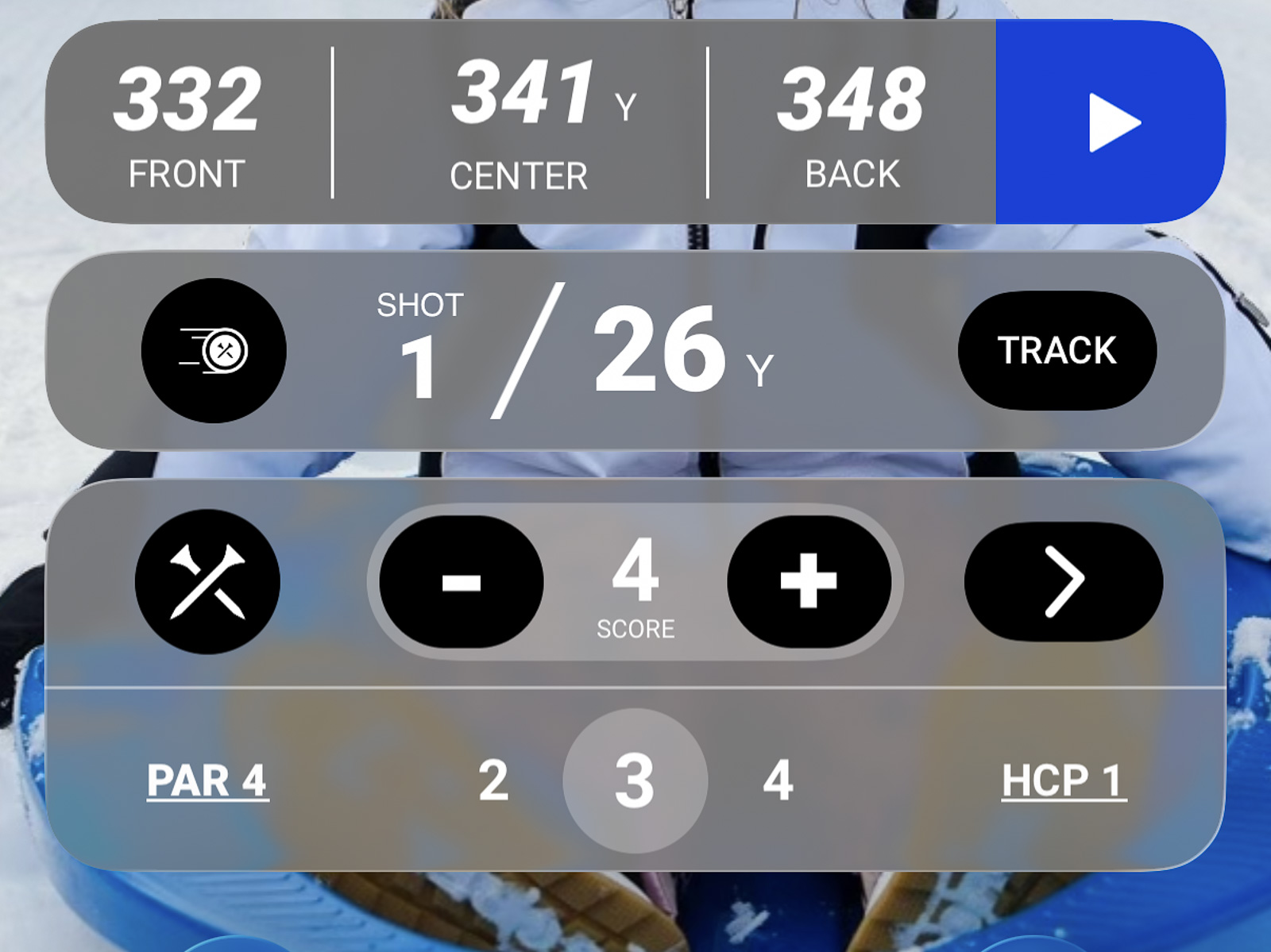
Other little things, like club recommendations, still need tweaking as well.
A great example is when I was 330 yards out on my second shot of a par 5 – it recommended I hit driver. The club recommendations, while cool, seem like they’re simply going off the distance from the green, rather than any meaningful data about my game, as you’ll find both Garmin and Arccos do.
The good news? This is all software-related, and it’s clear Blue Tees is investing heavily in this ecosystem. I think there’s inevitably going to be growing pains as they roll out all the connected hardware. So my hope is that in 6-12 months, we’re going to see the app experience improve significantly.
Bluetooth Connectivity
One thing I noticed is that Bluetooth connectivity varied pretty wildly.
On nearly every other hole, I’d be informed that the device lost connection with my phone. What’s weird is that most of the time, it didn’t actually seem like that was the case. I’d go into the rangefinder and still be able to see GPS yardages.
But the fact that I got this notification so frequently was a bit annoying.
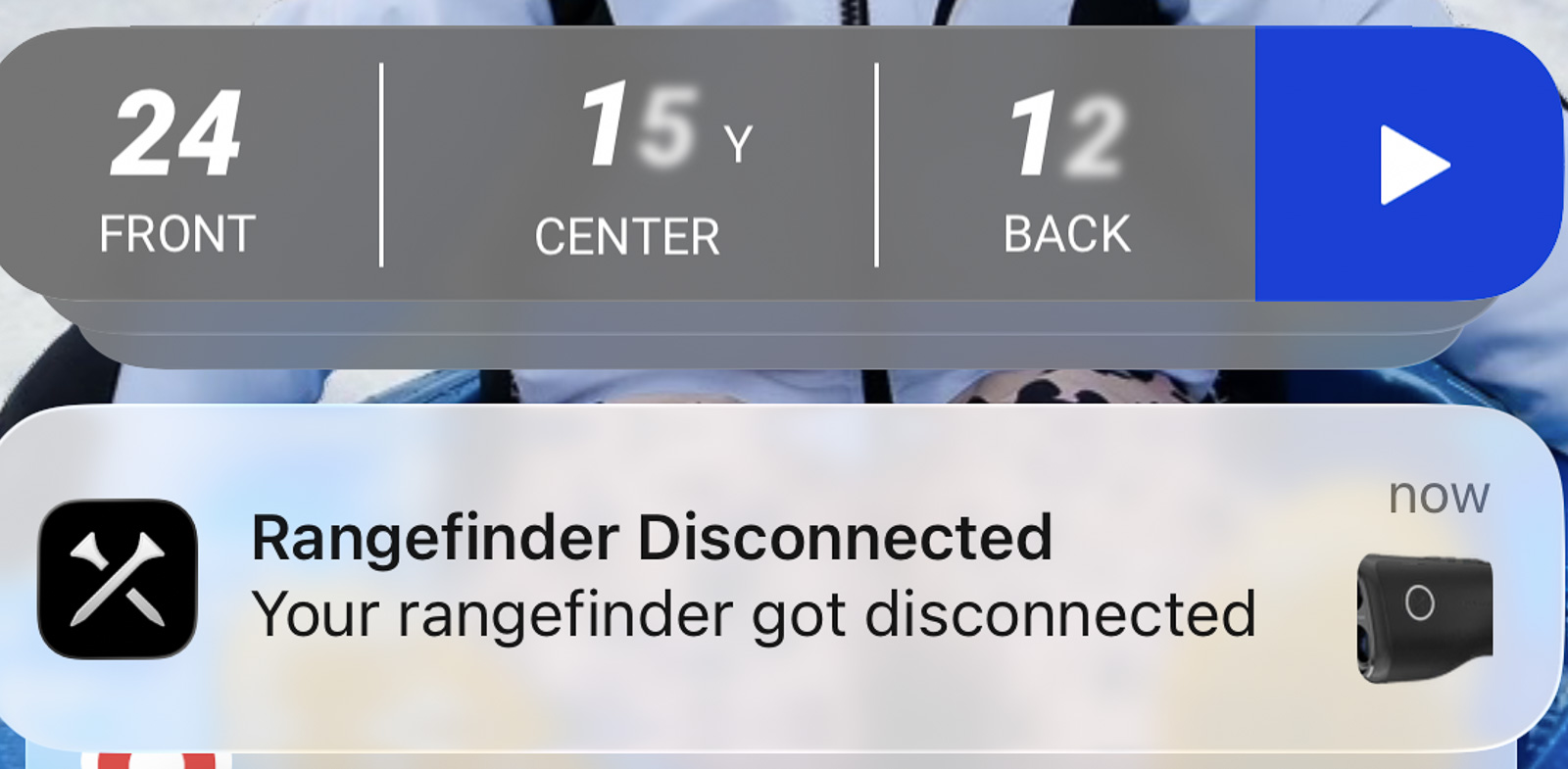
My guess is it’s notifying me when I walk too far away, but will automatically reconnect when I get close again. But constantly seeing the notification saying it was lost makes you think it’s still lost, even after it’s reconnected.
I think I’d probably prefer no notification about this at all. If I don’t have GPS yardages in the device, that’s just a sign I need to go reopen the app so it can reconnect. But that may just be personal preference. Regardless, I think there’s some fine tuning to be done here.
How Does It Compare to the Voice Caddie TL1
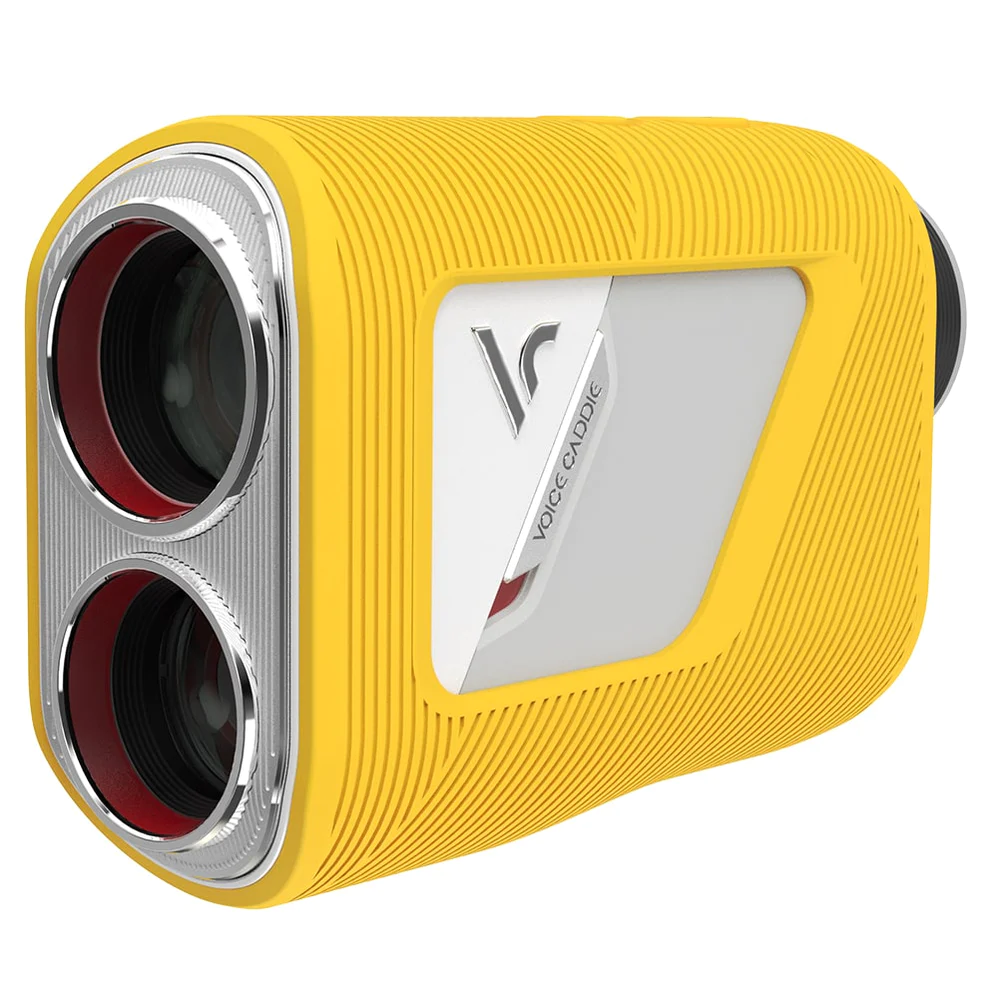
For the past two years, my go-to recommendation for most golfers looking for a non-smart rangefinder has been the Voice Caddie TL1. It’s in a similar price range ($279 at this link), performs at a high level, and I’ve consistently pointed people toward it as one of the best pure rangefinders on the market.
If you want to see my full take on that device, check out my Voice Caddie TL1 review here.
The Captain Pro is the first rangefinder in a while that I’d genuinely consider a compelling alternative to the TL1 for that same audience. The optics are similar, but having 7x magnification gives it the edge.
Overall usability feels very similar, but then you throw in the added bonus of having the smart features? Then this becomes a device that does more, for slightly less money.
If you’re someone who knows you’ll never want the smart features? Then I’d still likely go for the TL1 just due to simplicity. But I could make an argument either way.
At this special Breaking Eighty reader price of $280, there's no other rangefinder that provides this level of quality at such an affordable price. Hands down the best option under $300. This is the one most people should buy.
What About the Bushnell Tour Hybrid?
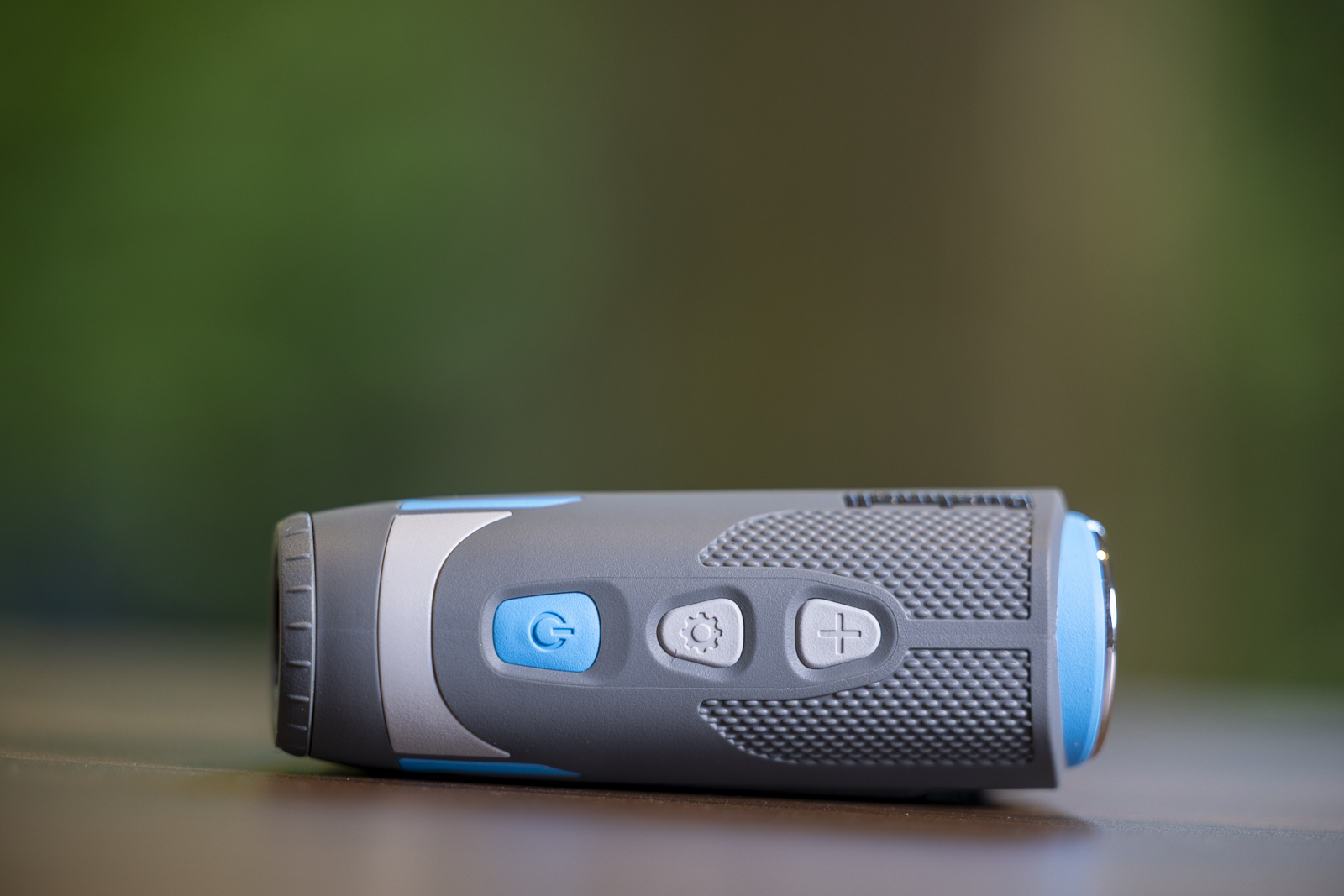
The other obvious smart rangefinder comparison is the Bushnell Tour Hybrid. That device retails for $499, though I’ve occasioanlly seen it on sale for around $400. Use the Bushnell Golf coupon code BREAKING10, and you can sometimes get it down to $360 or so — still over $90 more than the Captain Pro with the Blue Tees code.
Here’s my honest take: as a pure rangefinder, I actually prefer the Captain Pro. The OLED display, 7x optics, and color screen give it a more premium feel than the Bushnell. The Tour Hybrid feels a little heavier and more robust, but I like the feel of the Captain Pro in the hands, and it doesn’t have the eye relief issues I’ve had with the Tour Hybrid.
Where the Bushnell wins is GPS integration. It has GPS built directly into the unit, no phone pairing required. You just turn it on, and you have yardages. That convenience is real, and if you want seamless GPS without any friction, the Bushnell is the easier choice.
For the Captain Pro, pairing with the app adds one extra step. When it works smoothly, it’s great. But it’s one more thing that can go wrong or slow you down.
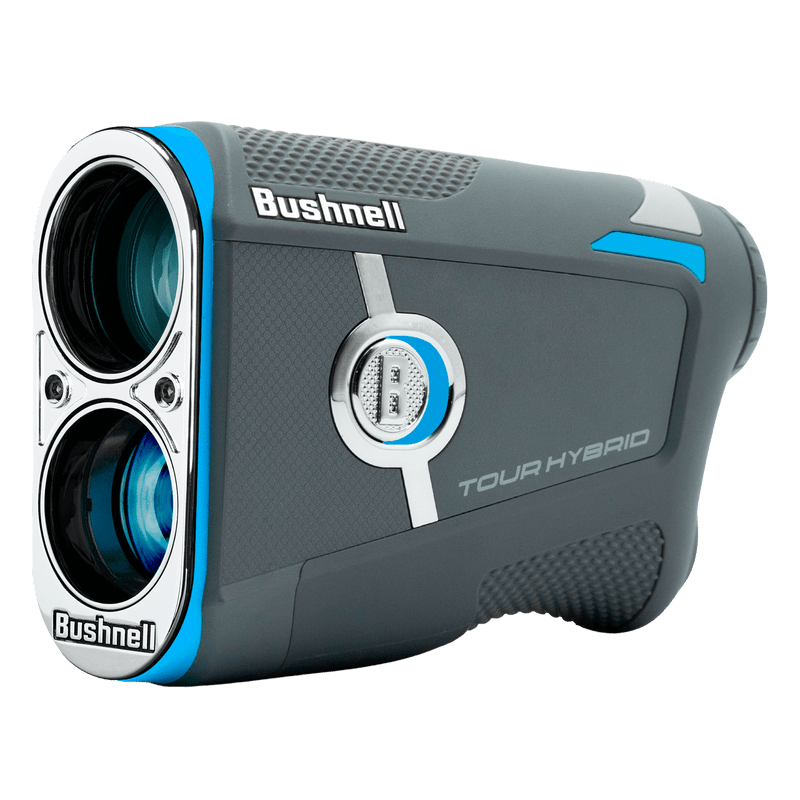
Finally, a rangefinder/GPS hybrid that doesn't require an app connection and that puts the front/middle/back numbers right in the viewfinder. If you don't already own a GPS device, this might be your perfect all-in-one solution.
Use code BREAKING10 to save 10% on anything from Bushnell Golf.
Blue Tees Captain Pro vs Captain Air
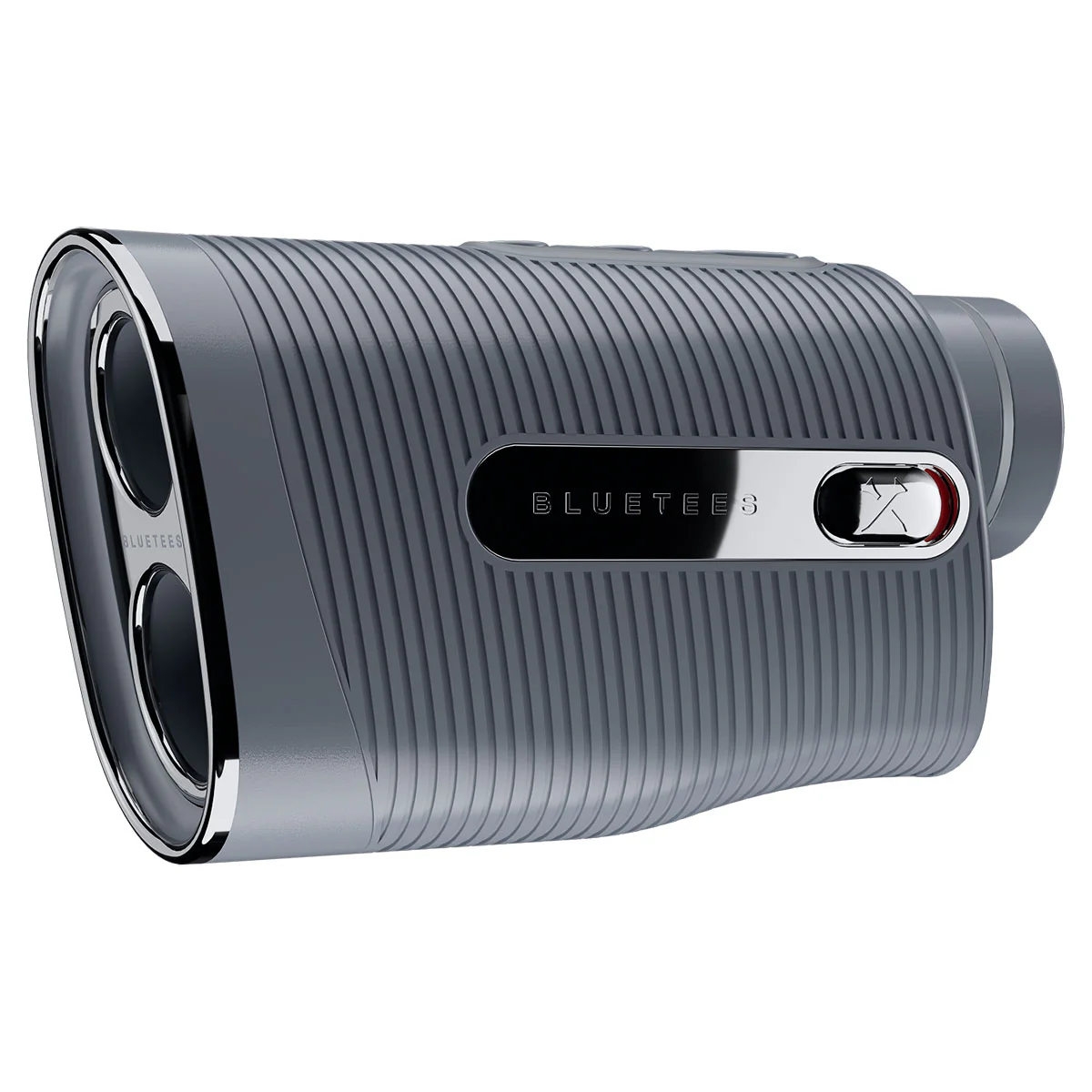
Honestly, this is a little confusing to me. They rolled out these very similar devices at the same time, and I’m not sure they’ve differentiated them in the right way.
They both have all the same smart features for the most part. So smart yardages, club recommendations, GPS distances – they’re the same on both devices.
The difference comes in the hardware specs:
- Air only has 6x magnification
- No OLED screen
- Not waterproof
- No customizable smart switch
- Build quality and ergonomics just don’t seem quite as high
And for me, hardware and user experience outweigh smart features.
I would have loved to see both devices essentially be the Captain Pro, but only one of them have the smart features.
If you came out with the Captain Pro as a non-smart device and charged $250 for it? No brainer.
As it sits now, the Captain Air is hard to recommend. Yes, the smart features are nice when they work, but the experience of using the Pro is just so night and day better, that it’s easily worth $50 more.
The Captain Air is a really solid smart rangefinder. But considering you can pick up the Captain Pro, a much more polished device for only $50 more, I'm not sure I'd recommend this one.
Use code BREAKINGEIGHTY10 to save 10%.
The Subscription is Actually…Reasonable!
As with most of these smart devices, there is a subscription component.
If you want to use this to its full capabilities with shot recommendations and so on, you’ll need to get a Blue Tees membership.
The good news is that it might be the most reasonable membership in golf tech for what you get.
$99 for 3 years, and your first year is free. So you get all of the stuff Blue Tees provides for 4 years, for $99 total. That’s a good value, even if I do think the app still has a long way to go.
Should You Buy the Blue Tees Captain Air?
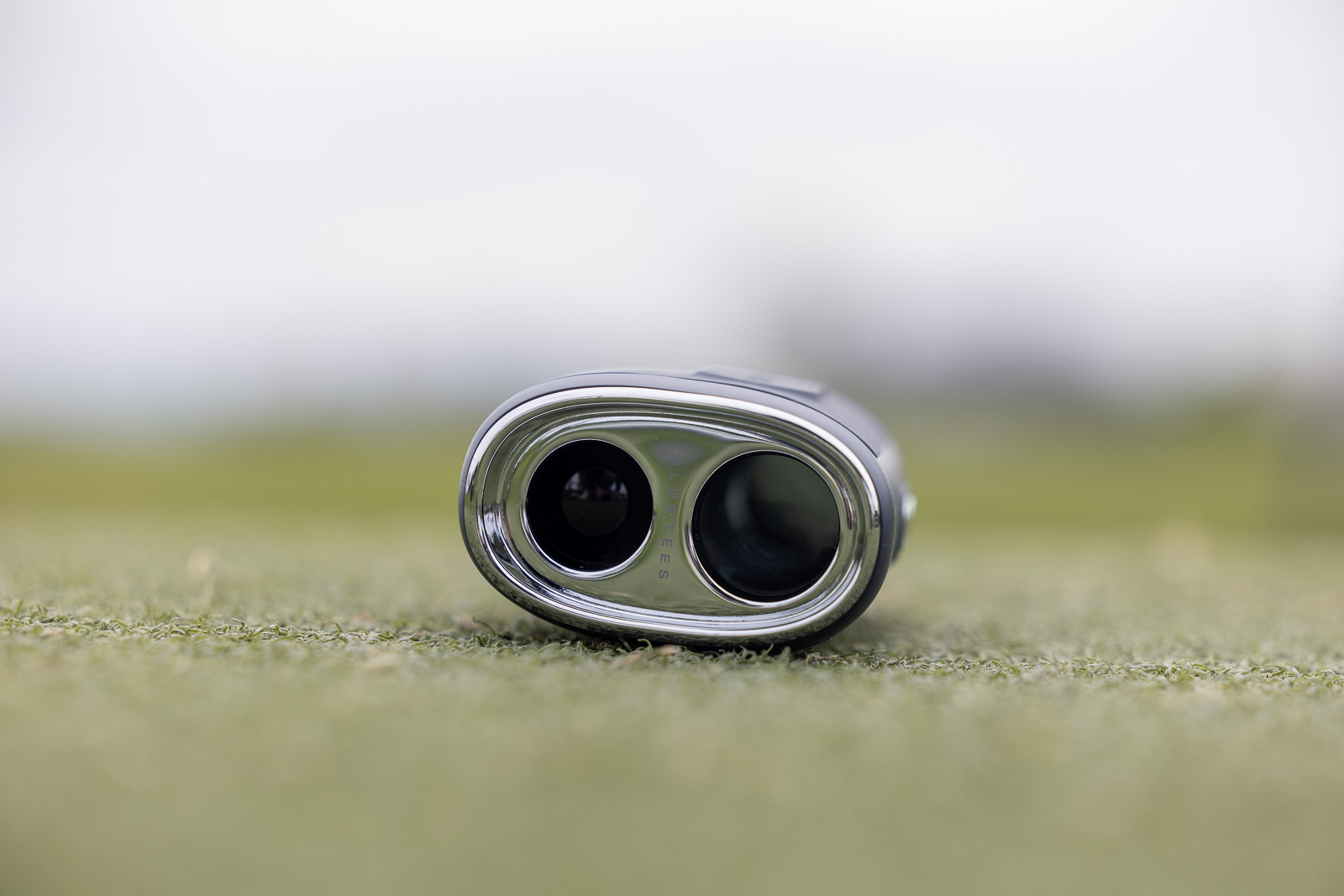
Ok, so here’s my honest take on this device.
I think it’s wonderful. In fact, I think that at $270, it might be my favorite rangefinder for most people – even more than the TL1 that I love so much.
BUT, and this is important to note…I wouldn’t go all in on the Blue Tees app and ecosystem…yet.
Keeping score and logging your stats in the app has been a pretty rough experience. Within one round, I just stopped trying.
Now, I think it’s going to get there. And you may have a better experience than I’ve had.
But for me at least, it’s just not there yet, and doesn’t provide a seamless enough experience to want to really engage with the app throughout every round.
But what I would do?
Well, you could very easily just treat this as a “dumb” rangefinder and be very happy. This might be the only “smart” rangefinder I’d recommend to people who don’t care about the smart features.
That said, if it were me, I’d still pair it with the app. I’d use it for GPS yardages and True distances. I’d then ignore all the other app stuff until it becomes a little more user-friendly.
For everything you get, at this price, it’s a killer value and gets a solid recommendation from me.
And then as the app improves and their ecosystem grows, this becomes a device that will provide even more value in the future. There’s a ton of upside here, and I’m genuinely excited to see where Blue Tees goes from here.
This is one of my new favorite rangefinders, and especially considering the price, I think it may have more upside potential than just about anything else on the market.
Despite having some app issues, this is one of my favorite rangefinders I've tested and represents an excellent value for what you get. Highly recommended.
Use code BREAKINGEIGHTY10 to save 10%.
Recent Updates:
April 13th, 2026: Added video version of the review.
This page contains affiliate links. This means that if you click a link and buy one of the products on this page, we may receive a commission (at no extra cost to you!) This doesn’t affect our opinions or our reviews. Everything we do is to benefit you as the reader, so all of our reviews are as honest and unbiased as possible.
This is one of the most interesting new rangefinders in years, even if it's not perfect.
The Captain Pro is one of the best all around rangefinders I've tested, and represents a killer value at this price point. The downside? The app experience has a long ways to go, but I think it will get there in time. Even without full committing to the Blue Tees ecosystem, this is a great device, that has some excellent features.
The Good
- Some of the best specs I've seen in a rangefinder, and unheard of at this price
- Fantastic looking 7x optics
- Fast and accurate
The Bad
- Using the app to keep score is very frustrating
- 4 Buttons, including Smart Switch, makes using device sometimes trickier than it needs to be
- Buttons feel a little plasticky
-
Presentation
-
Performance
-
Features
-
Price
-
Personal Affinity

4 Comments
If you cancel your subscription, does the device still work as just a rangefinder (no smart features)?
Yep, unlike some other units, you can still use this just as a regular rangefinder if you don’t want the subscription.
Hey Sean, I recently purchased a captain pro after watching your review on it, I think the technology is great but I do have a question. Did the one you tested only show numbers and information in a bright red color? I was expecting a white color like the advertisements so I wasn’t sure if mine is faulty or if all the captain pros are like this?
Sorry for any confusion there! The display is red. The white images were just for marketing visualization purposes. I thought I made that clear in the video, but apologize if I didn’t!