

When the FlightScope Mevo Gen 2 first came out, there were a lot of questions.
How did it compare to the Mevo Plus? Was it worth saving money if you couldn’t get all of the most advanced club data? And where exactly did this thing fit in FlightScope’s lineup?
Well, the dust has settled, and we’ve got a much clearer picture now.
The Mevo Plus is officially discontinued. FlightScope isn’t making them anymore, and once remaining inventory sells through, it’s gone for good.
And as of late 2025, the Gen 2 now supports both the Pro Package and Face Impact Location upgrades.
Which means the Mevo Gen 2 is now FlightScope’s clear-cut affordable flagship.
At $1,299 retail (or $1,234 with code BREAKINGEIGHTYPLUS), you’re getting professional-level software with the option to unlock full club data whenever you’re ready. No other launch monitor in this price range gives you that kind of flexibility.
A lot of what I thought when I initially reviewed the Gen 2 remains the same. The performance is excellent, the software is best-in-class, and the value proposition is strong.
But even more has changed.
So below is my updated-for-2026 FlightScope Mevo Gen 2 review, taking into account everything we know now that the situation has stabilized.
Let’s do this.
First Impressions of the FlightScope Mevo Gen 2: This looks familiar
My first thought when seeing this new device was that the Mevo Plus got Tik-Tok’d.
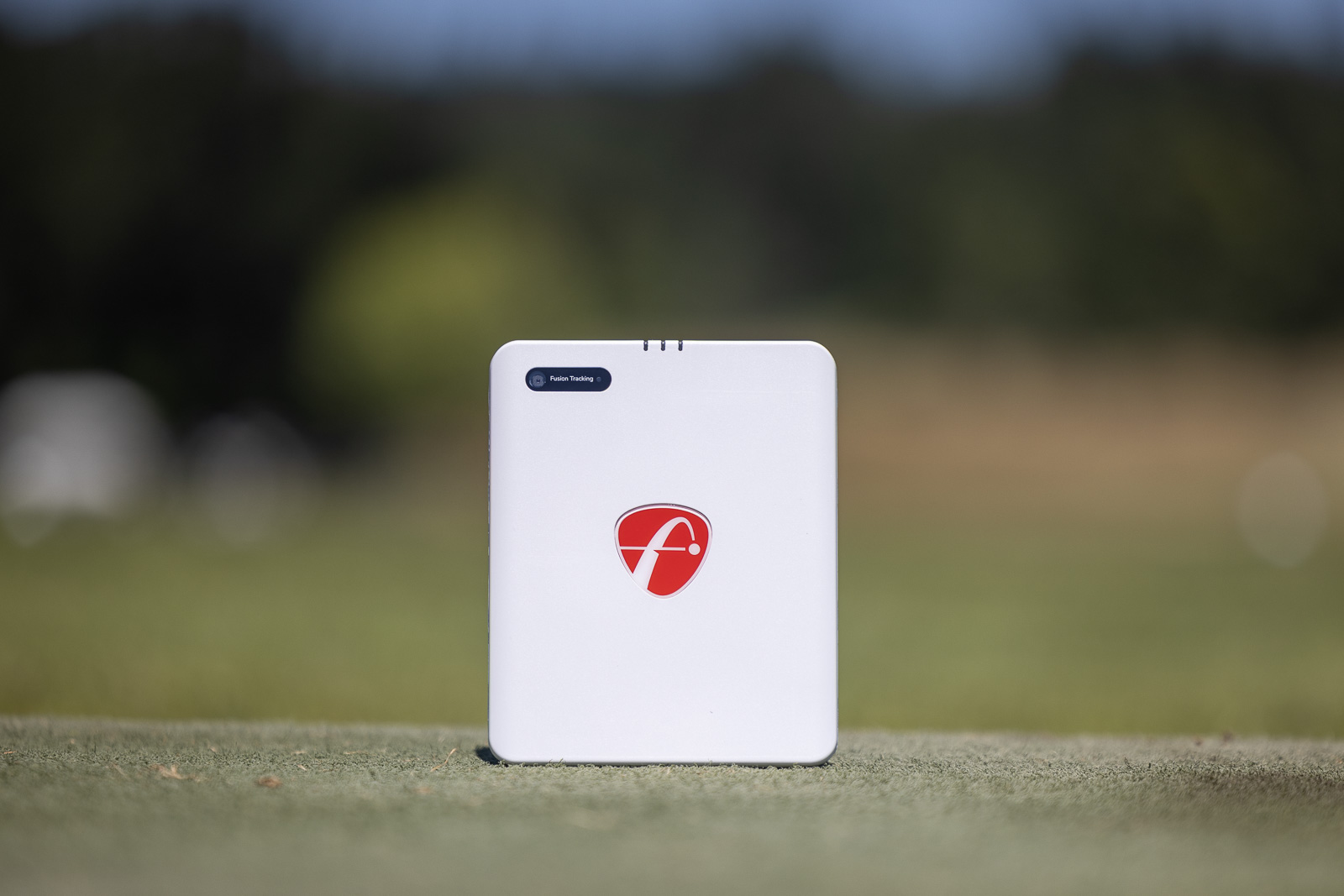
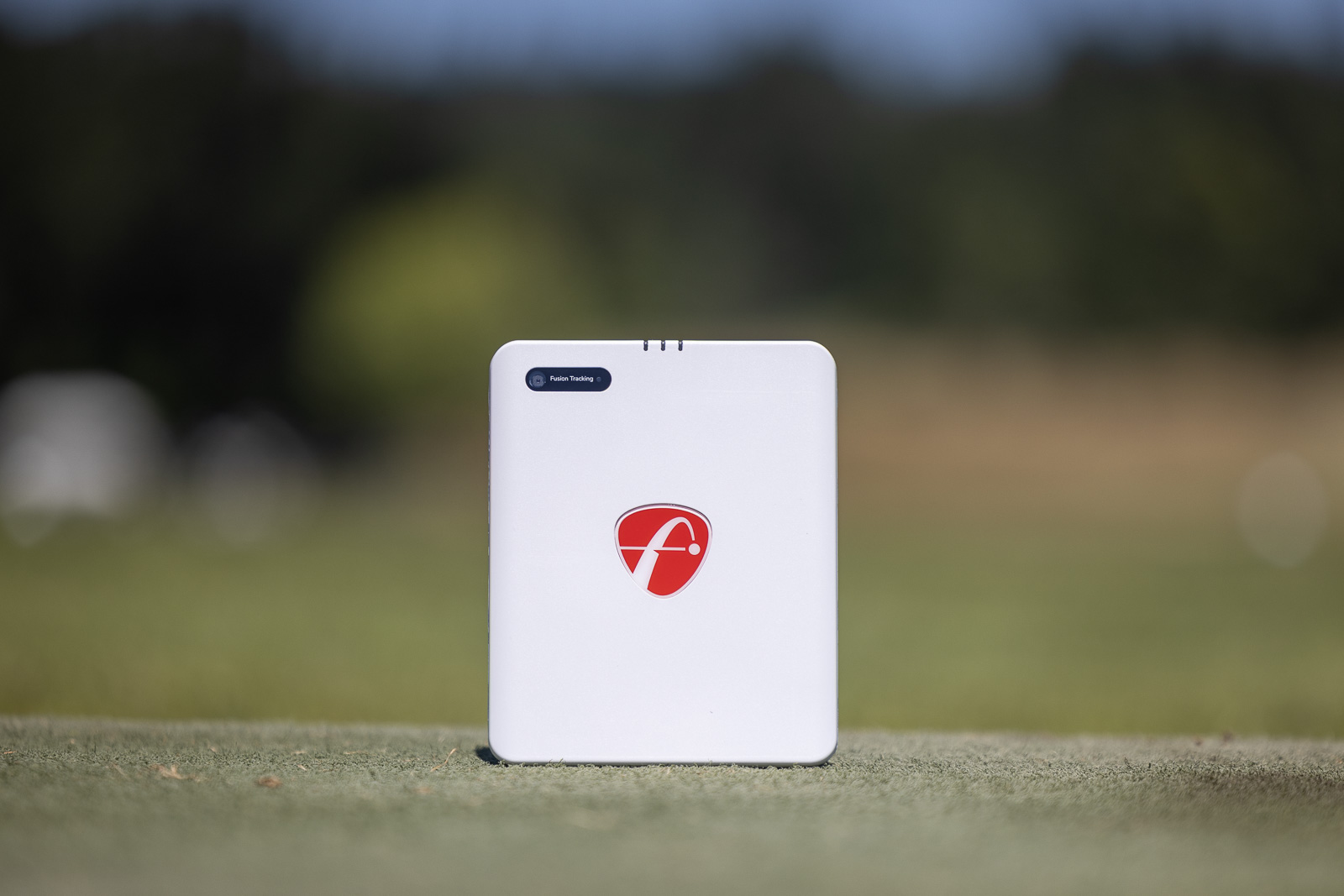
The Gen 2 is a very similar size to the Mevo Plus, it’s just a vertical orientation instead of landscape.
The design aesthetic is very similar with a red FlightScope logo in the center, and grey trim around the sides.
Despite being a similar size, the case on the Gen 2 is about twice the size as it is on the Mevo Plus. Inside, you’ll find the unit itself, a charging brick and USB-C cord, a quick start guide, and some silver stickers.
The larger case is to allow the charger to fit, but considering battery life is very strong at 6 hours, I think I’d have preferred the smaller case and to just leave my charger at home.
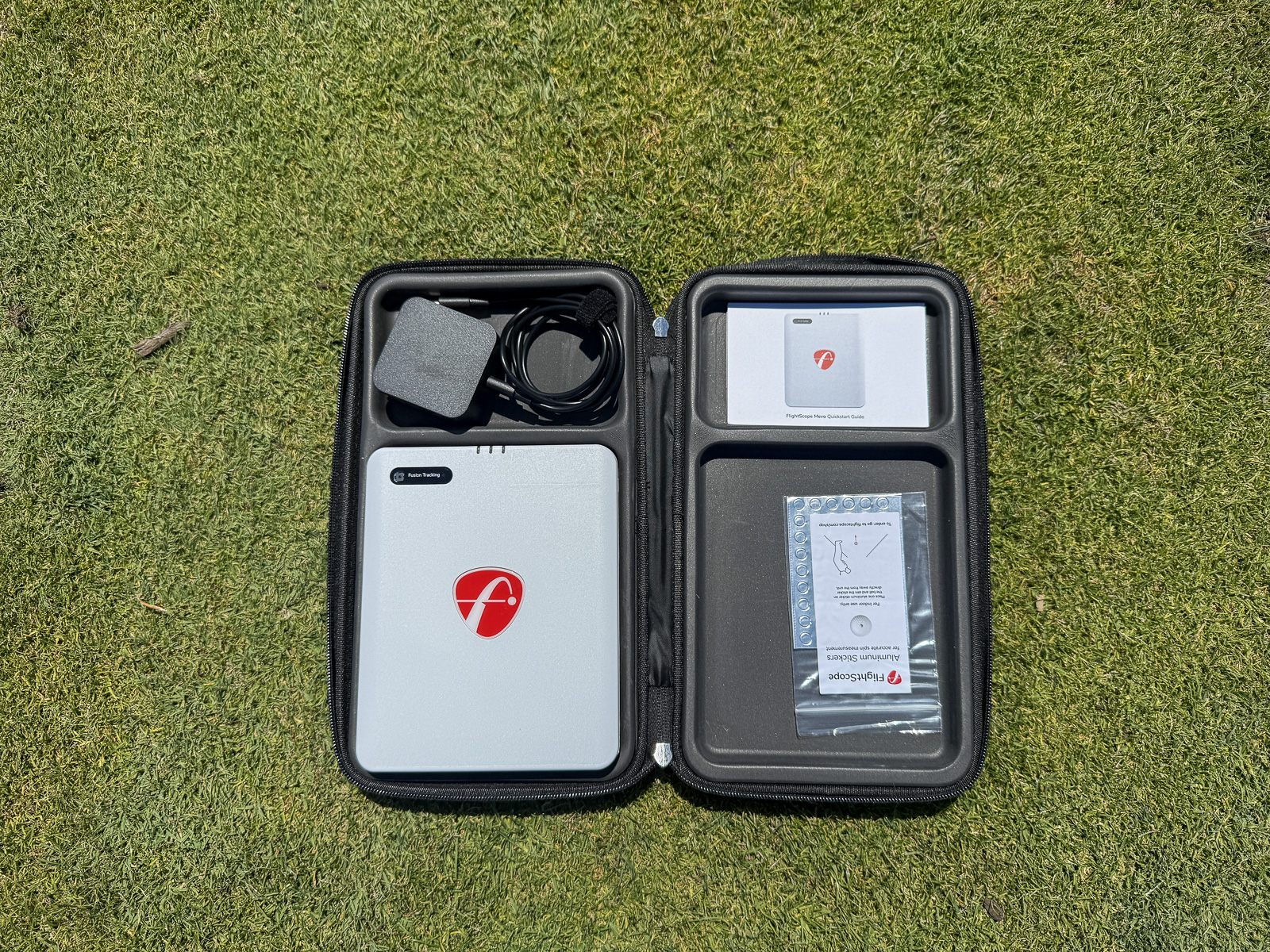
Even still, it’s a high-quality canvas and is pretty thin, so it will fit in most standard-sized golf bags when going out to the range.
I was very happy to finally see that USB-C charger. Up until now, all FlightScope products have used an older USB-Mini, which has become increasingly annoying in a USB-C-dominant world. Even the refreshed pro-level X3c had the old charging port.
How Easy is the FlightScope Mevo Gen 2 to Set up? Well, That Depends…
One of my major critiques of the Mevo Plus is that it can take a little bit of extra time to setup and align when compared to other products.
It’s not terrible, but it does take a little getting used to.
For the most part, that experience is similar with the new Mevo Gen 2.
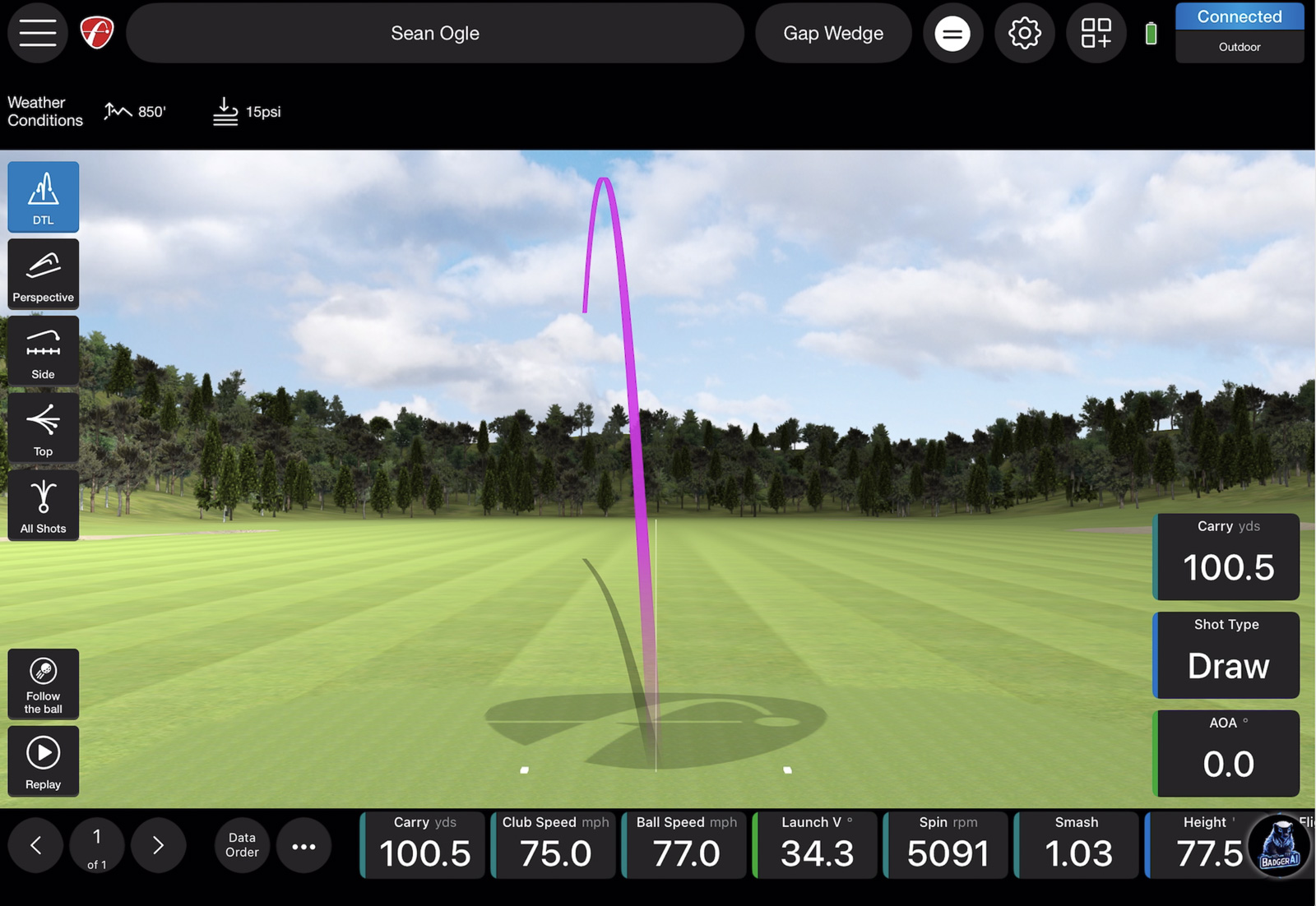
All current FlightScope products use the FS Golf App. This is a great thing. It’s a pro-level app that gives you unparalleled control of your data and how you like to interact with it.
This is one of the major things that sets the Gen 2 apart from other similarly priced models.
But because of that, there are some extra options and customizations involved as you’re getting going.
The Stand Design
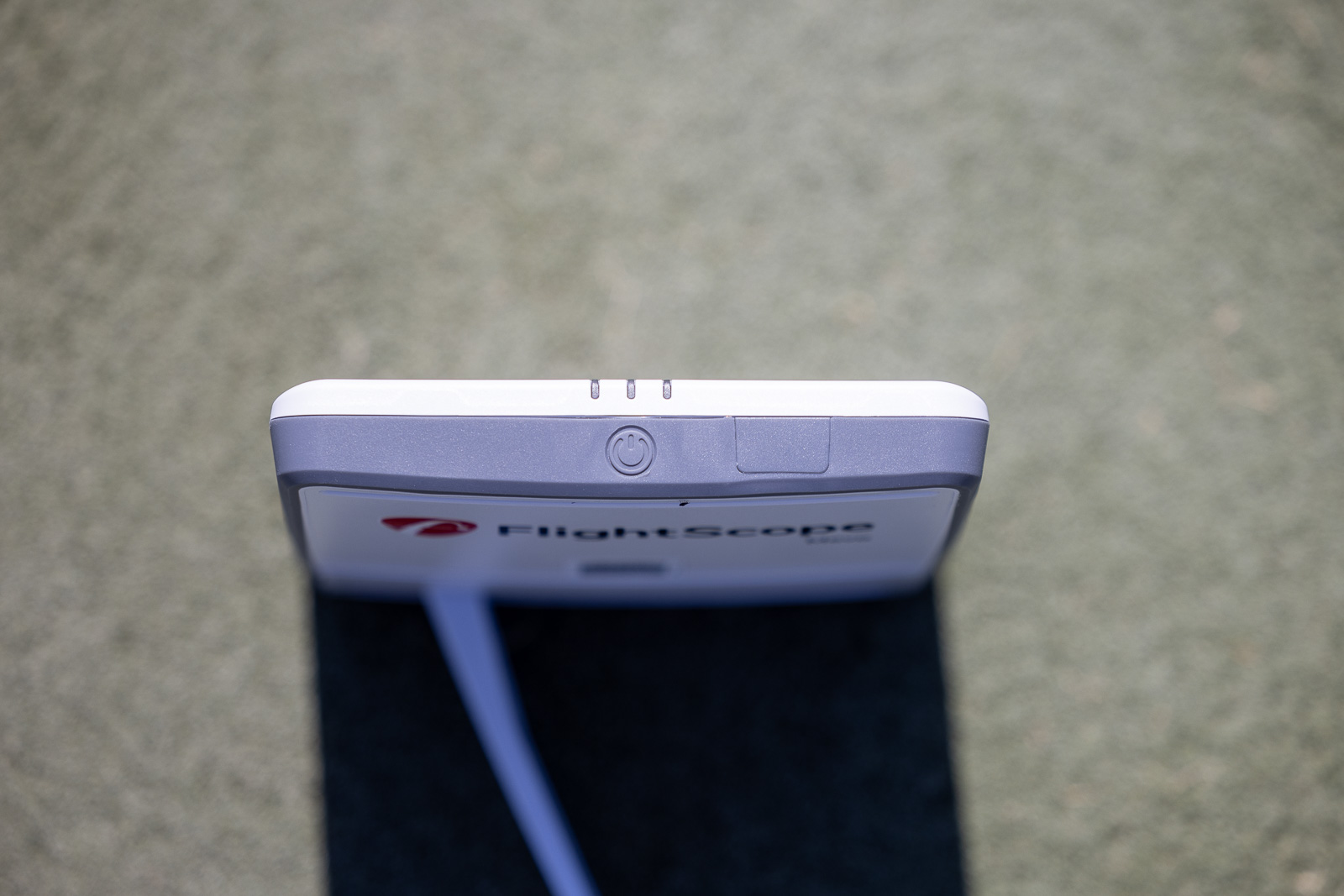
The major thing you’ll need to do is make sure the unit is as close to 12 degrees tilt and 0 degrees roll as possible.
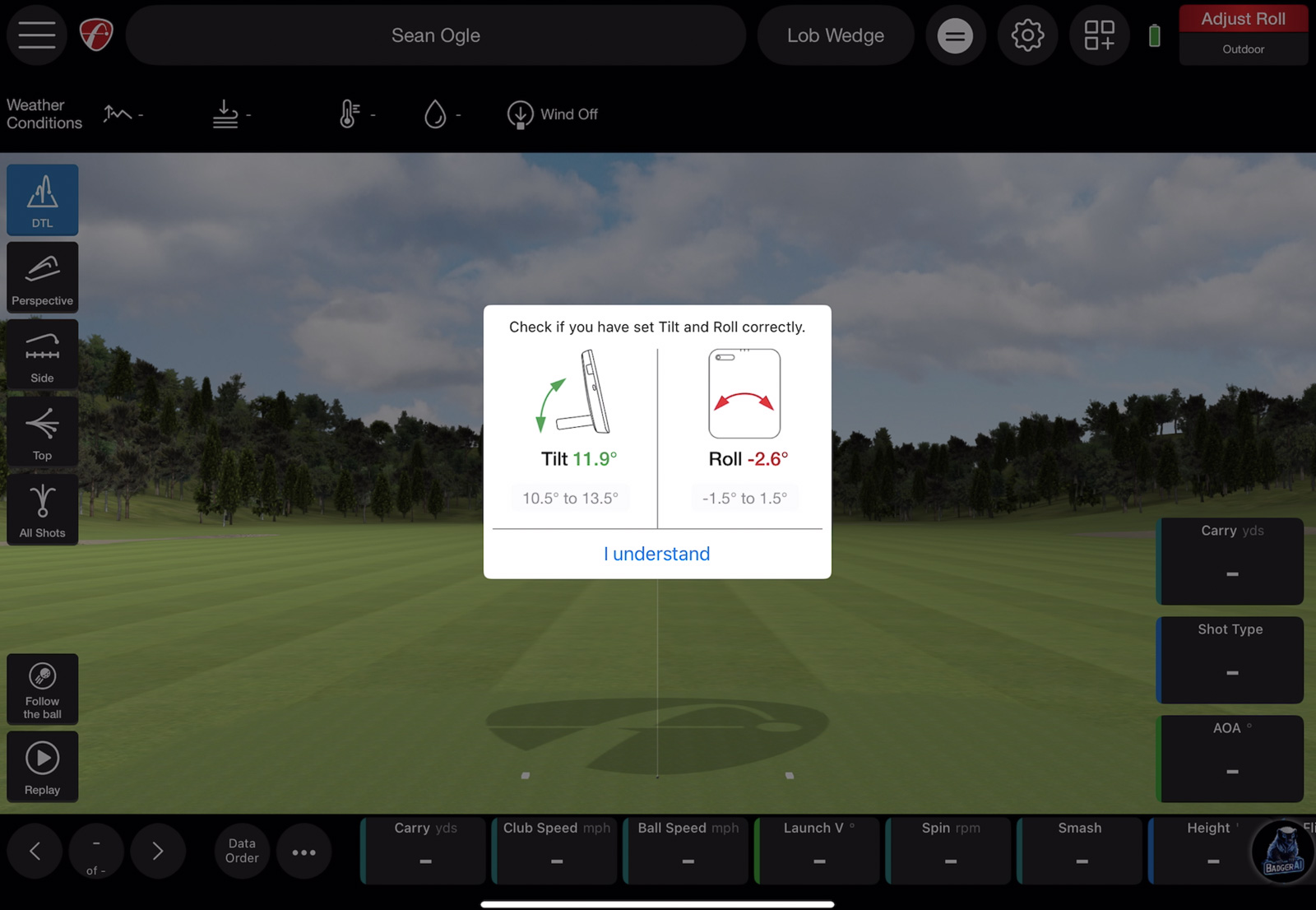
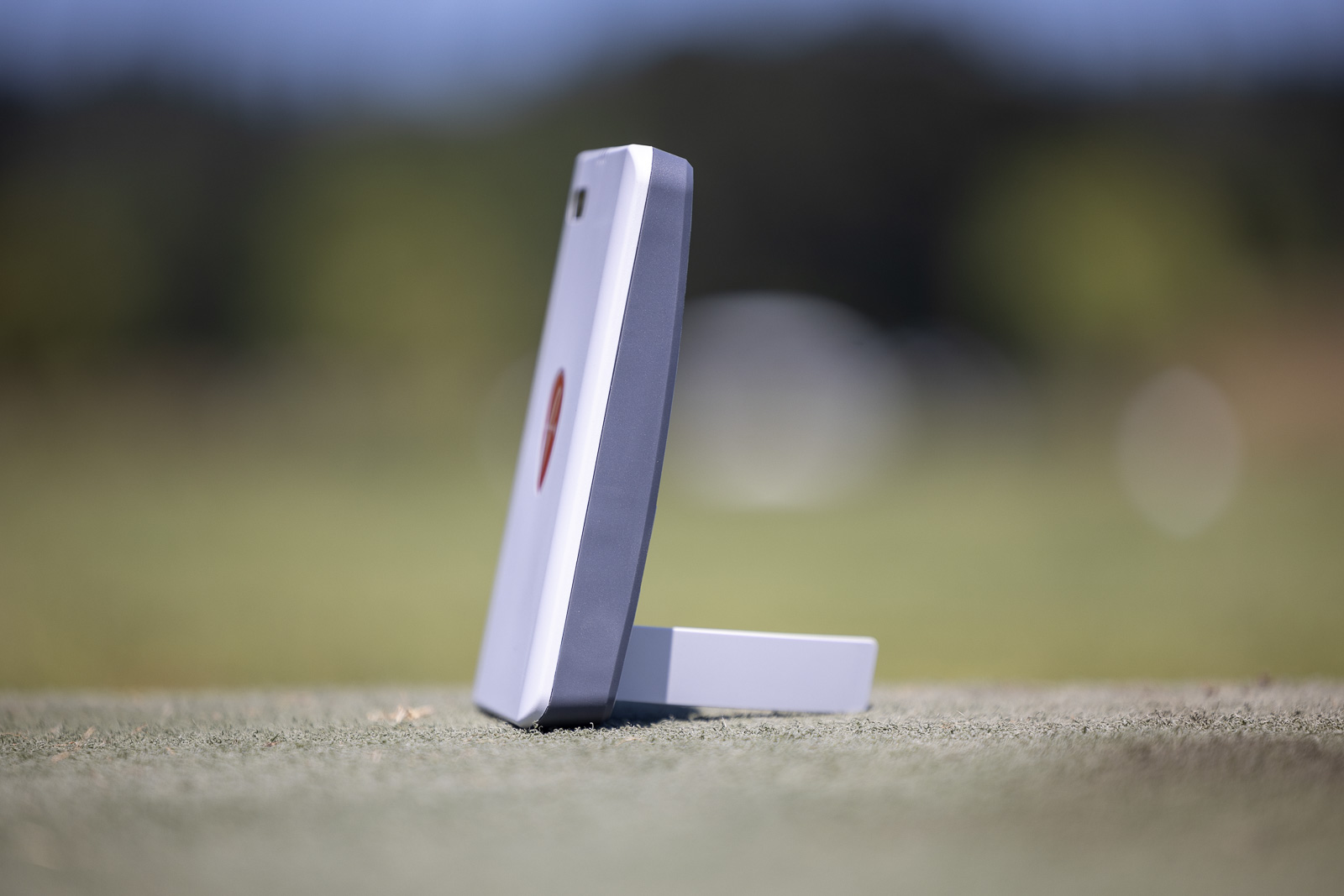
The app makes it easy to see in real time exactly where the unit stands in this regard.
The problem with dialing this in comes down to the stand design.
It basically flicks out from a recessed position in the unit itself. It looks sleek and is great for storage, but if you’re trying to set up the unit on anything less than perfectly level ground, getting the Tilt and Roll to fall in line can be tricky.
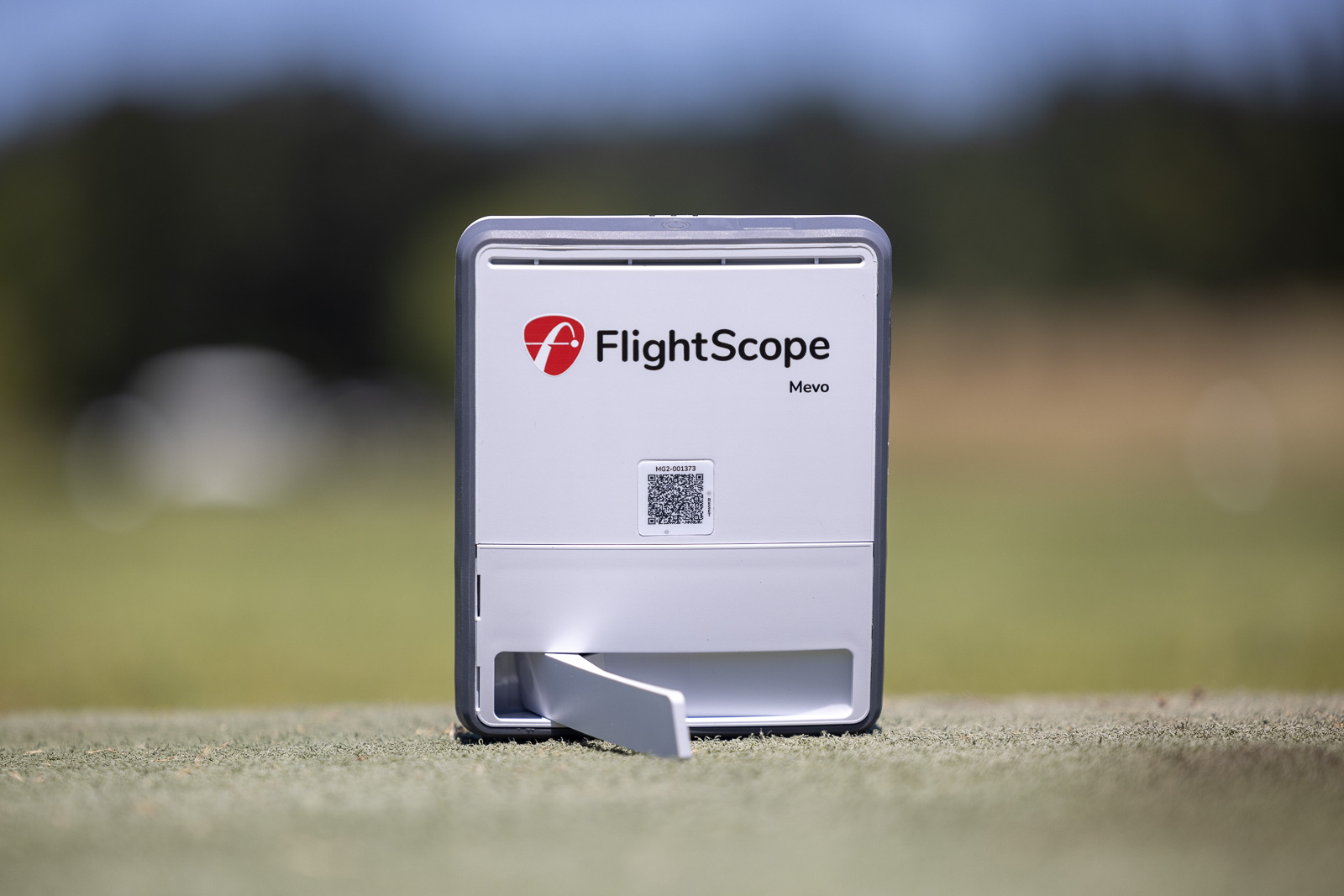
The Mevo Plus gave you the ability to put the stand further in or out to help with this, but with the Gen 2, you pretty much only have two options: open or closed.
This is a non-issue inside or on flat ground, but at Pumpkin Ridge, where neither of our ranges are the most launch monitor-friendly, it can be a bit trickier.
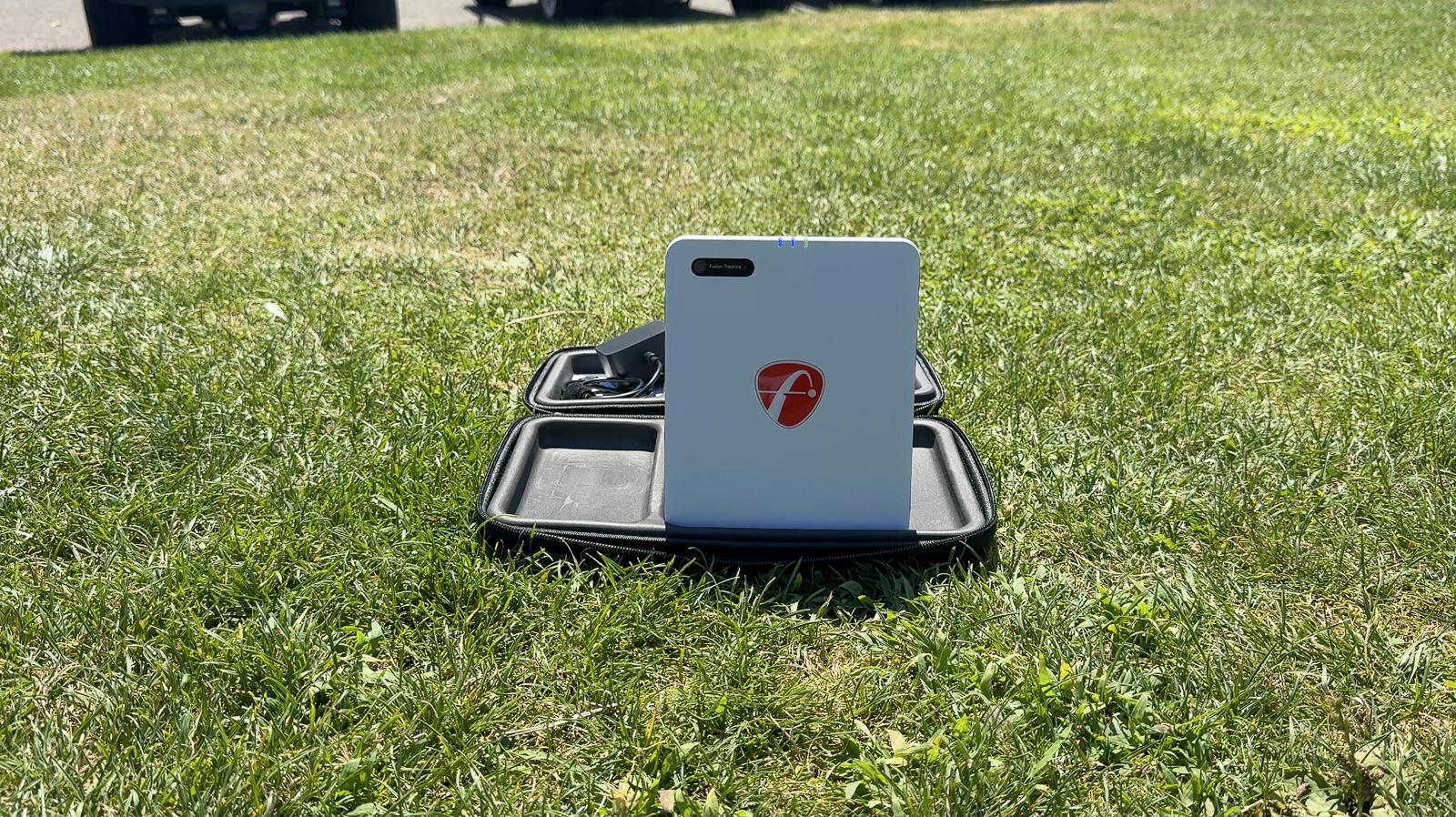
I’ve found putting it in the included case can help, but it still takes a little finagling to get it exactly right.
A Huge Connectivity Upgrade
Despite the cumbersome stand, FlightScope has recently rolled out a major update to the Mevo Plus, which carried over to the new Gen 2 in the form of network sharing.
Previously, if you were on an iPad that didn’t have cellular data, you couldn’t be connected to the internet and your Mevo Plus at the same time.
A new update has changed this. It’s made connectivity much easier and fixes one of my major complaints about the Mevo Plus.
The Gen 2 has this out of the box.
As it’s always been, you can directly connect to the WiFi signal it outputs and access the device that way.
Or now, if you need internet on your device as well, you can go through the sharing process which takes about 90 seconds and is very simple to do.
It’s not the absolute best/easiest connectivity experience I’ve had with a launch monitor (that probably goes to the SkyTrak+), but it’s a big upgrade and one I’m happy to see.
Setup Gets a Solid “B”
All that factored in, I give the Mevo Gen 2 a solid B when it comes to the setup process.
The stand can still make it a little cumbersome outside, but the extra connectivity flexibility and huge amount of customization the app provides makes for the best setup experience I’ve had with a FlightScope product yet.
Is it Basically Just a New Mevo Plus?” In Many Ways, Yes.
I could honestly finish this review right now by simply saying one more thing:
The Mevo Gen 2 is essentially the exact same as a Mevo Plus. Features, user-experience, accuracy, it all feels exactly the same.
What’s different is the body design, an improved battery life, a slightly larger radar for better tracking, and the new USB-C connection.
And now that you can add the Pro Package and Face Impact Location to the Gen 2, you’re getting the complete package for hundreds less than the old Mevo Plus used to cost.
That said, understanding exactly where this fits in the market and whether you should buy it over other options may still be tricky for a lot of people.
So first, let me touch on performance and user experience a bit, and then we’ll look at how this stacks up against other products to help you figure out if you should buy it.
The Mevo Gen 2 is the updated version of our longtime favorite Mevo Plus. Now that it provides the ability to upgrade to Pro Package and Impact Detection? It's an easy choice for our favorite overall.
Use Code BREAKINGEIGHTYPLUS to save 5%.
What’s It Like Using the Mevo Gen 2?
Seriously, when I’m using this, it feels absolutely no different than using a Mevo Plus.
It takes the same amount of space, 8 feet behind the ball and 8 feet in front of it, and it uses the exact same software.
Where things initially differed when the Mevo Gen 2 was first released was that you weren’t able to get the Pro Package or Impact Detection on the Gen 2. So at that point, there was no available club data – just ball data.
That’s now completely changed. Like I said, we’ve suddenly got what’s basically a new and improved Mevo Plus but for less money than it used to cost. Not bad.
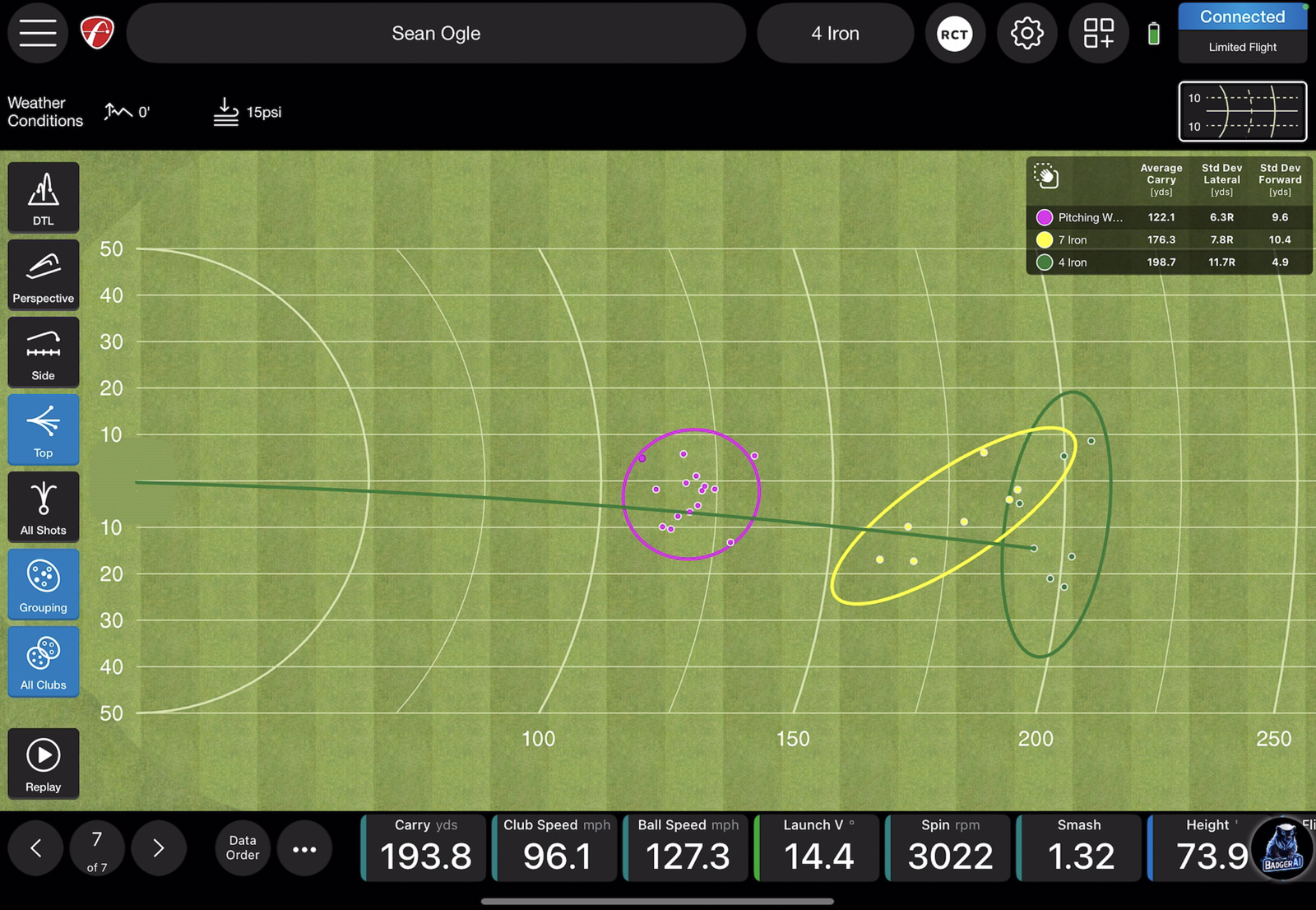
And just like with the Mevo Plus, you’re able to get a real-time shot tracer (that works surprisingly well), you’re able to set data margins, view your shots and data any way you could possibly want, and connect it to any number of third-party simulator options with no subscription fee.
The Mevo Gen 2 Outdoors
Once I got through the setup process, using the Mevo Gen 2 outdoors works really well.
Because it’s a Doppler device that is actually tracking the ball, you’re going to get more accurate numbers than you will with an optical unit outside.
The unit feels very accurate for all clubs from driver to wedges, but I haven’t done any real in-depth testing on accuracy yet.
I did have one minor connectivity issue in that every 5 or 6 shots, the Gen 2 would go from “Ready” to “Connected” in the app.
When it’s just “Connected,” it won’t register shots.
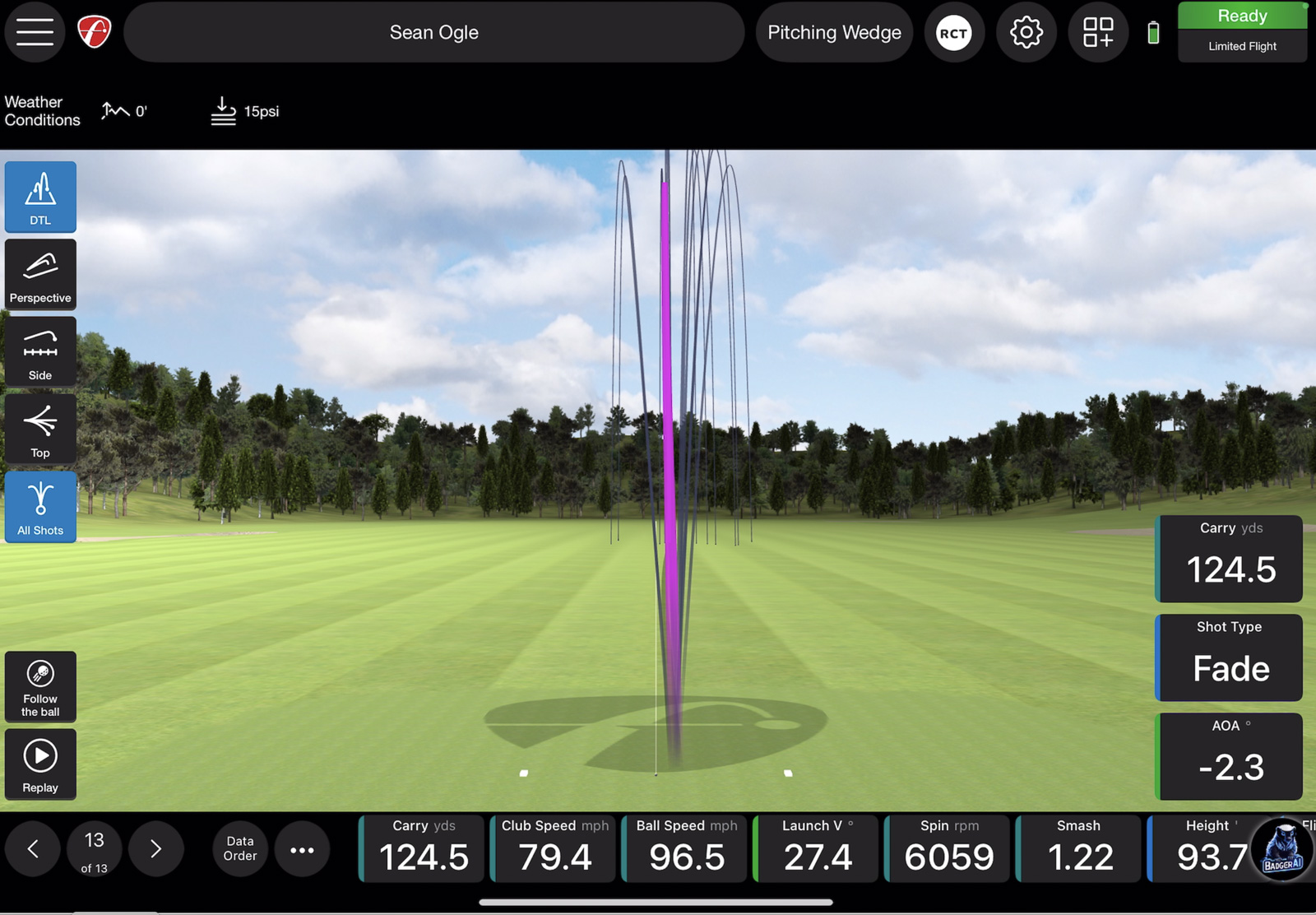
All I had to do to fix it was tap that part of the screen, and it would go back to Ready, but it was still a minor annoyance.
The other issue I had wasn’t so much a function of the Mevo itself, but rather just conditions. I had my iPad and iPhone out during my first day testing. It was over 90 degrees and bright sunshine, and both of my mobile devices overheated, causing me to have to wait a few minutes to let them cool down.
This is the downside to not having a built-in screen, like in say, the Full Swing Kit.
However, it’s also where the FlightScope has a massive benefit in that it’s compatible with an Apple Watch.
Short of having an iPad on a stand, the Apple Watch is the best way to use a FlightScope device. You can customize how you want to see the data on your wrist and get all your numbers after every shot. I’m not sure why more brands don’t do this, but it’s fantastic.
Using the Gen 2 Indoors
I also had a session using the Mevo Gen 2 indoors against a Trackman. I didn’t record all the data, but overall, I was pleased with how it held up against a product nearly 25x the cost.
Roughly 7 out of 10 shots were within 1-2 yards of the Trackman, with spin numbers less than 200 RPMs off.
The other 2-3 shots would be a little bit wilder in variance. Going up to 5-7 yards difference with the driver, and spin numbers that could be up to about 3,000 rpms different.
So the accuracy wasn’t dead on, but given the price difference, it fared better than I expected it to.
I ran into the same connectivity issue I mentioned above indoors as well, but my guess is this is a minor bug that can be fixed in an upcoming update – so not something I’m too concerned about.
Putting and Chipping
Testing putting and chipping indoors, I was overall really pleased.
I didn’t have any issues with it recognizing chips, which I’ve heard some people complain about with the Mevo Plus.
With putts, the only issues I had were really short putts that were like 3 feet or less. Occasionally, it had trouble recognizing those – but outside of that, putting felt pretty dead on.
Considering Doppler units tend to struggle with this vs. optical units, I was happy to see this.
Using the Mevo Gen 2 as a Simulator
I haven’t had a chance to test the Mevo Gen 2 simulator capabilities.
It does come with a free mobile license to e6, which includes 8 courses:
- Kiawah Ocean Course
- Torrey Pines South Course
- Kapalua Golf Club Plantation Course
- Valderrama Golf Club
- Sea Island Seaside Course
- Pelican Hill Golf Club
- Chateau Whistler Golf Club
- Latrobe Country Club
It’s not quite as good as the Mevo Plus package, which has 12 courses, including Pebble Beach and The Old Course, but it is still a nice inclusion to see.
I’ll update this review when I get a chance to test, but I’ve used e6 with a lot of different launch monitors, and I don’t expect the experience here to be any different.
One of the big benefits of the Mevo Gen 2 is how many other 3rd party simulator options it’s compatible with. GSPro, Golf Club 2019, Awesome Golf, the Stack System – the list goes on.
This provides a ton of technology regardless of which software you prefer.
No Subscription Fees are Huge
One thing I have to continue to applaud FlightScope for is their lack of a subscription for their primary products.
You get full access to the software and device without having to pay an annual subscription fee.
This is especially rare when it comes to 3rd party access. Most other launch monitor companies will charge a subscription that’s anywhere from $99 to $499 a year just for the ability to connect something like GSPro, which also has it’s own $250 fee.
Professional Experience at a Consumer Price
I think the biggest thing that stands out to me about this unit is you get the same software experience as as the $15,000 X3c in a product that you can get for $1,299.
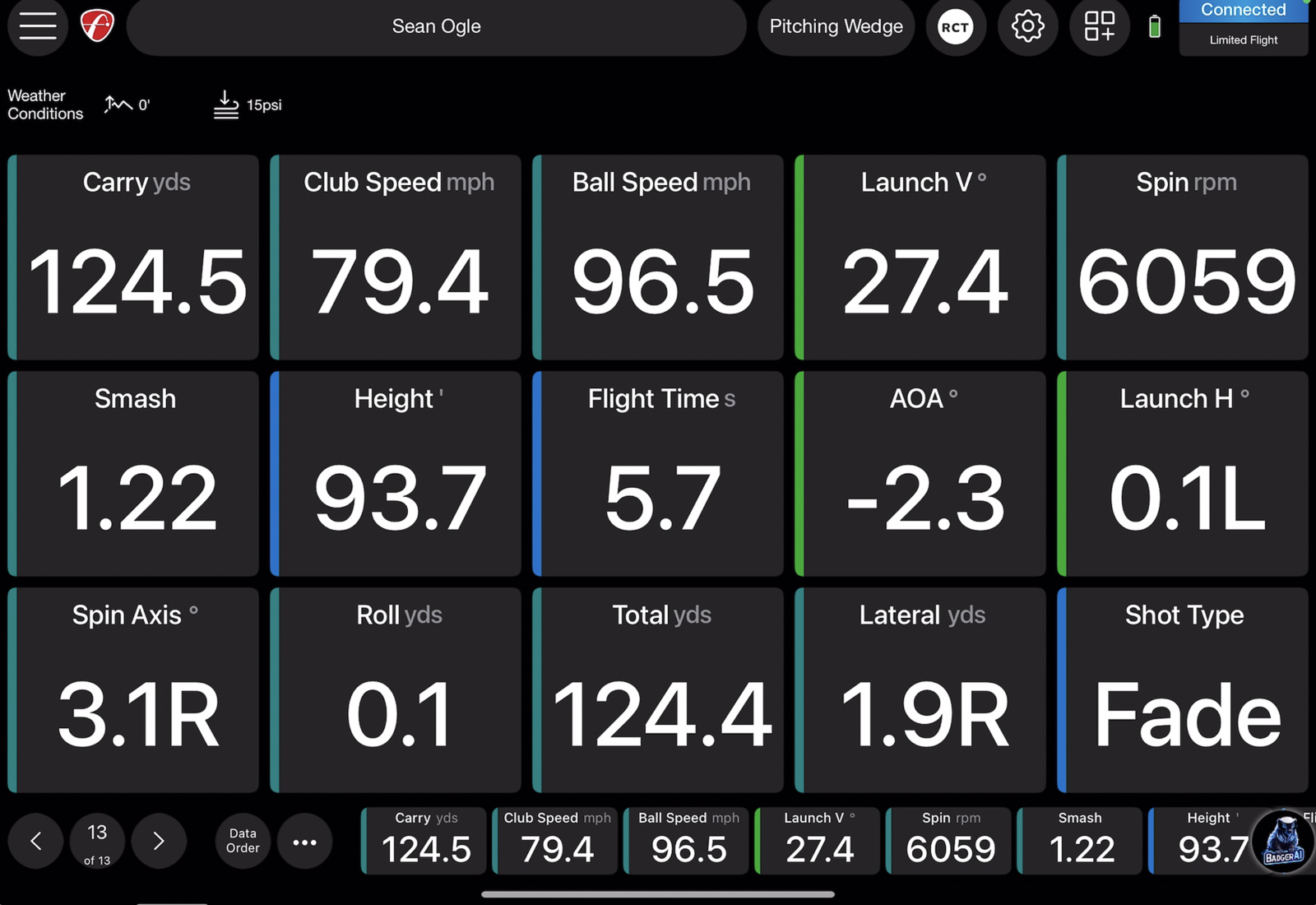
All of the other consumer-level launch monitors have software that feels consumer-level.
Even though aspects of the FS Golf app do feel slightly dated, the ease of which you can customize your data, views, and overall experience is second to none.
So if you’re serious about using your launch monitor as a practice tool and getting into the numbers, I think this is absolutely the best device in this price range.
Mevo Plus vs. Mevo Gen 2: Which Should You Buy in 2026?
Up until Summer of 2026, this was a legitimately tough decision.
The Mevo Gen 2 was out, and FlightScope was still selling through the last of their stock of the Mevo
Plus.
As it sits right now in the Summer of 2026? FlightScope is no longer selling the Mevo Plus on their site.
You can still find some units through 3rd party retailers, however.
That said, considering the Mevo Plus has effectively reached the end of it’s life, I’d opt for the Mevo Gen 2 to ensure you’re getting the best features and performance in the future.
To be clear, I do not expect them to abandon support for the Mevo Plus at all. If you have one, I wouldn’t be concerned.
But if you’re buying a new unit now? I’d spend what is probably only $200ish more to get the latest FlightScope model
So Should You Buy a FlightScope Mevo Gen 2?
This is an excellent product from FlightScope, and it’s only gotten better since it first launched.
Right now, you can use the code BREAKINGEIGHTYPLUS to get the Mevo Gen 2 for $1,234, or 5% off its MSRP of $1,299.
If you want to add the Pro Package, that’s currently $599 (normal retail $1,000). Face Impact Location is $299 (retail $499). Or you can get both together in a bundle for $850 (regular retail $1,499). Add the Breaking Eighty code, and that package price drops to $807.50.
So all-in, you’re looking at $2,041 for the complete package with Pro Package and Face Impact Location.
That’s incredible when you consider the Mevo Plus used to retail for $2,299 on its own.
You’re getting a better unit with all the professional-level data for less money than the old flagship cost without any upgrades.
So should you buy this?
If you’re looking for a versatile launch monitor that you can use both indoors and outdoors, have the space required for it (16 feet total), and don’t want to pay for a subscription, then I think there’s a serious case to make for buying this.
The ability to start with just ball data and add Pro Package down the line when you’re ready means you’re not forced into a big upfront investment if you’re not there yet.
But if you want something that will only be for indoor use and you’re working with tight space constraints, then there are other options that will likely be a better fit.
Specifically, the Square Omni is one I’d take a look at. Here’s a Square vs. FlightScope comparison I put together.
That said, I think the Mevo Gen 2 represents the best overall value in launch monitors right now. You get professional-level software, excellent accuracy, no subscription fees, and the flexibility to grow into advanced club data when you’re ready.
I’d say FlightScope nailed it again.
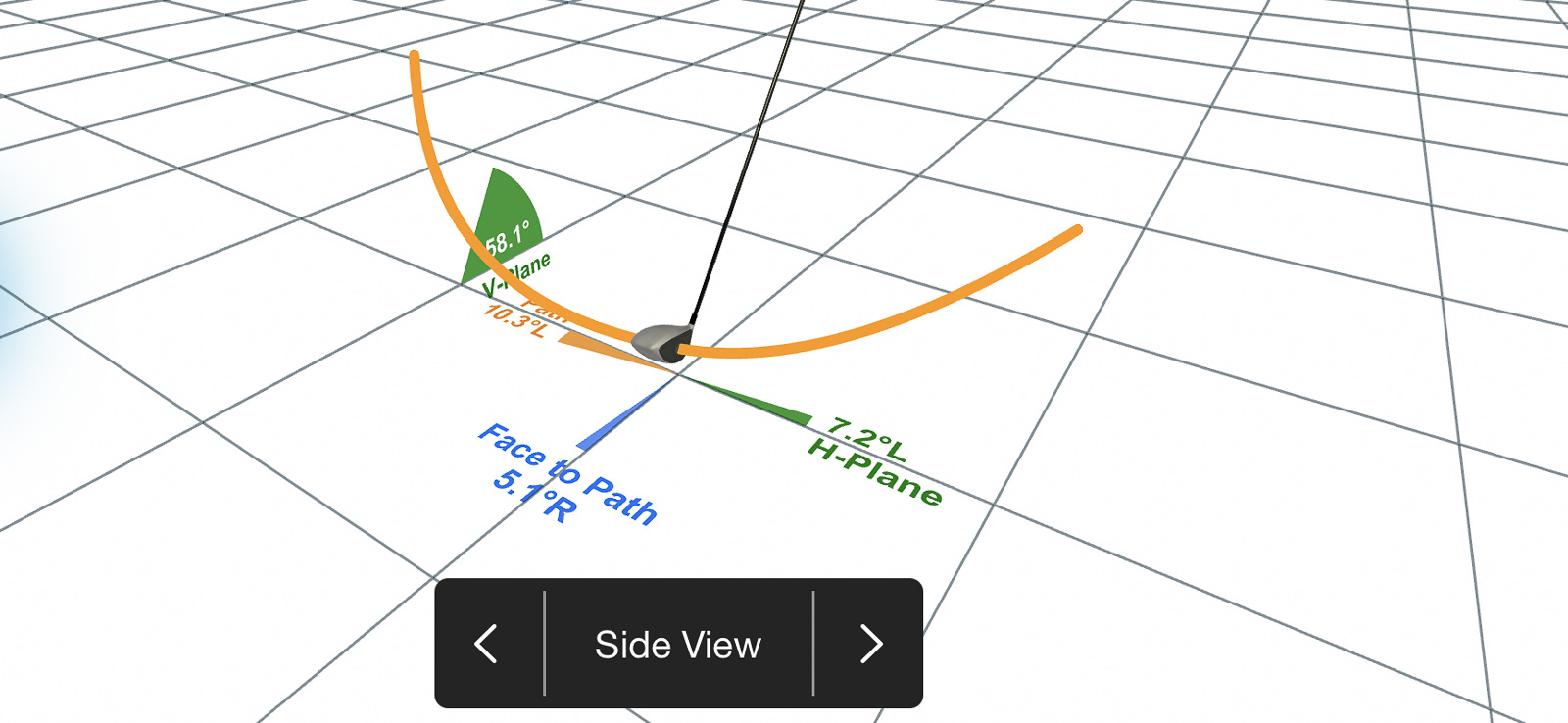
Get the FlightScope Pro Package and Impact Detection Bundle for nearly 50% off MSRP and unlciok the full D-Plane suite of metrics.
Use code BREAKINGEIGHTYPLUS to save 5%.
Recent Updates
July 23rd, 2026: Updated to revise buying opinion of the older FlightScope Mevo Plus. Also added a link to a comparison to the Square Omni. Changed review headline.
February 2nd, 2026: Major review update to reflect all of the pricing changes across the Mevo line. Several sections overhauled or replaced entirely so that all facts and insights align with current information.
December 27th, 2025: Added a small update at the end of the post to reflect the fact you can now purchase the Pro Package and Face Impact Location package for the Mevo Gen 2. I also added links to my review of these bonus packages as well as some new direct links to these add ons.
An additional section was also added to reflect the updated pricing to the Gen 2 and Mevo Plus.
This page contains affiliate links. This means that if you click a link and buy one of the products on this page, we may receive a commission (at no extra cost to you!) This doesn’t affect our opinions or our reviews. Everything we do is to benefit you as the reader, so all of our reviews are as honest and unbiased as possible.
It's a base Mevo Plus for a fraction of the price.
Despite having a few annoyances around the setup and the stand, the FlightScope Mevo Gen 2 is the most professional feeling launch monitor in the $1k price range. It represents an excellent value, and should only continue to get better as time goes on.
The Good
- Very accurate for the price
- No subscription fees
- Professional level software
- Lots of 3rd party simulator connectivity options
The Bad
- Stand design can make setup tricky
- No option for club data
- App feels a little dated at times
-
Presentation
-
Performance
-
Quality and Features
-
Price
-
Personal Affinity

5 Comments
For someone that only wants club and ball tracking for the range/backyard with no need for any actual simulator, do you still recommend the Mevo Gen 2 over the MLMPro 2?
If you’re not planning to use any simulator, then for me, the case for the Mevo Gen 2 is even better. I think the software feels much more professional and customizable vs the Rapsodo. BUT, you said club data, and as of now the FS doesnt provide any club path data whereas the Rapsodo does. So take that for what it’s worth.
Gen 2 has no club face data. Only Angle of Attack. It won’t tell you face angles, lofts, impact location etc
Watched the video and loved your review, Sean. Thanks for the details! I also enjoyed your video breaking down your top ten list.
These from-behind doppler units are necessary for me, because I’m a lefty who wants to be able to play seamlessly with my right-handed friends and family. I assume the set beside units wouldn’t work for me. If I only plan to use it indoors, would that sway you to the Rapsodo? Thanks for all you do.
I wished they could have just copied Voice Caddie’s SC4Pro and put a little screen on so we can look at the basic numbers, because this thing is basically the same thing without the little display.
I don’t need all those courses, so I wished the machine could have been more like the SC4Pro and had a lower price point without the game bits or the stickers, because clearly Flightscope is targeting indoor people which is a mistake, and I am not an indoor dude, UNLESS the machine is more like the GCQuad where I can get accurate face data indoors