

Seven hundred and ninety-nine dollars.
That price makes the Mileseey GenePro S1 the most expensive rangefinder I have ever tested.
So from the moment I pulled it out of the case, the same questions kept hitting me: How could this thing possibly be worth this much money? And is it actually worth that much?
If you’re interested in a truly high-end rangefinder and maybe curious about how far the extra spend can get you, I think you’ll like this review. Let me walk you through what I found in the GenePro S1.
Where Mileseey Came From
If you’d asked most golfers about Mileseey a couple years ago, you’d have gotten blank stares. They kind of came out of nowhere.
Now Mileseey is arguably making the loudest noise in the whole rangefinder and GPS space, and a lot of that traces back to the GenePro G1 rangefinder, which released a little over a year ago. It’s a smart laser with a built-in screen, GPS yardages, and pretty much every feature they could think of.
So it’s the G1 that at least some people know about. But it’s the S1 that actually sits at the top of the Mileseey lineup.
And that’s where my skepticism kicked in. The G1 was already pricey. And in my review, I already questioned whether its features were overkill.
Well, the S1 is $300 more than that. So, naturally, I wanted to know what that extra $300 gets you.
The short version is that some of it is real, and some of it I’m not sure most people will ever use.
Let’s get to it.
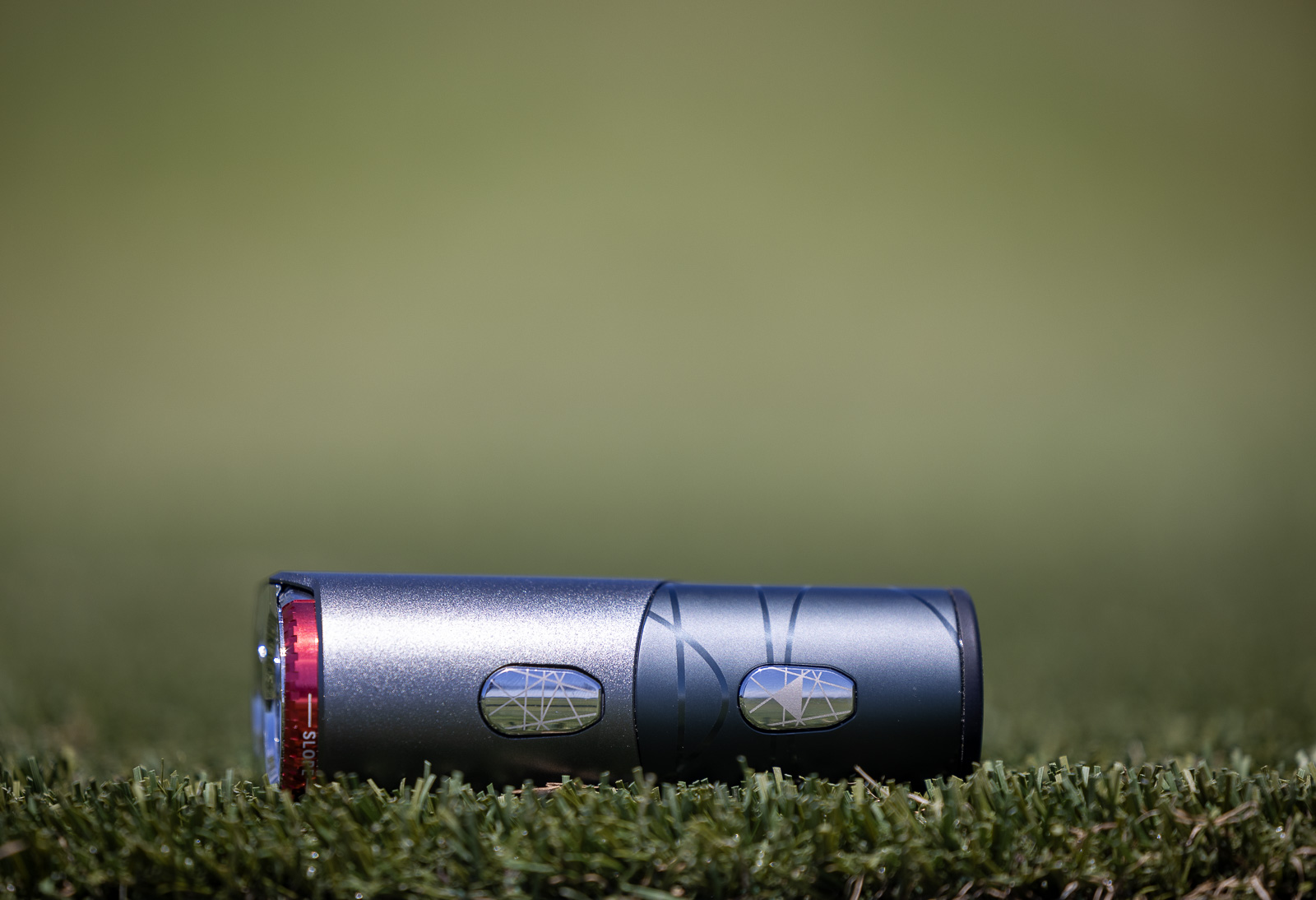
Probably the best optics I've ever looked through, wrapped in a premium build with a stack of features you won't find on any other rangefinder. At $799 it's the most expensive rangefinder I've tested, so it isn't for everyone. But if it fits your budget, you'll love it.
Use code BREAKINGEIGHTY to save 10%.
The Mileseey GenePro S1 Optics are Phenomenal
I’ll start with the thing that won me over the fastest.
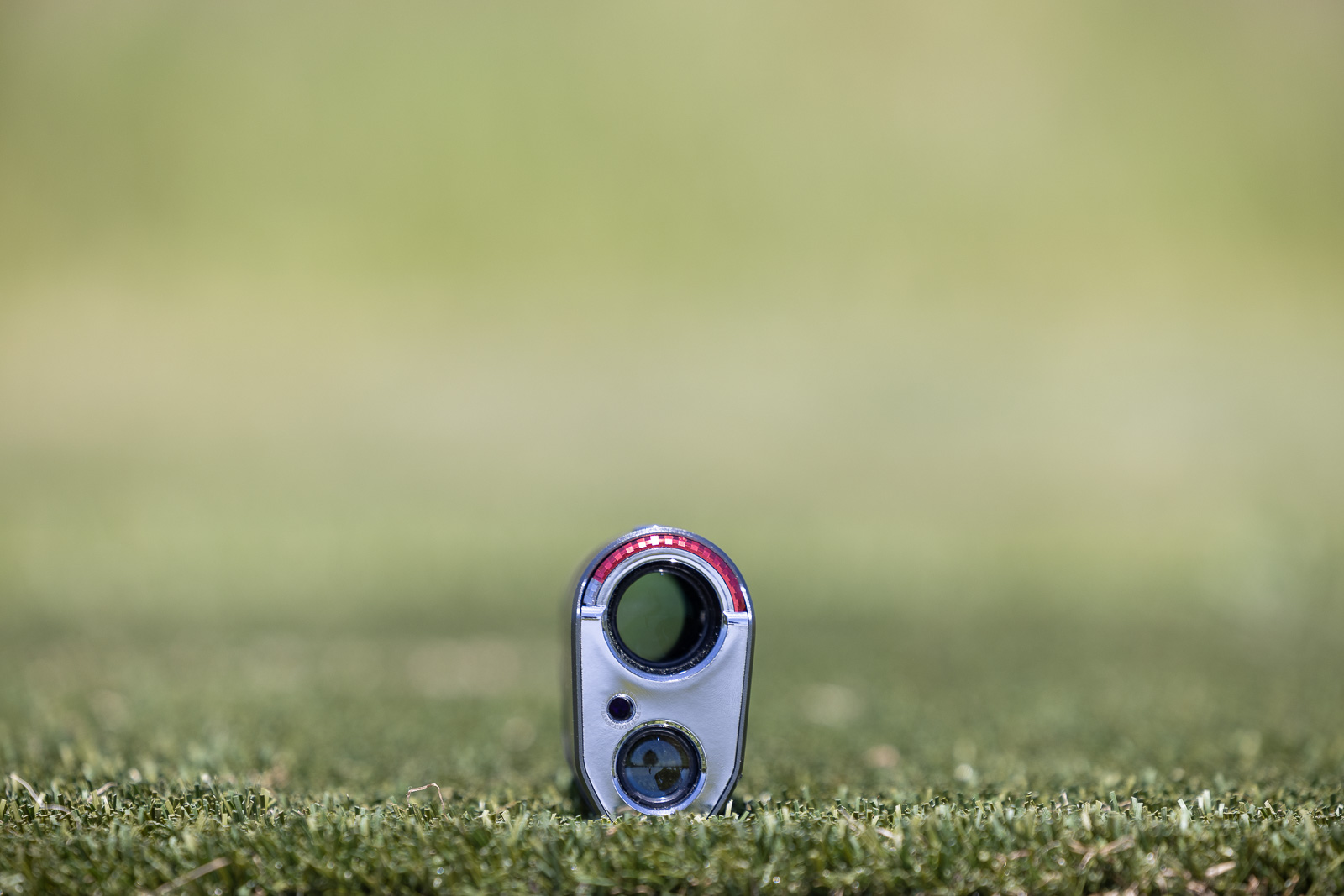
The first time you put your eye to the S1 viewfinder, you get it. These are probably the clearest, best optics I have ever seen in a rangefinder. You’re getting 7.5x magnification and a 7.9-degree field of view, and it looks truly outstanding.
If you’ve read any of my rangefinder reviews, you know I love 7x magnification and find it to be a true separator in this product class. Most rangefinders give you 6x. And only a handful of pricier ones like the Bushnell Pro X3 and Cobalt Q6 bump up to 7x.
So to get not just 7x but 7.5x in the GenePro S1 is incredible. And it looks it. Everything is perfectly crisp and clear.
And the display backs it up. There’s a built-in OLED that lets you choose between black and red optics, and both look excellent. I love that you get the choice. Plenty of devices these days lock you into red or black only, but the S1 lets you auto-switch between the two, which is just a really nice flexibility.
The GenePro S1 also features light transmission above 90% (Mileseey lists it at 95%), which is as good as or better than anything on the market.
But specs only matter to a certain point. The real test is how it feels in your hands and how it performs out on the course. So let’s get into that.
First Impressions: Premium Build but Not the Best Grip
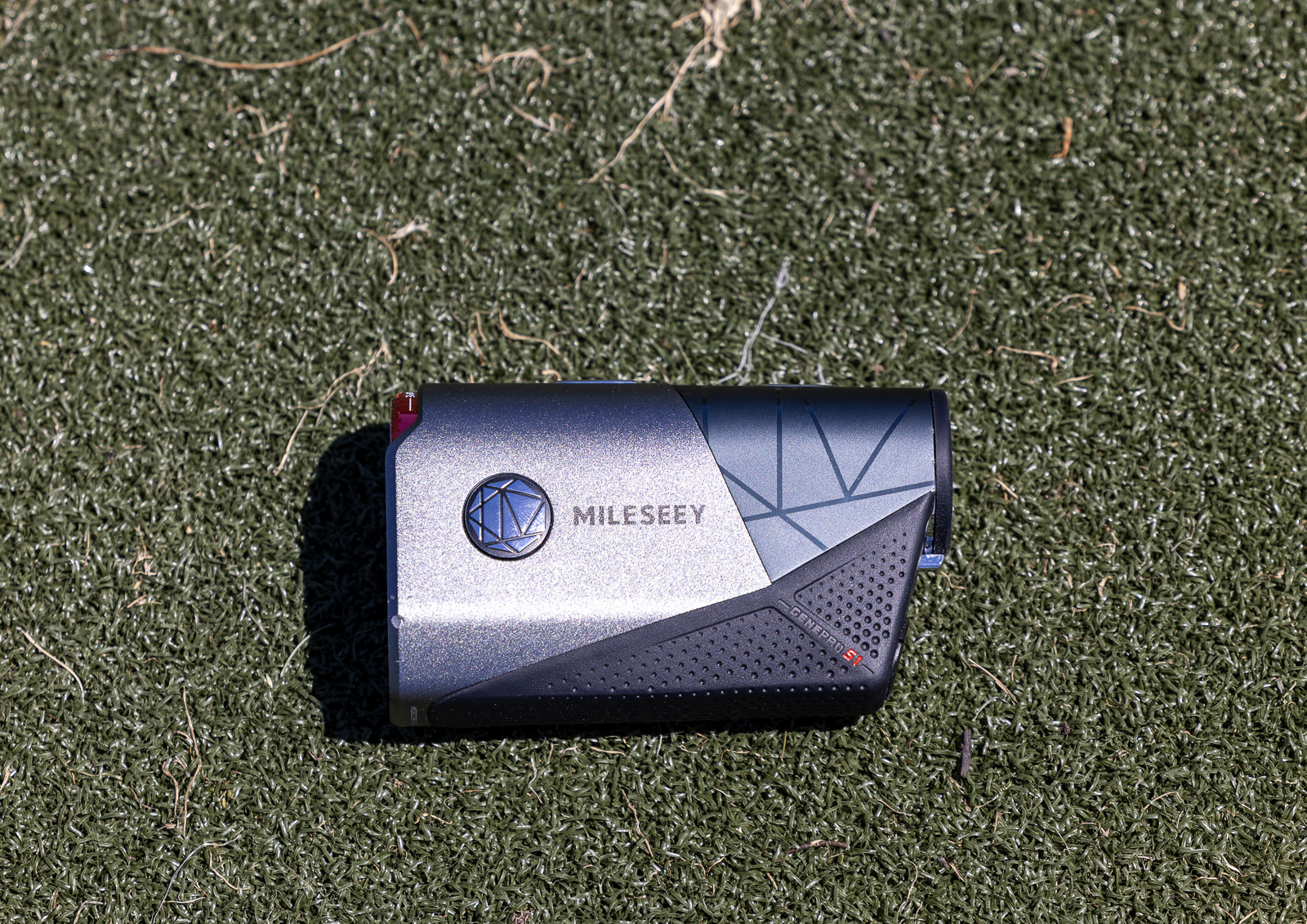
As soon as you hold the Milseey GenePro S1, you feel the quality. There’s a heft to it that suggests a lot of technology packed inside.
Packaging-wise, I’d say it’s fine but nothing over the top. You get the instruction booklets, a microfiber cloth, and a carrying case.
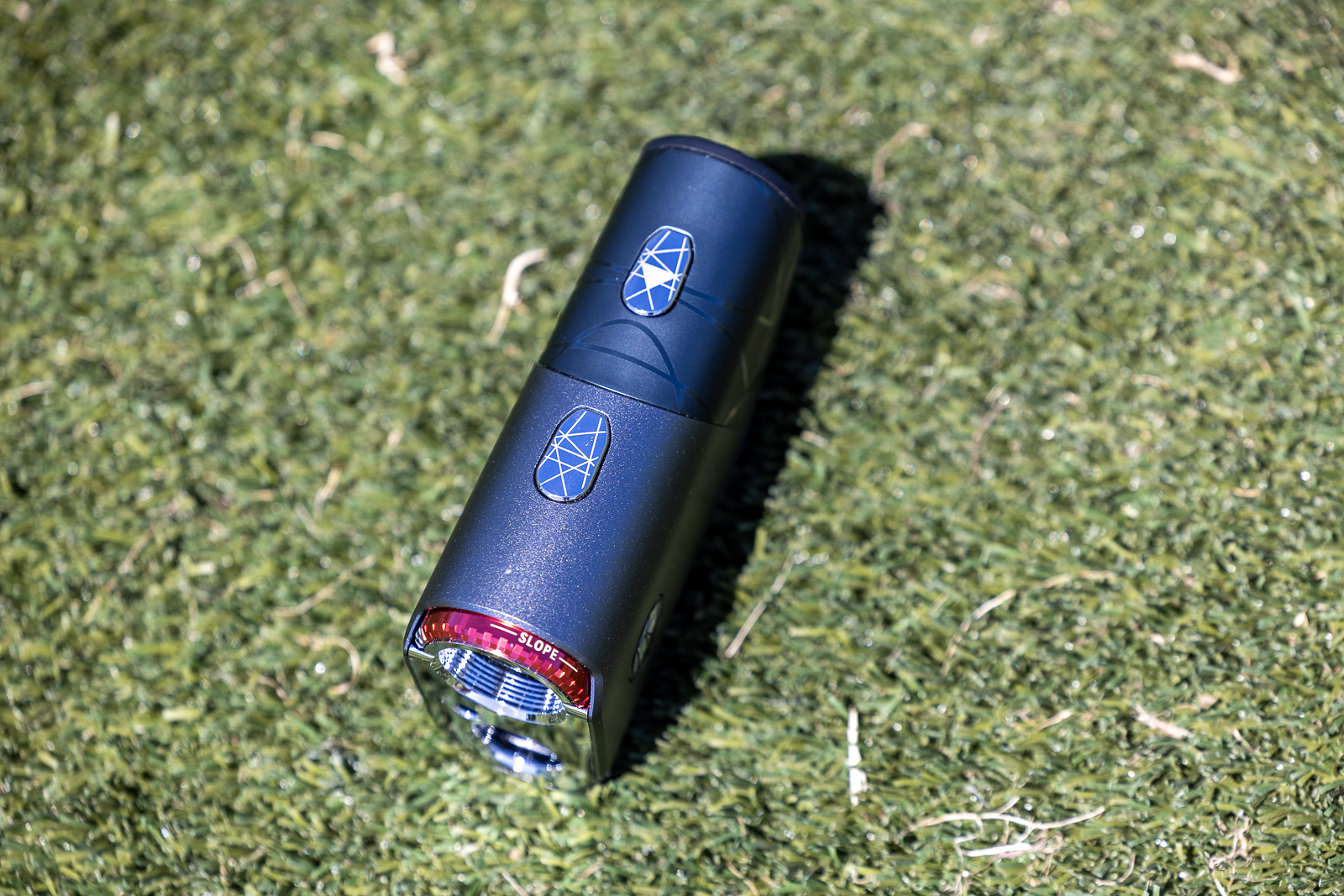
There are some obvious G1 similarities right away. The slope switch runs across the top front part of the rangefinder, just like on the G1, which I really like. It makes switching between on and off very simple.
The two buttons on the top of the rangefinder also look similar to on the G1, but they feel better or a little more high-quality on this S1. On the G1, the buttons just don’t have much give. Here, they feel more solid and more satisfying when you hit the range button.
The build is mostly aluminum with a bit of rubber around the bottom, and it reminds me a lot of the Titan series from Precision Pro. Durable and robust with that same all-metal vibe. The rubber along the base adds a little grip.
Now, I will say that the way you hold the S1, there isn’t much grip up top or along the sides. So like on a hot day with sweaty hands, this thing slips out of your hand more easily than most rangefinders I’ve used.
In fact, I dropped the S1 within the first 20 minutes of using it for the first time. It slipped out of my hand, landed on the cart path, and chipped the corner. The damage was purely cosmetic, and it still works perfectly. Still, you don’t want your $800 rangefinder getting dinged up that fast. Compared to something like the Pro X3, I just find the S1 to be a touch more slippery, so take that for what it’s worth.
The GenePro S1’s Smart “AI” Features
The big marketing hook on this thing is AI. It launched a couple of years back, before the AI craze kind of took over the entire world. So when I first got it, I wasn’t even sure how it used AI.
Turns out it’s different from what I expected.
When you flip AI mode on, it adjusts the device based on your environment. So in bright sun, it might switch the display from red to black on its own. Or if it’s cloudy, it can kick on fog mode automatically. It’s reading the conditions and tuning the experience so your numbers stay accurate and easy to see.
There’s also a lot of sensors in here you won’t find on most rangefinders. It measures altitude, temperature, and humidity to give you the most accurate plays-like distance possible. Very few rangefinders do this. The Bushnell Pro X3 line is the main one that comes to mind. With most other units, you’d have to pair them with an app to get that data.
The one thing the S1 doesn’t account for is wind. But in fairness, I don’t know of a single rangefinder that handles wind well without an app, so I won’t hold that against it.
One thing that’s kind of funny to note. When this first launched, Mileseey was all about the AI branding. But if you look on their sales page now, you barely see it mentioned. My guess is the confusion around what the AI actually does pushed them to dial it back.
Whatever they call it, in practice it’s taking the conditions around you and adjusting both the readings and the display to keep things accurate and legible.
The One Feature I Couldn’t Test
The S1 has a fog and rain mode, and I tried hard to put it to the test. Unfortunately, even living in the Northwest, in two weeks of hoping for a properly foggy or rainy day, I never got one.
The only other rangefinder I’ve used with a fog mode was an old Leupold, and honestly, the fog mode on that one didn’t work very well for me.
Anyway, I can’t personally confirm how well the S1 pulls it off.
What I can tell you is a bit of the origin story. This filtering tech was originally built for Mileseey’s tools line. The kind of gear you’d use on a big, hazy, dusty construction side. It was designed to cut through all that haze and dust and dirt and still give you an accurate number. So there’s a pretty good lineage here.
Mileseey also rates the S1 at IP65 for rain and dust, for what it’s worth.
Once I get a properly foggy day, I’ll update this review with how the fog mode performs.
Navigation Isn’t the Smoothest
This is the flip side of all those display options. The menu system inside the S1 is a pain to navigate.
When you dig into the settings, you can scroll through and toggle the AI on and off, switch meters to yards, adjust brightness, turn fog mode on, and a bunch of other things.
The problem is the device doesn’t clearly tell you what any of those settings are. Unless you already recognize the obscure little icon, or you’ve sat down with the instruction manual, figuring out how to change anything is confusing and slow until you really know the device.
Don’t get me wrong. It’s great to have all of these options. But they’re just not that friendly to get to.
More GenePro S1 Niche Features
A couple more things set the S1 apart. And they run the range from useful to a little bit head-scratching.
First, there’s a built-in magnet, and it caught me off guard. For the first two rounds I didn’t think it had one at all. Turns out the magnet runs along the bottom of the rangefinder, rather than one of the sides as is more common. And it’s definitely a very strong magnet. I’m glad it’s there even if it took me awhile to find it.
Then there’s a cart path mode, which Mileseey calls Coach mode. It’s what’s otherwise known as triangulation and it’s a fairly rare feature in rangefinders. It’s also very handy, especially if you tend to play in cart-path-only conditions.
From any spot, you can get the distance between your ball and the flag. Shoot the ball, then shoot the flag, and it gives you the distance between the two points. That saves you from having to haul four clubs across the fairway or walking back and forth.
And then there’s PinPoint Green, which I’m on the fence about. You step onto the green, hit one button, and it flips into PinPoint Green mode. Shoot the flag and it tells you the exact distance to the hole in feet and inches, plus how many degrees of break. In theory, it’s a tool for more precise green reading.
In practice, I felt like an idiot standing on the green with a rangefinder up to my eye for a 12-foot putt. It’s cool tech, but I don’t see most golfers ever using it. Most people aren’t bringing a rangefinder onto the green. And I think it slows play down more than it speeds it up.
The problem is that that is one of the big upgrade features. And I just don’t see how it’s worth an extra $300 over other high-end rangefinders.
On the Course
As you’d hope for from a rangefinder that costs $800, the on-course experience with the GenePro S1 is wonderful.
The optics are great, the readings are fast and reliable, and it locks onto the flag right away with no doubt about your number… most of the time. Mileseey rates the flag lock as having a range of up to 690 yards with plus or minus a yard of accuracy.
There are a couple of quirks worth knowing about. If you do a single short press and point anywhere near the flag, it locks on almost instantly and vibrates. The issue is that it vibrates every single time you range anything.
If you’ve read any of my rangefinder reviews, you know that drives me a little nuts. I want a rangefinder to vibrate only when it knows it’s locked onto the flag.
The S1 does give you a double vibration once it’s locked. And the cleanest way to get that is scan mode. You hold the button down, scan across, and when it grabs the flag you get the double buzz.
That mostly works well, but I noticed something odd. When it double buzzes, there’s about a half-second lag before it switches from whatever was sitting behind the flag to the actual flag number. So you’ll get the double vibration, see like 205, and then a beat later it drops to 155 or whatever the real yardage is. It’s delayed just enough to give you the slightest pause and second-guessing.
Honestly, what worked best for me was skipping scan mode entirely and just pointing and shooting. This thing is so good at finding the flag that point-and-shoot felt faster. The tradeoff is you don’t get the double-vibration flag lock that way.
A little odd, and it might take some getting used to, but used the way I normally use a rangefinder, it locks on as fast as anything I’ve tested. And that gorgeous display makes the number dead easy to read.
Is It Actually Worth $800?
My hesitation comes down to one thing. Price.
Is the S1 so much better at $799 that you should buy it over a Bushnell Pro X3, which you can often grab for around $450 after coupon codes?
Or the Voice Caddie TL1 at $279?
I don’t think so. It’s just not that much better.
Are the optics in the GenePro S1 among the best I’ve ever seen? No question.
Is it perfectly reliable? Also yes.
And if the flag lock and rain mode works the way it’s supposed to, for some people that alone might tip the scale.
As for the AI mode auto-switching the display and the rest of it, it’s all nice, but I’m not convinced it’s a game changer for most golfers.
One more thing worth noting. There are now dual-color OLED displays I really like. The Blue Tees Captain Pro and the Voice Caddie TL1 are two where everything reads red and then flashes a clean green the moment you lock the flag. Those feel high-end too. They don’t give you a black display option, so if you’re colorblind or you just prefer black, the S1 has the edge there. But it’s not the only nice display option out there.
When you put it all together, the S1 is a fantastic rangefinder. No doubt about that. Display, optics, and overall performance are all great. The scan mode and that flack lock confirmation are better than most but not perfect. Hand feel is also fine but not perfect.
But it’s the price that creates the sticking point.
Alternative Options I’d Consider
You do not need to spend $800 to get a rangefinder that’s reliable, accurate, loaded with features, and really nice to use.
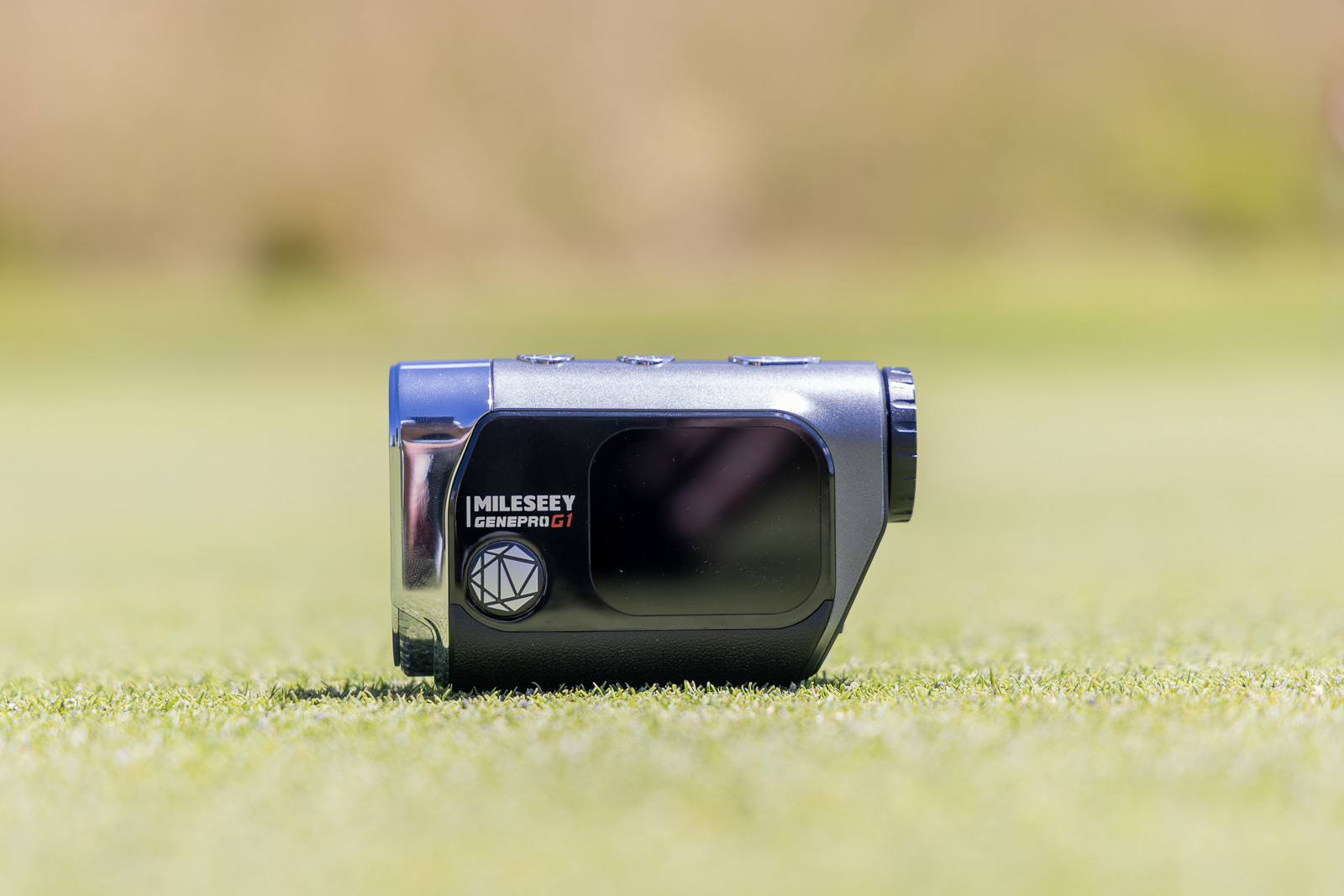
The S1’s baby brother the GenePro G1 has an excellent laser, plus a bunch of smart features for over $300 less.
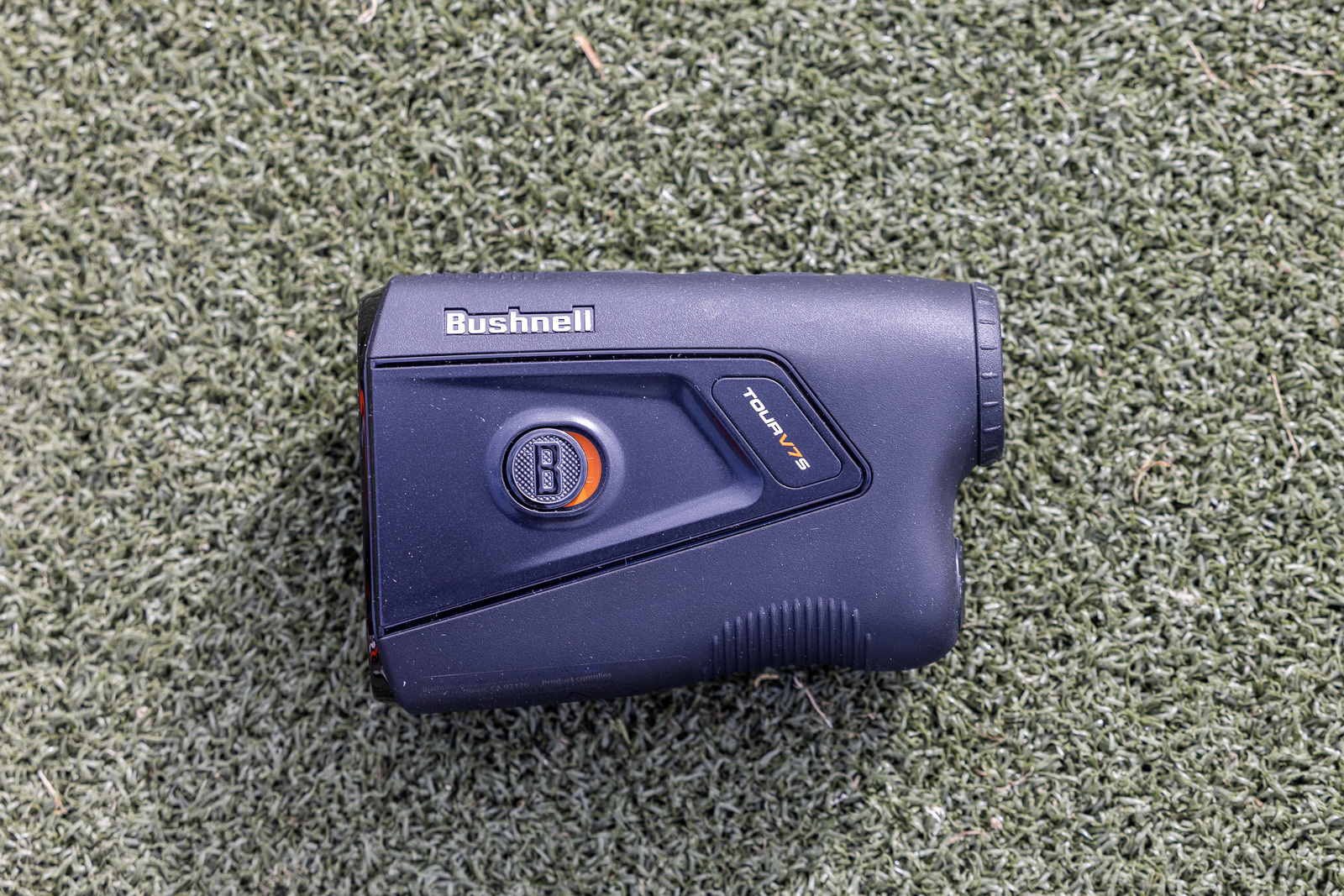
The Tour V7 Shift and Pro X3 with LINK from Bushnell are both killer options.
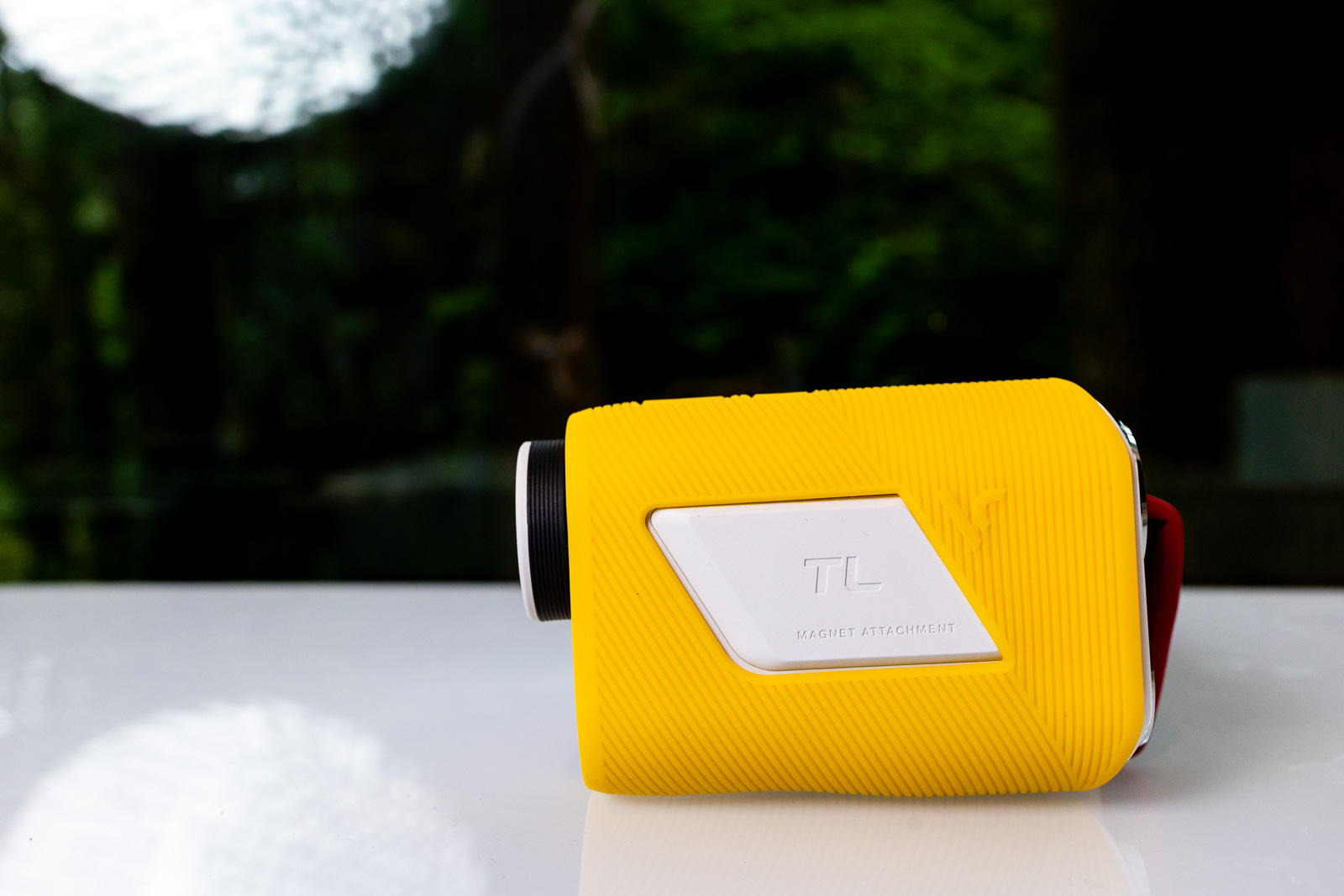
The Voice Caddie TL1 is excellent, and has been my number one most recommended rangefinder for years.
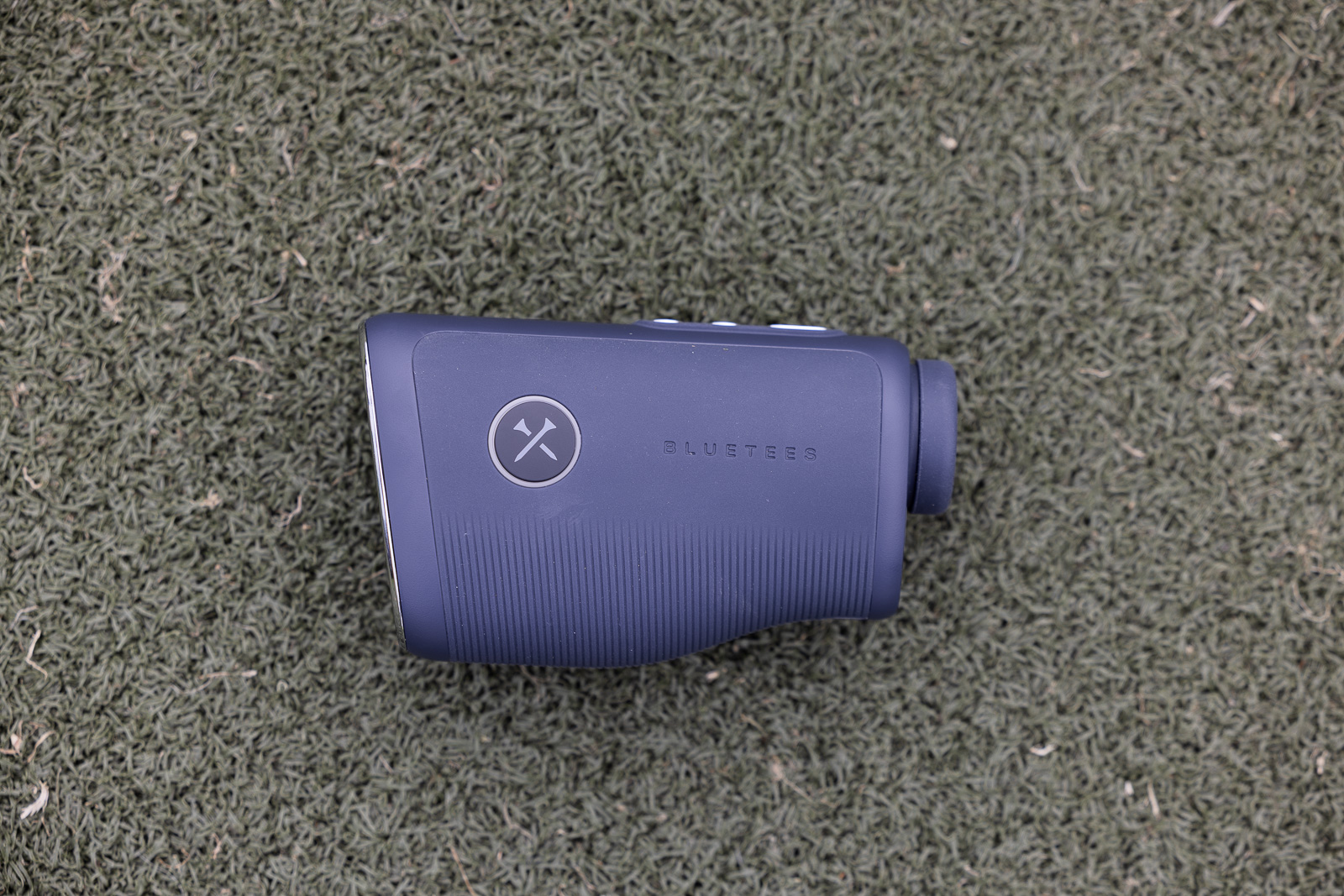
The Blue Tees Captain Pro is surprisingly capable and feature-rich for around $270 after our Blue Tees coupon code.
For most people, 800 bucks for a rangefinder just isn’t necessary.
That said, Mileseey has been marketing aggressively and pushing hard into the American market, with a whole slate of products on the way.
My hope is that the price on this S1 starts to come down. If you get this closer to like $500, it goes from hard to justify to a much more compelling deal. That would still be a premium price, but the value math would change completely.
If I had to choose between the S1 and the Bushnell Pro X3 right now, it’s close to a toss-up. It comes down to which features you care about. If you love Bushnell’s LINK technology, lean that way. If the fog and rain mode speaks to you, the S1 makes sense. Performance feels pretty even between them, though I’ll hand the S1 the win on optics and display.
Final Thoughts on the Mileseey GenePro S1
So, should you buy it?
Honestly, for most golfers, probably not. You can get something nearly as good for a fraction of the price.
But if the S1 features I’ve talked through here are the ones you want and it fits your budget, then go for it. You’ll be thrilled. And our BREAKINGEIGHTY code knocks off 10% to at least cut into that $800 price a bit.
For all my hesitation about the price, this is still one of the very best rangefinders I have ever used. That part isn’t up for debate.
It really comes down to how much you’re willing to pay for luxury.
Probably the best optics I've ever looked through, wrapped in a premium build with a stack of features you won't find on any other rangefinder. At $799 it's the most expensive rangefinder I've tested, so it isn't for everyone. But if it fits your budget, you'll love it.
Use code BREAKINGEIGHTY to save 10%.
This page contains affiliate links. This means that if you click a link and buy one of the products on this page, we may receive a commission (at no extra cost to you!) This doesn’t affect our opinions or our reviews. Everything we do is to benefit you as the reader, so all of our reviews are as honest and unbiased as possible.
The most expensive rangefinder I've ever tested has the best optics I've ever looked through. But is that enough for me to recommend it?
The Mileseey GenePro S1 has the best optics I've ever looked through, a premium build, and features most rangefinders can't match. It's fast, reliable, and really fun to use. Even if the menu is a chore and a couple of the headline features are a bit impractical. The sticking point is the $799 price, which is hard to justify when something nearly as good costs a fraction of it.
The Good
- Best optics I've ever seen, with 7.5x magnification
- Dual black and red OLED display
- Premium aluminum build with a strong bottom magnet
- Environmental sensors deliver an accurate plays-like number
The Bad
- $799 price is hard to justify for most golfers
- A little slippery in the hand (I dropped it within 20 minutes)
- Menu system is confusing until you learn it
- PinPoint Green mode feels more gimmick than tool
- Vibrates on everything it hits, and scan mode lags a beat before the real number
-
Presentation
-
Performance
-
Features and Quality
-
Price
-
Personal Affinity
