
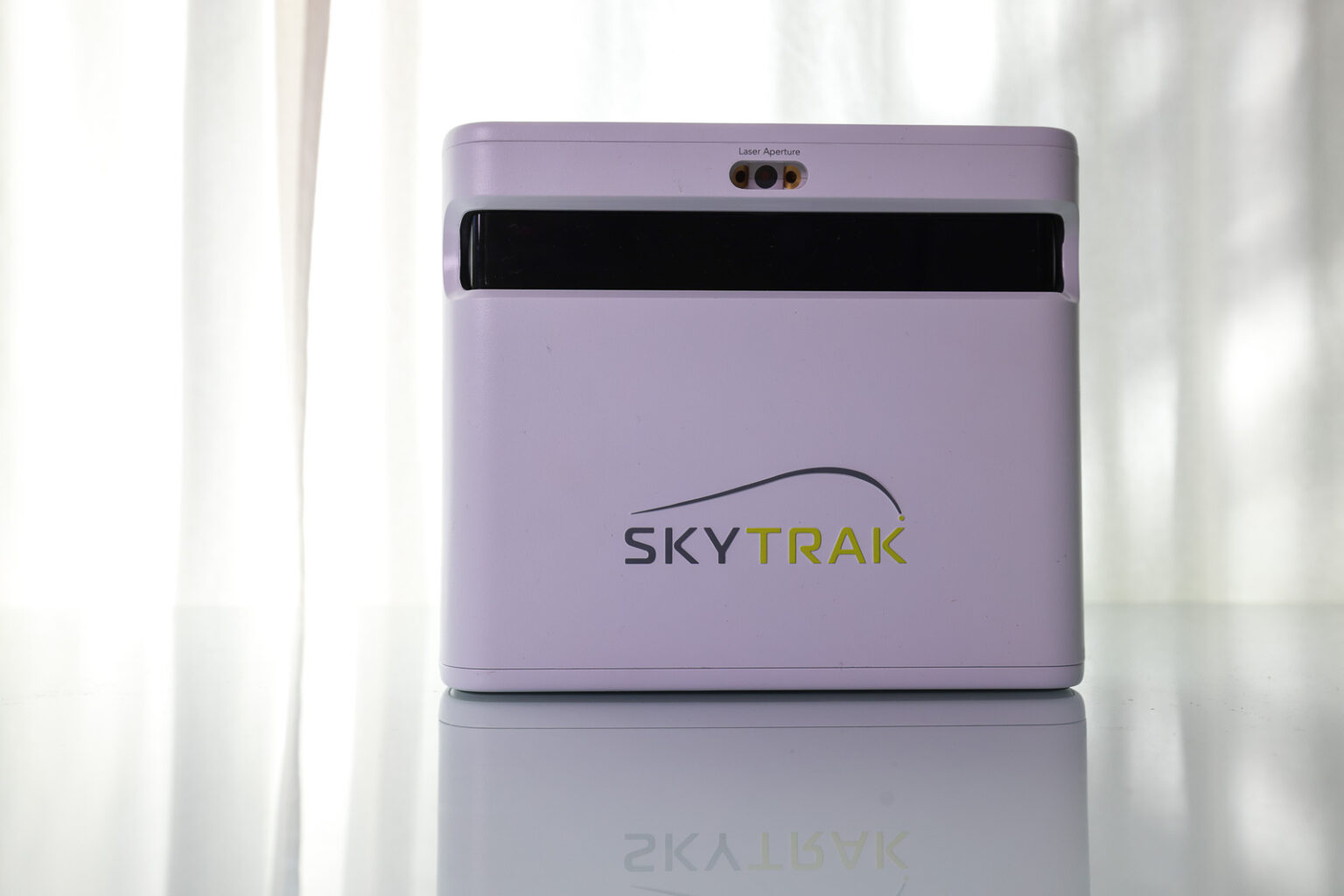
When SkyTrak released the ST MAX in late 2025, they created a genuinely weird situation for themselves.
Their new flagship costs more than their previous model. And if you placed the two devices side by side and couldn’t see the color? You honestly wouldn’t be able to tell them apart. Same dimensions. Same box design. Same tracking technology. Same software ecosystem.
I’ve spent time with both the SkyTrak+ and the SkyTrak ST MAX, and the question I keep coming back to isn’t whether either one is good. They’re both excellent. The question is whether the price gap between them makes sense for most people.
Right now, with the SkyTrak+ on sale for $1,195 (or $1,075 with code BE10) and the ST MAX at $1,995 (or $1,795 with code BE10), I think the answer is pretty clear.
Let’s get into it.
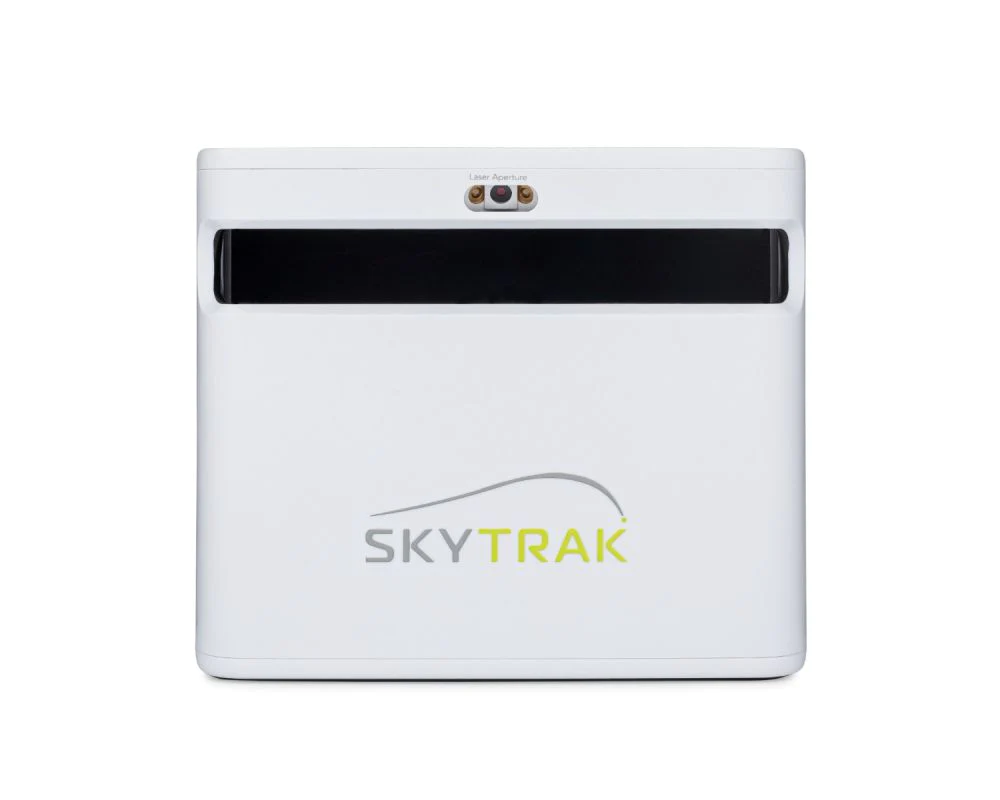
If you're looking specifically for a home simulator that's easy to use, fun, and accurate? The SkyTrak+ may provide the very best experience out there for the money. It's basically the same thing as the new SkyTrak ST MAX for a lot less money. And now that you can find the SkyTrak+ at a deal price while it remains, it's even more compelling.

The ST MAX is the evolution of the hugely popular SkyTrak+, now with speed training, dual USB-C ports, a faster processor, and a new color. Everything else is just as it was with the SkyTrak+.
The Most Important Thing to Know Before You Decide
The ST MAX and SkyTrak+ use the exact same tracking technology. Dual Doppler radar combined with a photometric camera system. Same ball data, same club data, same simulation compatibility.
The same Course Play software runs on both. The same Mac support (which is genuinely rare and a big deal). The same practice modes, bag mapping, skills assessments, and wedge matrix tools.
What the ST MAX adds over the SkyTrak+:
- Speed training mode
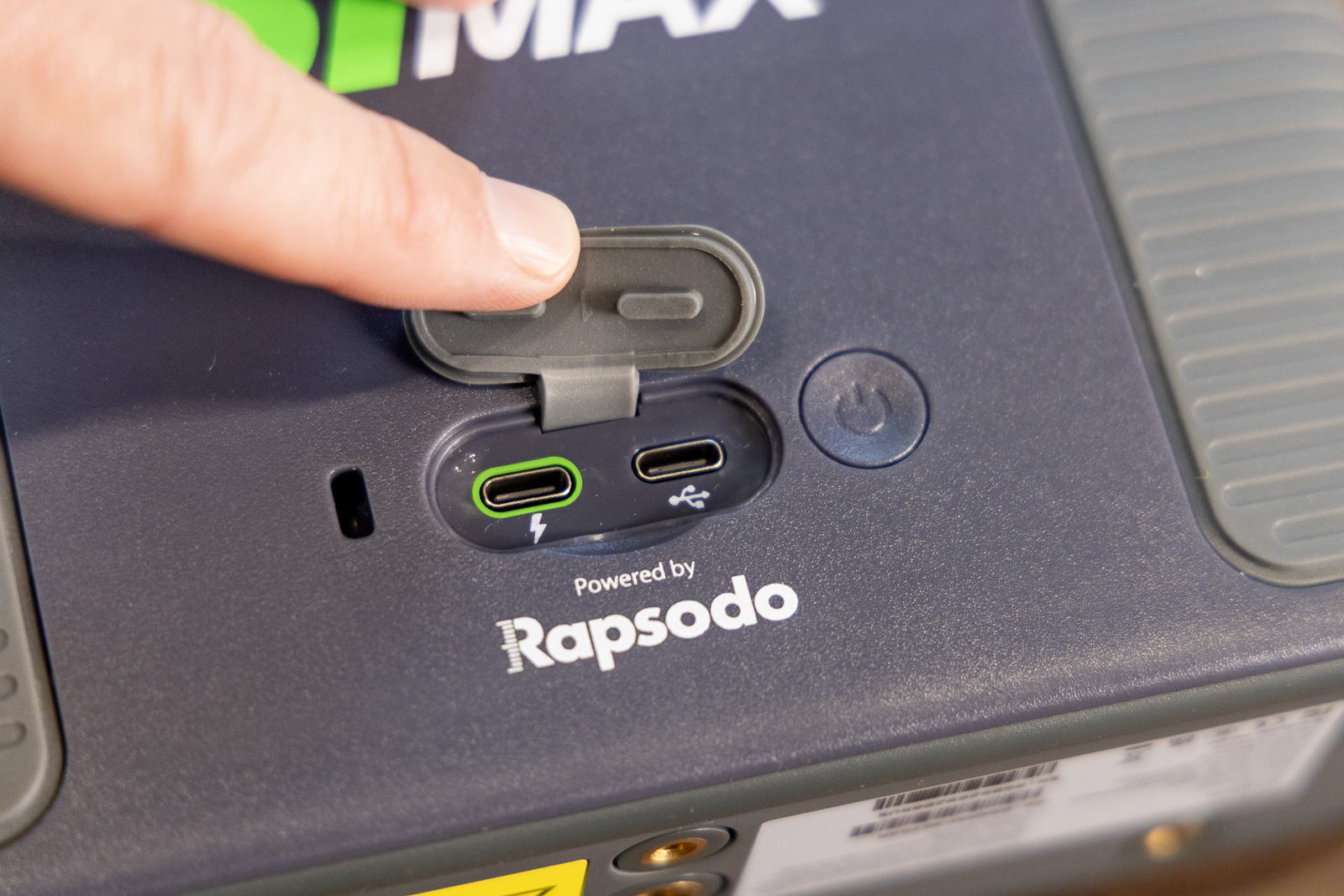
- Dual USB-C ports (charge and connect at the same time)
- A slightly faster processor
- A charcoal color scheme instead of white
That’s the complete list.
Whether those additions are worth the price difference is the whole game here.
The SkyTrak+: Get it Before They Sell Out for Good
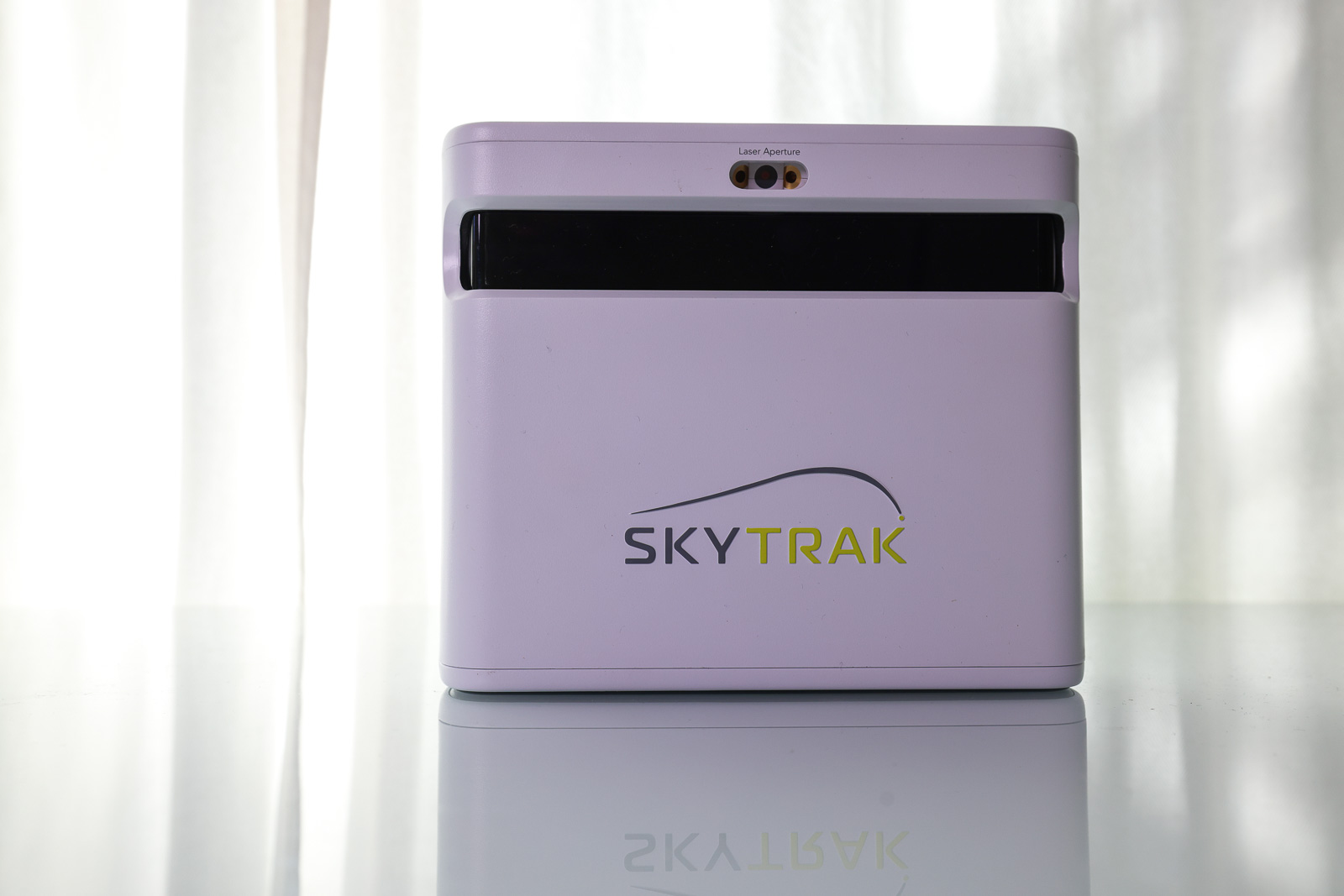
When the SkyTrak+ hit the market in 2023, it immediately became one of the best options for a home golf simulator setup. And the reason comes down to a few things that genuinely matter.
First, the positioning setup. SkyTrak uses a combination of camera and Doppler technology, which means the unit sits 18 inches to the side of the ball rather than 7-8 feet behind it like a pure Doppler device. That cuts the room requirement roughly in half. For anyone building a simulator in a garage or basement, that’s a meaningful difference.
The red laser that shows you exactly where to place the ball is one of those small touches that makes a big difference in practice. Put the ball on the dot, and you’re ready. No fiddling with angles or positioning. Compare that to what’s required to dial in something like the FlightScope Mevo Gen 2, and it’s noticeably easier.
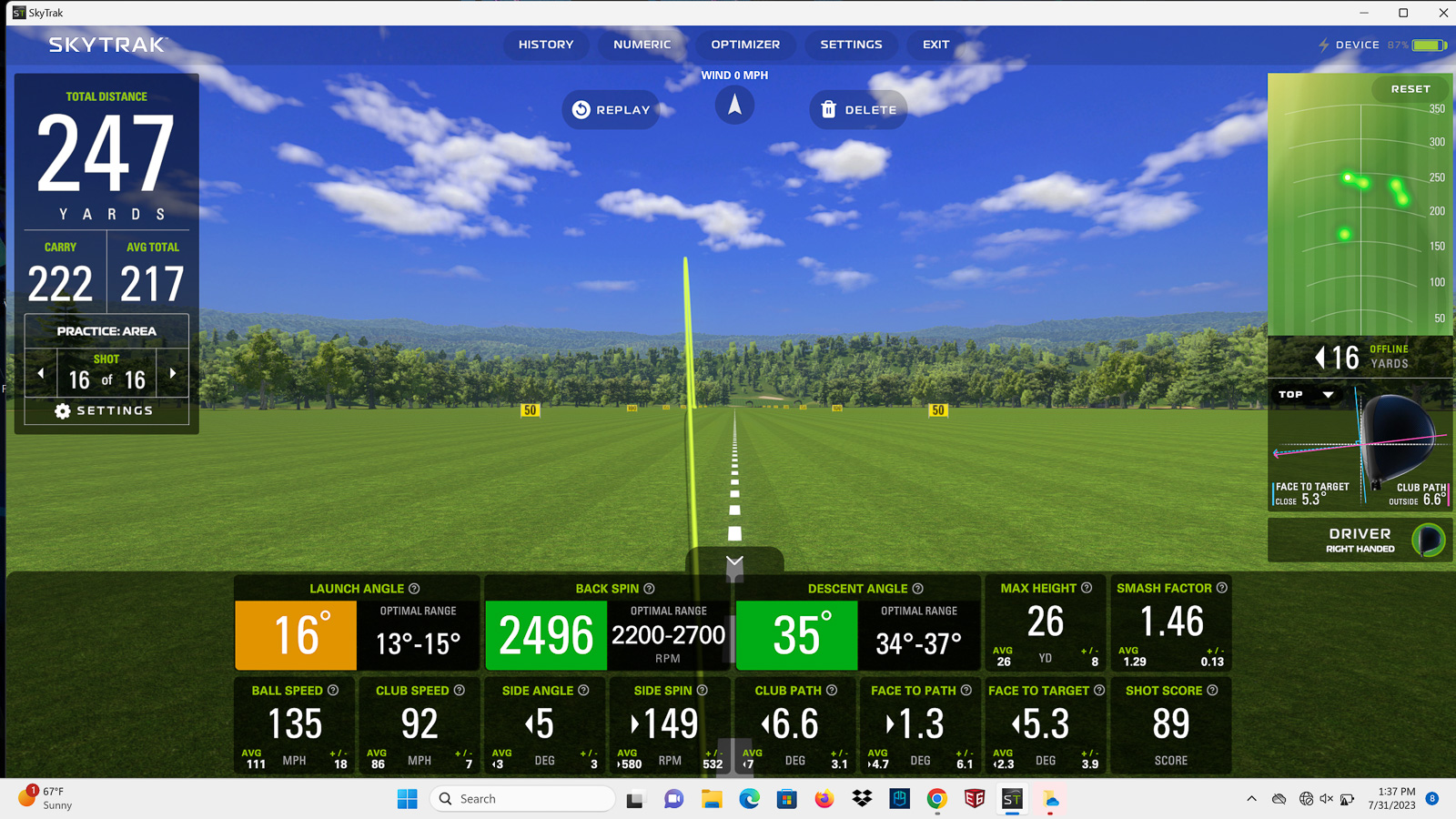
The software is where the SkyTrak+ really shines. It looks modern, it’s easy to navigate, and it gives you visual feedback that actually helps you understand what’s happening with your shots. The color-coded quality indicators for launch angle, spin rate, and descent angle are genuinely useful, not just decorative. The little video explanations for each metric make this device approachable for golfers who aren’t obsessed with launch data but still want to improve.
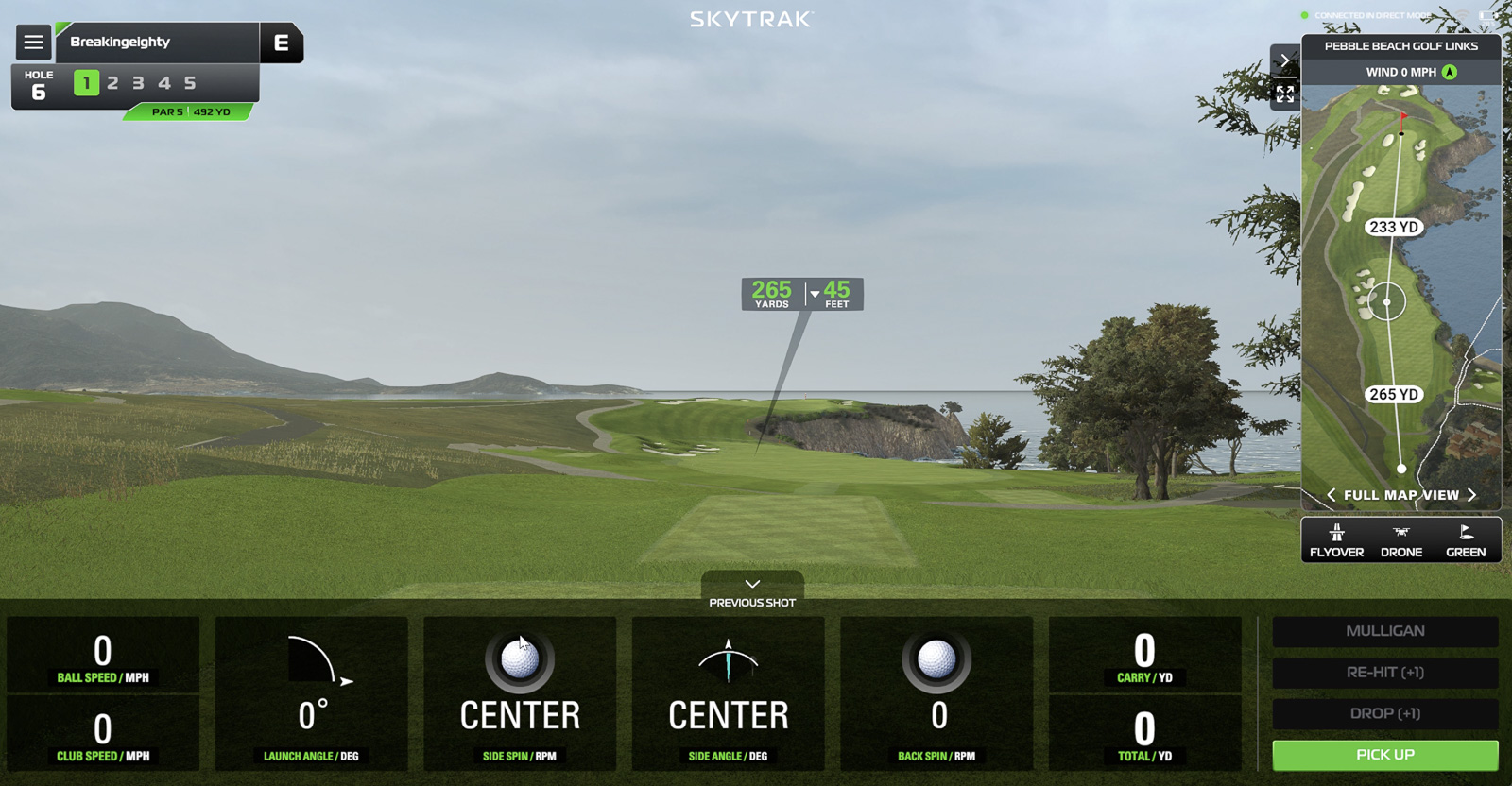
Course Play, SkyTrak’s native sim platform added in the 2024 5.0 update, is excellent. You’ve got the Foresight Sports course library (38+ courses including Pebble Beach for $299/year) and the Trackman library (39+ courses including Bethpage Black and Royal Portrush for $349/year). Both libraries add a new course every month. And critically, this all runs on Mac. SkyTrak is the only major launch monitor brand with first-party native Mac support for simulation. If you’re not interested in buying a gaming PC, this matters a lot.
Also worth noting that as of the time of this writing, not only is the SkyTrak+ on CRAZY sale, but it also comes with a free year of the Foresight Courses package, which is typically a $250 value.
Another thing worth flagging: SkyTrak has discontinued official support for new customers on third-party platforms like GSPro and E6. Existing SkyTrak+ owners still have access, but if you’re buying new, Course Play is the path forward.
And then there’s the miss that applies to both devices. Neither the SkyTrak+ nor the ST MAX measures angle of attack. The Rapsodo MLM2Pro at $699 measures it directly. At these price points, its absence is a real omission. For most recreational golfers building a home sim, it’s not a dealbreaker. For serious players or coaches, it disqualifies both devices.
The SkyTrak ST MAX: Will Be Worth Buying Once the SkyTrak+ is Gone…
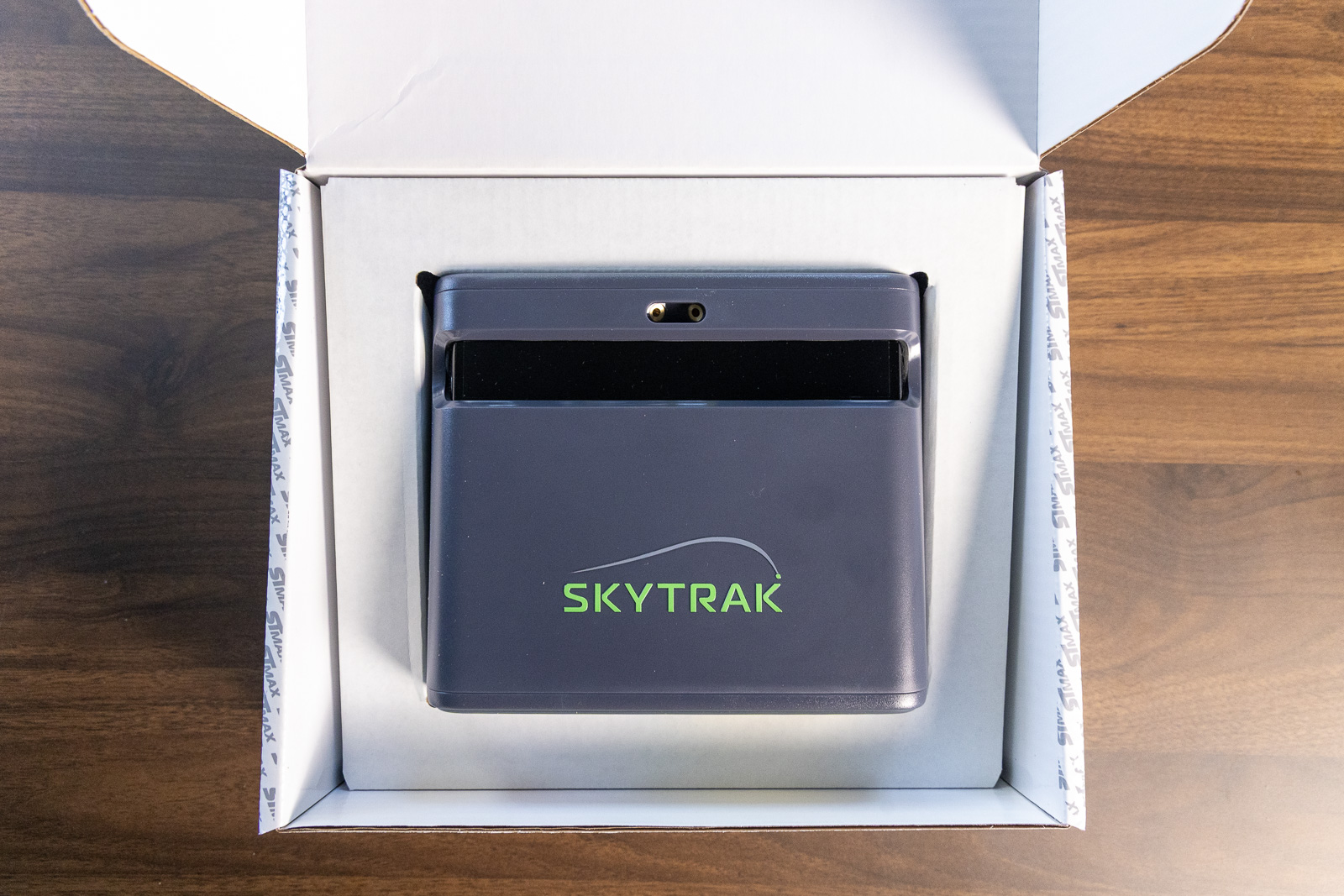
Opening the ST MAX box for the first time, the first thing you notice is how familiar it looks. Same box design. Same accessories layout. Same basic unit shape. The charcoal finish looks sharp, and the new dual USB-C ports on the back are the most visible hardware change.
Those dual USB ports are worth noting for permanent setups. Being able to charge and connect simultaneously without cable swapping is a real convenience upgrade. If your simulator is wired up full-time, you’ll appreciate it.
The faster processor is there, but in actual use, the speed improvement isn’t something you’ll feel day-to-day. The SkyTrak+ isn’t slow to begin with.
The big exclusive feature is speed training. You launch the Speed Training mode, set a speed goal in clubhead speed or distance, take your swing, and a speedometer dial shows how you did. The system suggests the next interval to chase, tracks your progress over time, and includes drills and video guidance. It’s genuinely well-designed.
If you’re actively working on generating more speed, this is a solid tool. The honest question is whether you’ll actually use it enough to justify the price difference.
Everything else, the software, Course Play, the practice modes, Mac support, the data package, is exactly what you get with the SkyTrak+.
Accuracy: Pretty Good, but Not World Class
The tracking technology is identical on both devices, so accuracy is a wash.
In testing the SkyTrak+ directly against a Trackman, clubhead speed, carry distance, and spin numbers all tracked closely across the gap wedge, 7 iron, and driver. The one notable anomaly was side carry, which appeared to be inflated compared to the TrackMan. Something to keep in mind for simulator rounds.
Both devices lack angle of attack. It’s a cornerstone metric for anyone working seriously on ball-striking, and other launch monitors well below this price point have it. Worth being aware of if your testing priorities go deep.
Price: Where the Decision Really Gets Made
The SkyTrak+ is currently on sale for $1,195. Use code BE10 and it drops to $1,075. This sale runs until September 20th give or take a day, so there is some urgency here, and the SkyTrak+ is a discontinued product with limited remaining stock.
PlayBetter is also offering a full SkyTrak+ studio package at $2,995 (or $2,695 with code BE10), which gets you the monitor plus everything you need for a complete simulator setup. That kind of bundled pricing at this level is genuinely rare.
And don’t forget about the free year of the Foresight Courses package.
The ST MAX runs $1,995, or $1,795 with code BE10.
So after codes, you’re looking at a $720 gap for what is, in nearly every meaningful way, the same device.
The ST MAX isn’t overpriced for what it is. It’s a great launch monitor, and if the SkyTrak+ didn’t exist at these prices, I’d have a much easier time recommending it. The problem is that the SkyTrak+ does exist, and right now it’s available at prices I haven’t seen (or ever expected to see).
Putting and Extras
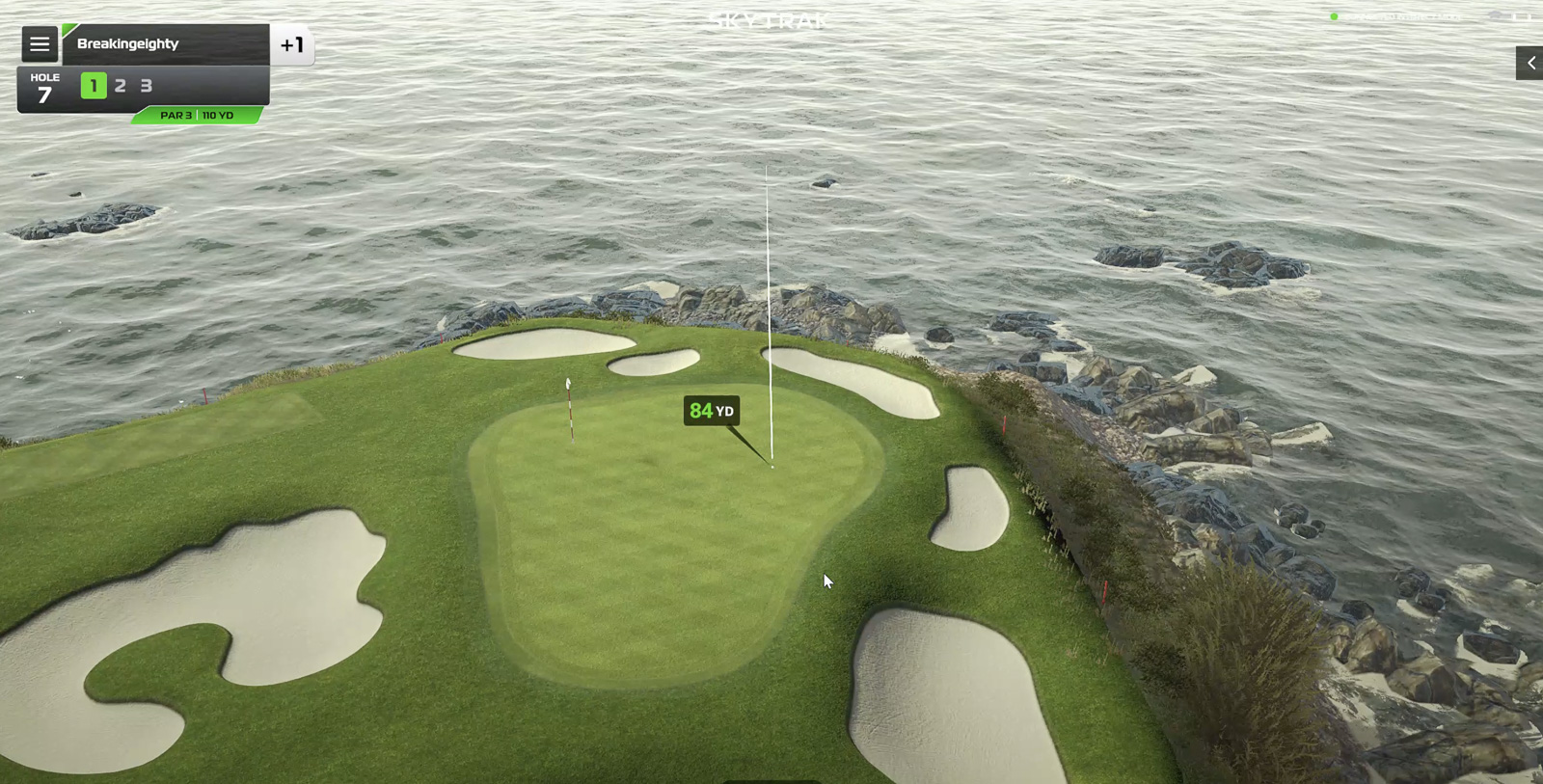
Putting is functional on both. You can get through a simulated round with it, but neither device is particularly strong here. If a true putting simulation experience is your top priority, this category of launch monitor isn’t really where you want to be.
Also worth mentioning for anyone who tracks on-course stats: the SkyTrak ecosystem doesn’t have any on course benefits. With Bushnell/Foresight, Garmin, and FlightScope – there are features that take your launch monitor data to the course with you. You don’t really get any of that with either SkyTrak product.
Who Should Buy the SkyTrak+
- You want an excellent home simulator experience at what is likely the be the best value price of any launch monitor in 2026.
- You’re a Mac user who doesn’t want to buy a gaming PC, or you want a solid simulator experience on an iPad.
- Speed training isn’t a specific priority for you
- You want to move while this closeout pricing and remaining inventory exists
- You don’t need the absolute most accurate device. You want something good enough for practice, and sim rounds, but are ok if the occasional metric feels off.
Who Should Buy the ST MAX
- Speed training is a genuine priority, and you’ll actually commit to using it
- You have a permanent indoor setup and want the dual USB convenience
- You want SkyTrak’s current flagship with the longest support runway
- The SkyTrak+ closeout stock is sold out by the time you’re reading this
Final Thoughts on Which SkyTrak Launch Monitor to Buy
The SkyTrak ST MAX is a great launch monitor. In a world where the SkyTrak+ didn’t exist at its current pricing, I’d be recommending it without hesitation at $1,995.
But we don’t live in that world right now. We live in a world where you can get a SkyTrak+ for $1,075 with code BE10, a device that does essentially the same thing, with the same tracking technology, the same software, the same Mac support, and the same simulation quality.
The SkyTrak+ is the right call for most people. It’s not particularly close.
If speed training matters enough to you to write a check for $720 more, get the ST MAX. You’ll love it. But for the home sim golfer who wants outstanding performance, easy setup, and one of the best software experiences on the market? The SkyTrak+ at these prices is one of the best values I’ve seen in this category in a long time. Don’t sit on it too long.
If you’re also weighing the Bushnell Launch Pro against the ST MAX, we’ve compared those head-to-head as well in our Bushnell Launch Pro vs. SkyTrak ST MAX breakdown.
If you're looking specifically for a home simulator that's easy to use, fun, and accurate? The SkyTrak+ may provide the very best experience out there for the money. It's basically the same thing as the new SkyTrak ST MAX for a lot less money. And now that you can find the SkyTrak+ at a deal price while it remains, it's even more compelling.
The ST MAX is the evolution of the hugely popular SkyTrak+, now with speed training, dual USB-C ports, a faster processor, and a new color. Everything else is just as it was with the SkyTrak+.
